Defender not booting

lix

Active member
vacBacker
Feedback
1 (100%)
Credits
546CR
I've had issues with both of the ribbon cables between the main board and the rom and IO daughter boards. Try gently pressing the ribbon cables in different areas and on the connector housings. I find it's the housings directly soldered onto the board that have given me the most hassle.

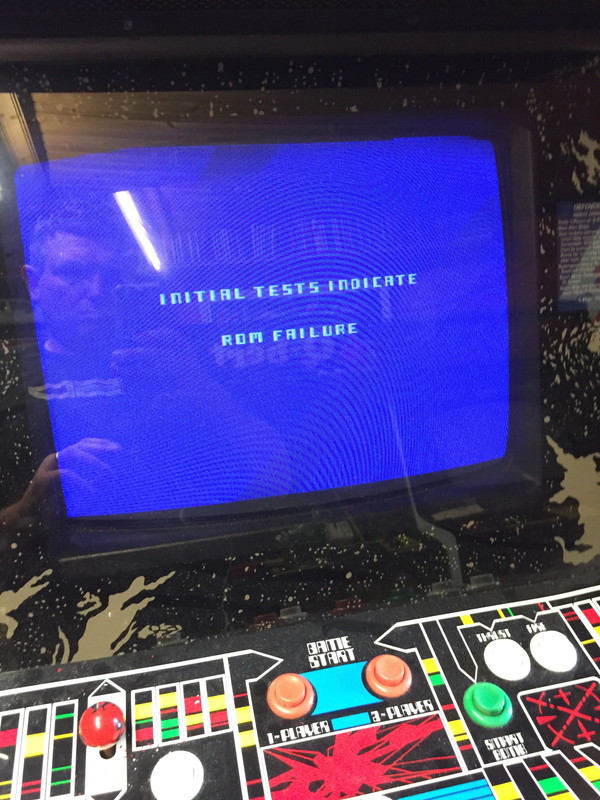
It could also be an eprom needing replacement due to bit rot. Manufacturers of these chips did only intend them to last upto 25 years, so I'm amazed so many are still in working order.
 

DanP

Administrator
Staff member
vacBacker
Feedback
5 (100%)
Credits
2,232CR
I would look to replace the ribbon cable if you can first or try another known good rom board if you have one? Agree with Chad that Red looks to be missing as well.
 

lix

Active member
vacBacker
Feedback
1 (100%)
Credits
546CR
I've had missing or incorrect colours on these Williams boards because the palette ram wasn't being initialised properly, which can be due to memory conflicts because of data and address bus issues caused by bad ram / ribbon cables / rom board / io board.

Is the 7-segment LED on the rom board flashing any particular numbers? Have a good old read of the diagnostics manual for Defender, it has a lot of useful info, I've forgotten what the error codes are at the moment.
 

chadsarcade

Lord of Vectors (tm)
Feedback
11 (100%)
Credits
443CR
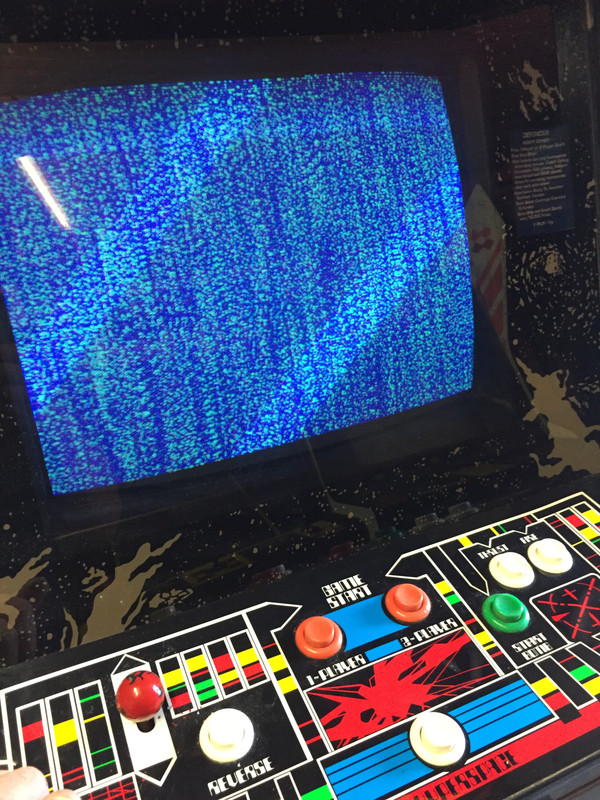
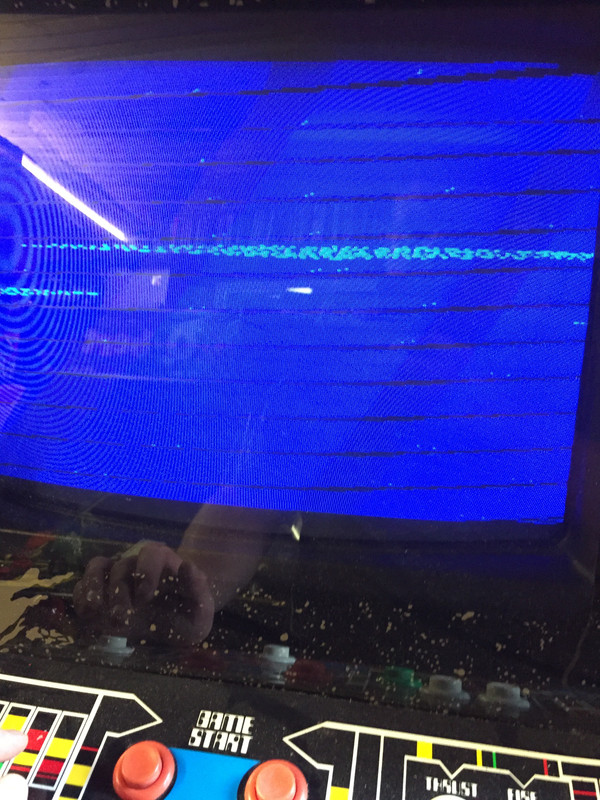
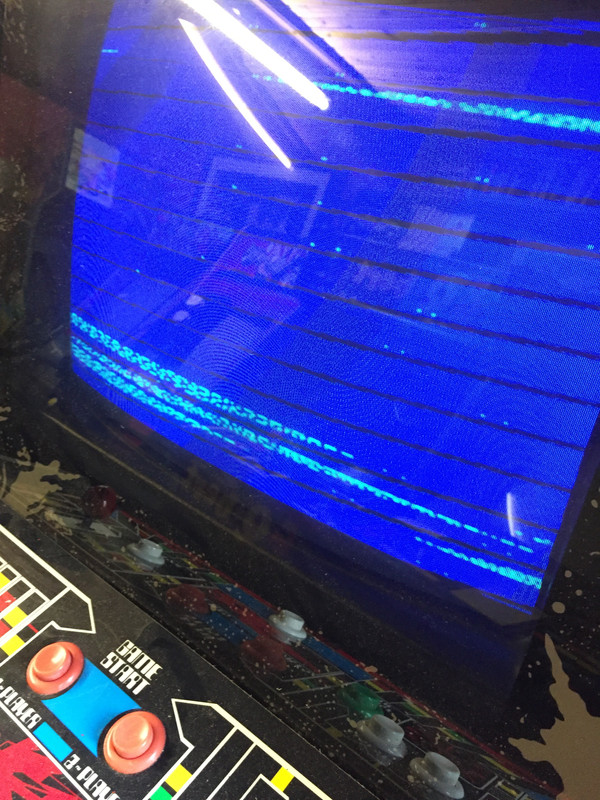
Try the easy stuff first. Some of your pictures show the sync has been lost, could be a bad video connector at the CPU board, or monitor. This may be the cause of the missing red as well.

Clean and reflow all the 0.156" molex connectors. Replace the ROM board ribbon, old IDE cables are a good source.

Your monitor had a blue wash which may be the bias turned too high or a duff drive transistor (or something else).

Measure the voltages at the CPU and ROM boards and see what they read.
 
Top