Hi everyone,
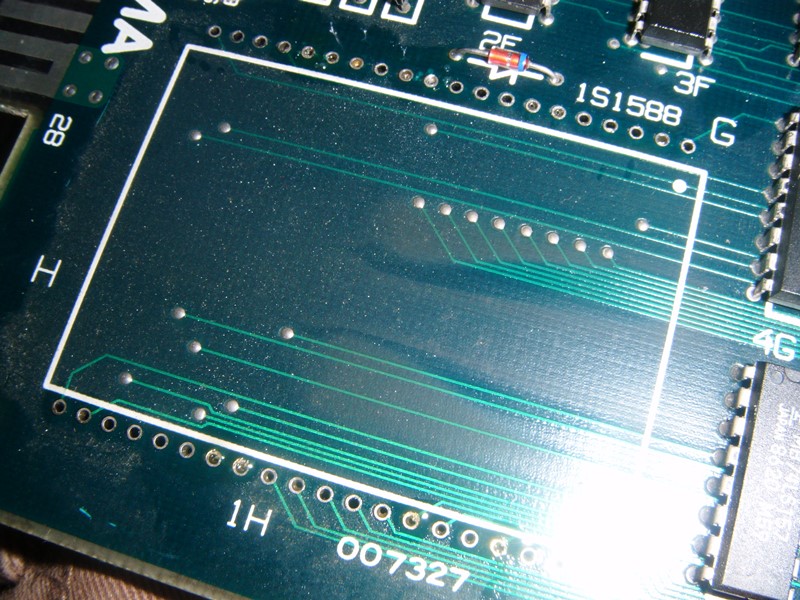
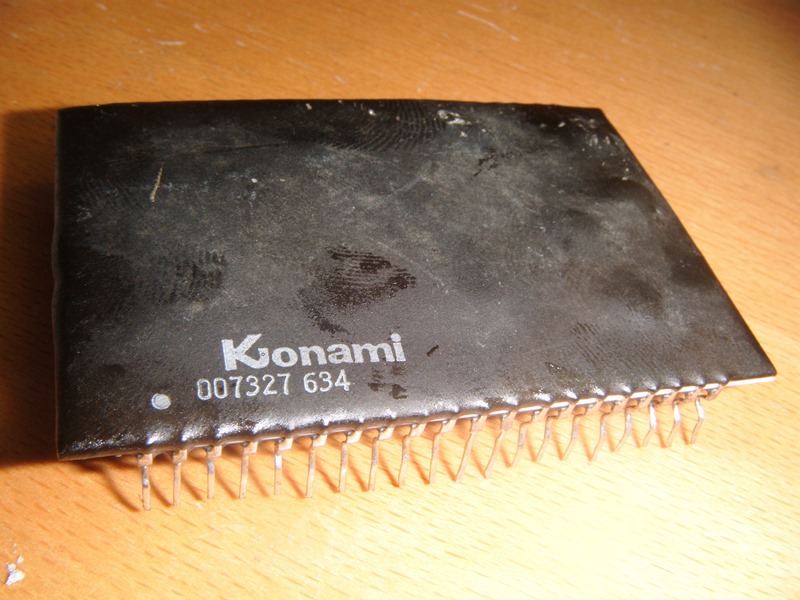
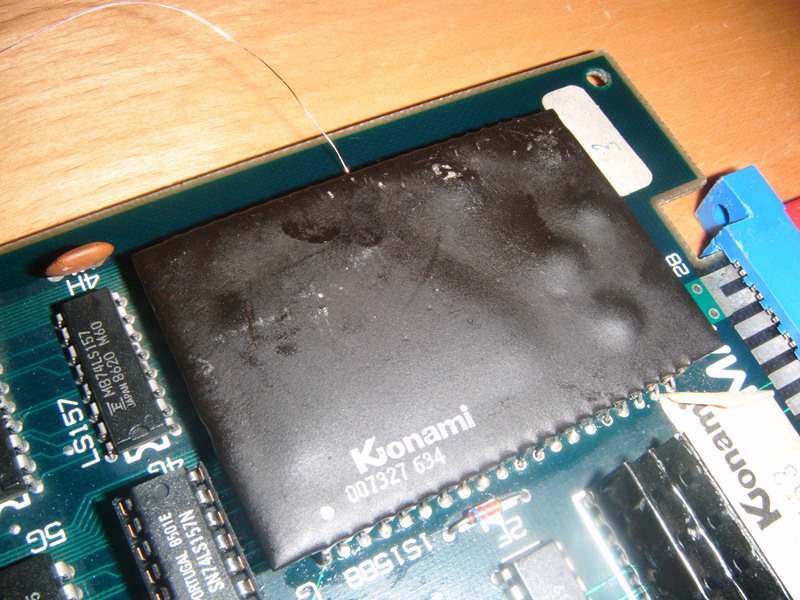
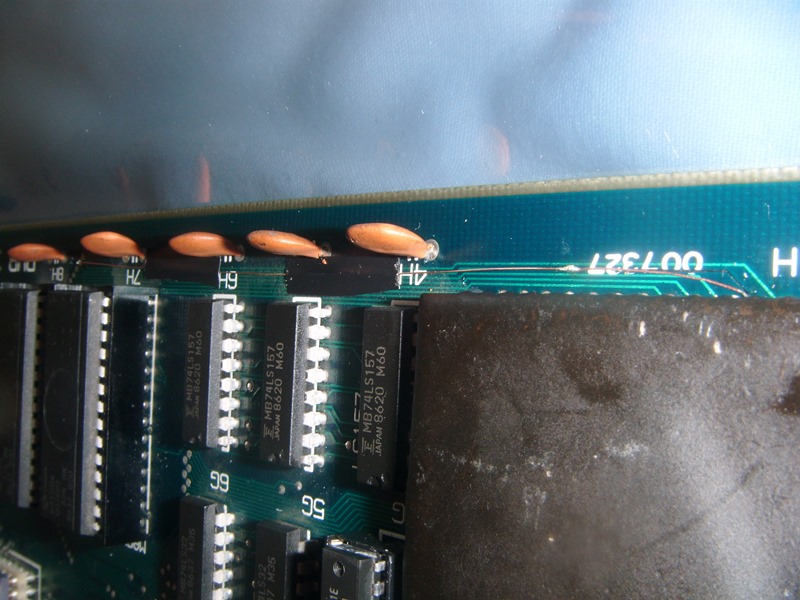
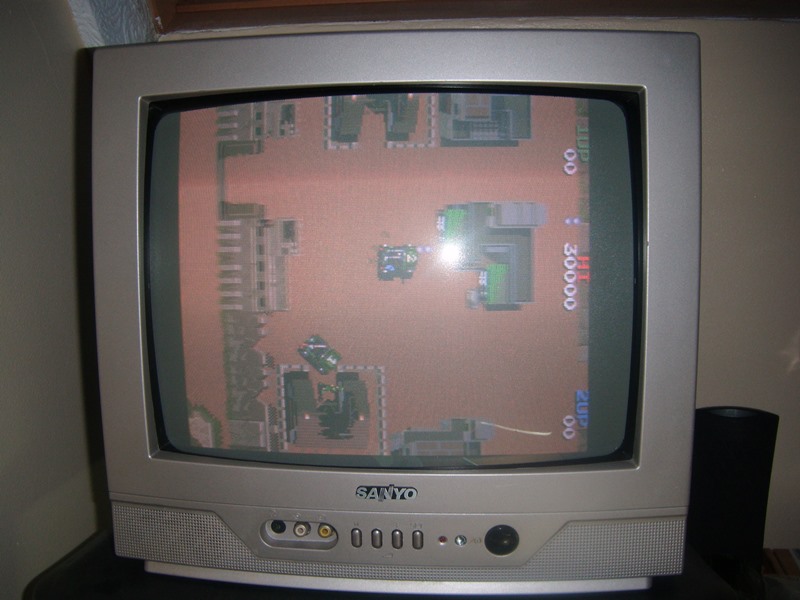
I have a Konami Jackal PCB that is misbehaving. Board boots to test screen and identifies that custom colour RAM 1H is bad. The board is presenting colours on the boot up sequence, red, green and blue appear present. I have looked at the schematics. Is there anything on the input side that could be affecting the custom to register this error? There are LS157's and LS32's on the input side.
I don't seem to be getting any activity at all from 4G (LS157) on pins 4 & 7 and only a brief flash on pins 9 & 12. Activity is occurring on the pins of the other 3 LS157's. Could this be the source of the problem rather than the custom?
I can't determine what the pin numbers are for 1H either but may not need to, hopefully.
Any pointers greatly appreciated.
I have a Konami Jackal PCB that is misbehaving. Board boots to test screen and identifies that custom colour RAM 1H is bad. The board is presenting colours on the boot up sequence, red, green and blue appear present. I have looked at the schematics. Is there anything on the input side that could be affecting the custom to register this error? There are LS157's and LS32's on the input side.
I don't seem to be getting any activity at all from 4G (LS157) on pins 4 & 7 and only a brief flash on pins 9 & 12. Activity is occurring on the pins of the other 3 LS157's. Could this be the source of the problem rather than the custom?
I can't determine what the pin numbers are for 1H either but may not need to, hopefully.
Any pointers greatly appreciated.