Pacman Ball Screen Problems

Feedback
1 (100%)
Credits
48CR
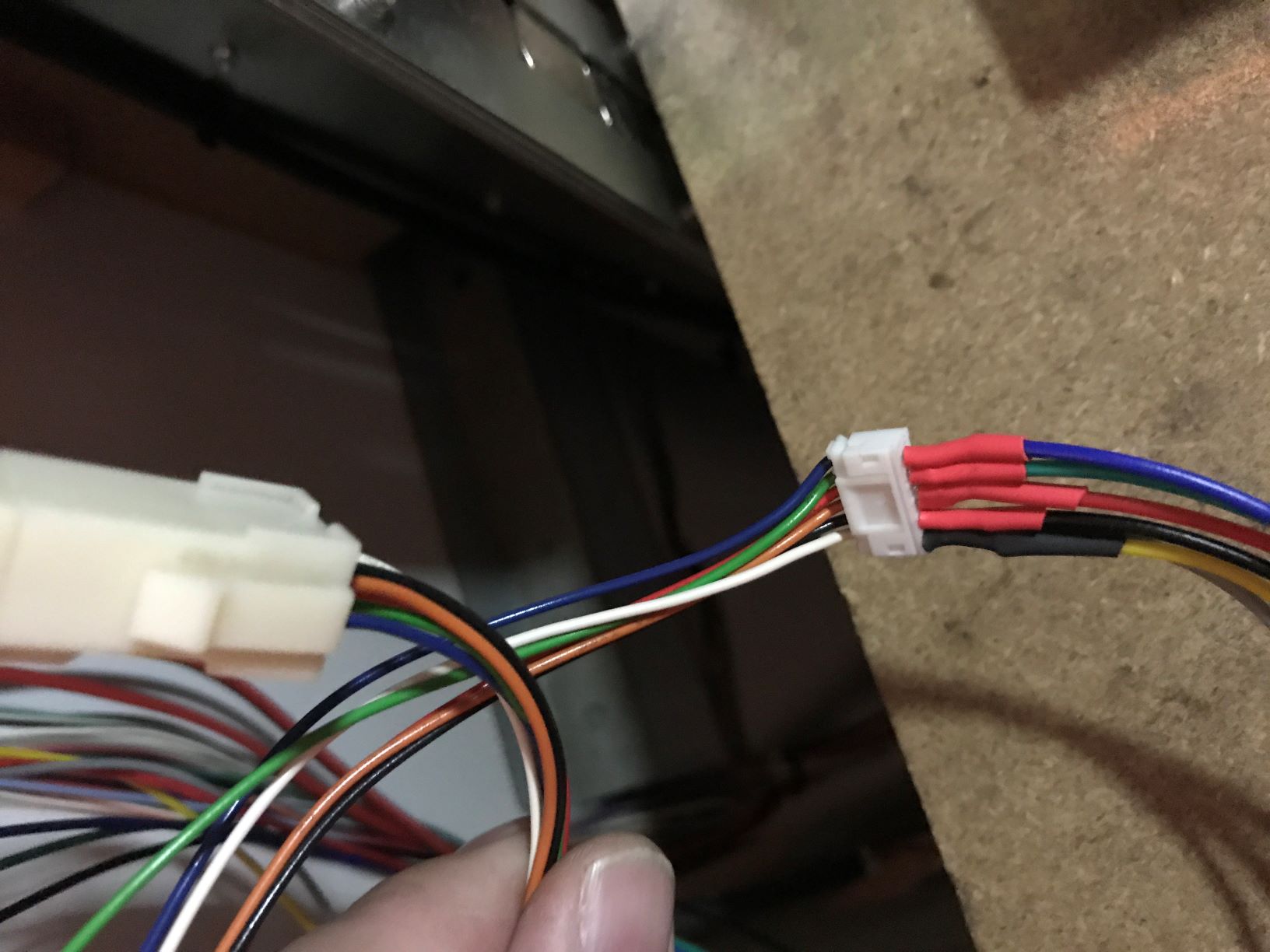
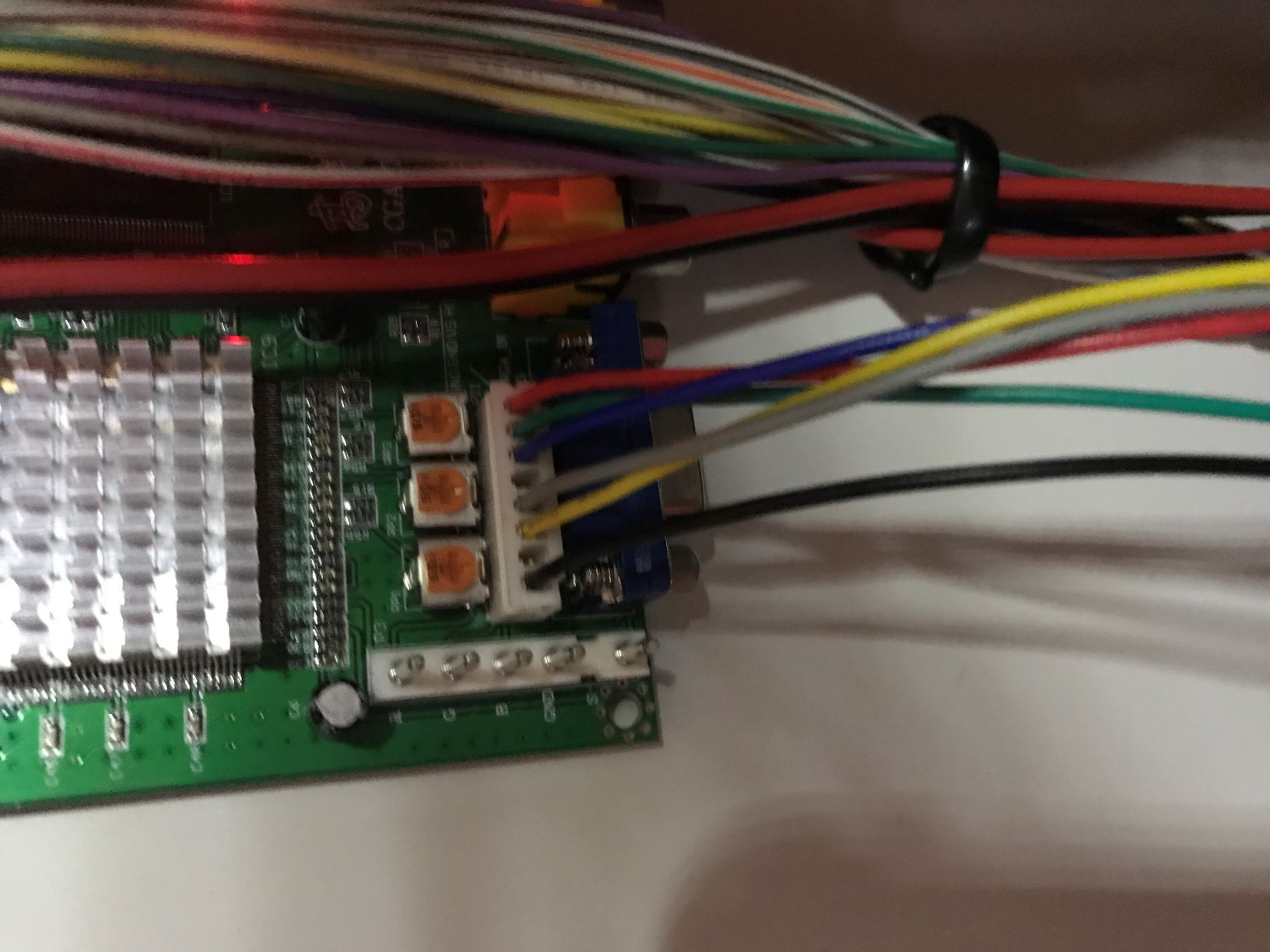
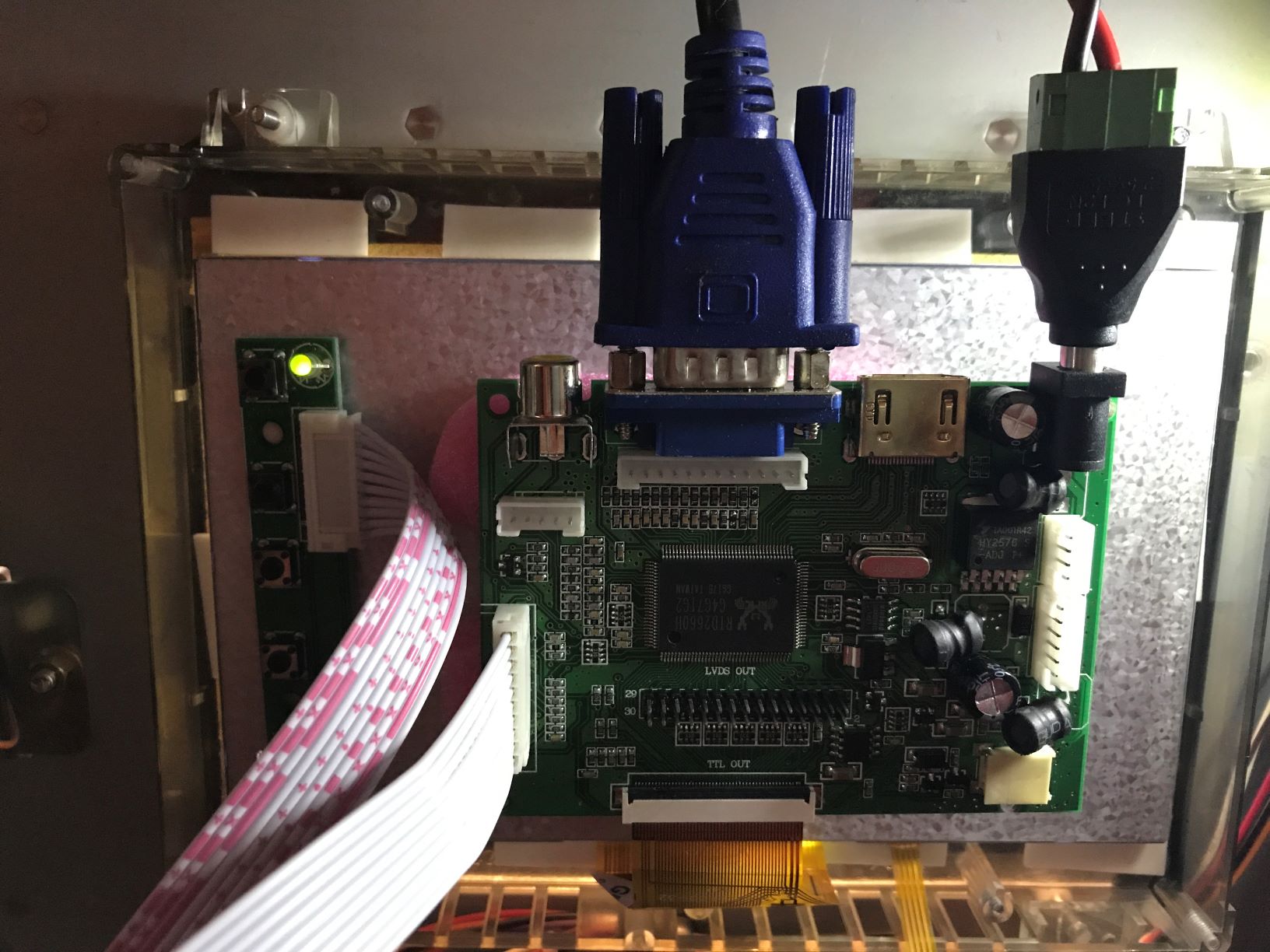
here's some pics

IMG_2936.JPG
IMG_2937.JPG
IMG_2938.JPG
pacmanball15.jpg


IMG_2934.JPG
 

muddymusic

The Repro Guy. Art and Parts supplier
Staff member
vacBacker
Feedback
52 (100%)
Credits
2,264CR
MarkG said:
do you think replacing the pcb would get my machine working? thanks

I can't say for sure but it's quite likely. Mine was exactly the same when it arrived - just lights and wipers going.

You might find once you stick a working board in you get a few other issues to deal with as you'll be able to see all the error reports then, but every single issue I had with mine was just dirty sensors and coin routing, there's not really much else to them.
 

tb2000

Active member
Feedback
4 (100%)
Credits
3,568CR
As long as you still have an original game PCB, getting it working shouldn't be difficult. I think the Namco System 10 pcbs are all the same so if you find a working System 10 game, you should be able to transfer the security chip, ROM etc. boards over and it should work.
 
Ive just ordered a screen from China and the RGB to VGA converter from UK.

Will hopefully be wiring up over the next month as my screen lasted about a day and now has lines all over it :(

Its at work with me now for a clean and blow out but i dont have high expectations.....

Appreciate these images, could anyone confirm if the PSU pic is there as its what your using for the 12v supply to both screen and board? Is there a reason for not using the orange cable 12v from the little plug and the earth?

Sorry if i sound stupid dont want to mess this up as the machines now running well and the screen is the last thing to fix..... Tubes were a right mess just re wired the whole top and it wouldn't take coins kept jamming. This forums been a great help already!
 

CrisUK

Newbie
Credits
6CR
I'll be interested to know how you get on with this.

I've trie swapping the variable resistors on the back of my monitor, but the picture is improved but not fixed. Appears to be other components that have failed on the driver board.

Which screen did you go for?

Cheers

Cris
 
A4507D5D-B429-439C-AF0F-E2666F371195.jpeg


Hi Cris,

I’ve tried changing parts on the board bit by bit. New caps, wire links on bad pcb tracks where the old caps had been but again it kept going iffy and is now white and flickering.

Purchased the screen off eBay, will find links tomorrow and post and the rgb to vga board as above. I obviously haven’t wired it the same as the pics above as I’ve been nowhere near power supply. Used common ground across screen and rgb converter and the orange 12v to converter and jumpered that to screen with wire cable tied to vga lead. I will picture mine when I get back off again and upload that too.

So basically now it plugs into original plug on cab and to rgb converter then a vga to screen. I took old screen out of plastic and went to mount new one. 3mm smaller which annoyed me as the outer was silver. Took screen and plastic to the bloke at the framing shop who sorted me a little bezel 3mm around screen and boom.... fitted a treat.

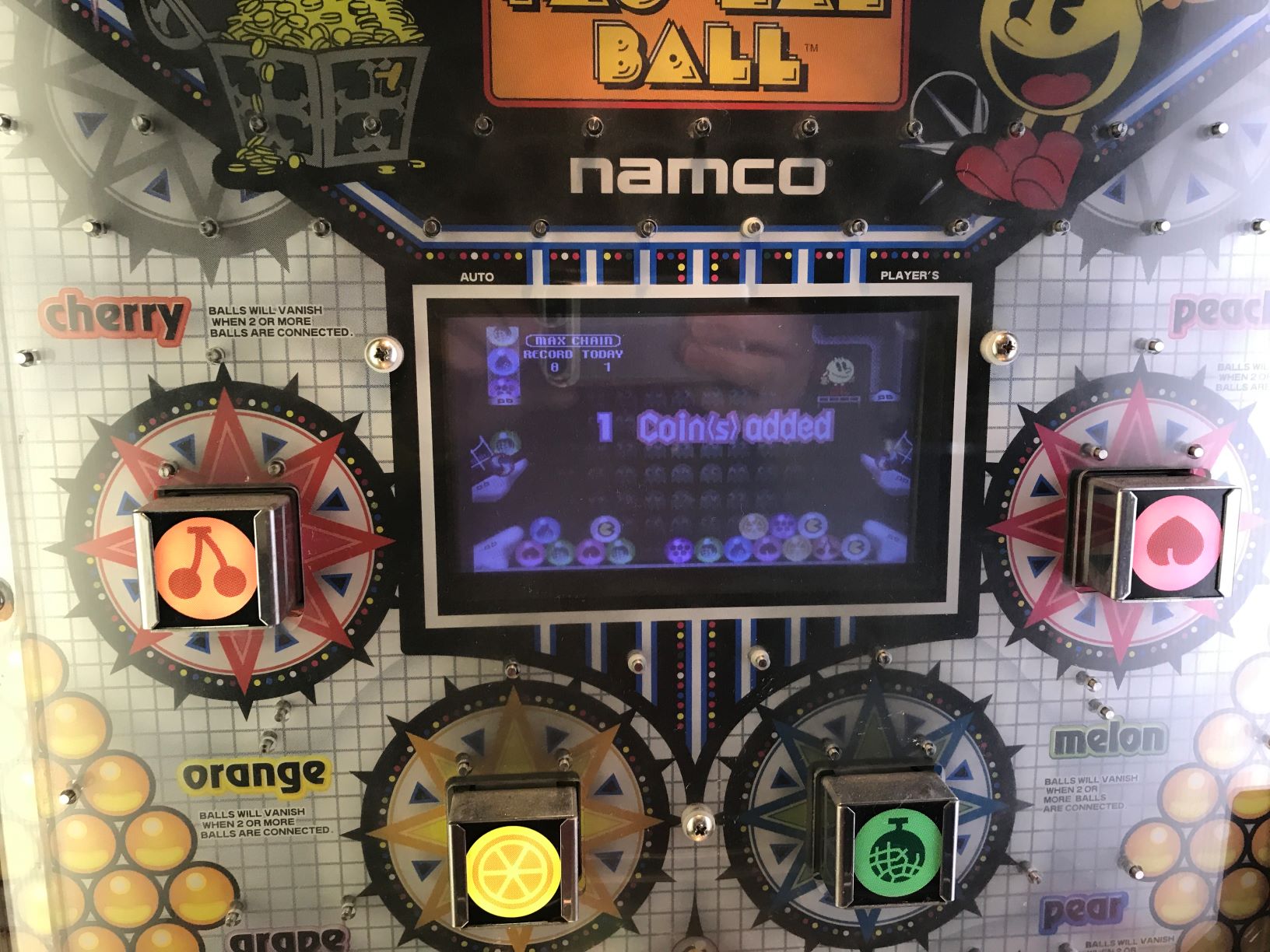
Upon firing it up worked first time, needed to setup screen colour and brightness then tweaked colours on rgb converter and had to change v and h position and size. Job done. Here’s the result. Brilliant guide and works perfectly! Much praise for sharing your pics!! I’ll do the same soon.
 
https://www.ebay.co.uk/itm/254603275942

Screen......

https://www.ebay.co.uk/itm/293639412718

RGB converter......

Then I used a low profile VGA so plugs were short and screen fits well in plastic housing. Job done.
 

Thundercato

Newbie
Credits
14CR
Sorry to hijack this thread. I got my wife one of these at the start of lockdown. But the squeaking noise that comes from the pusher motor is really annoying. I can’t find any info on maintenance for it. Just how to replace it. I have tried adding grease to all the moving parts in the machine. But that hasn’t helped. Does anyone know if you need to remove the motor and strip it down in order to fix this? I imagine this is an issue they all run in to eventually?

Thanks
 

CrisUK

Newbie
Credits
6CR
Yes, I also have the same annoying squeak.

I’ve found that applying silicone grease or lubricant to the rails and cam at the rear of the machine goes some way to help this. Only needs a tiny tiny amount.

Cheers

Cris
 

Thundercato

Newbie
Credits
14CR
Hmmmm.... I have tried greasing the rails as they had some grease on them when I got the machine. But it doesn’t seem to have helped. I think it is the motor but don’t want to go through the kerfuffle of removing the motor if it’s an enclosed unit that I can’t do anything to. Thanks for your advice though. I will attempt to lube the rails again before removing the motor
 

Gunner

Newbie
Credits
6CR
A quick thank you to everyone on this thread. Ebay 7inch Screen and a rgb to vga converter fitted with the help and advice from here it’s now working fantastically.
 
Top