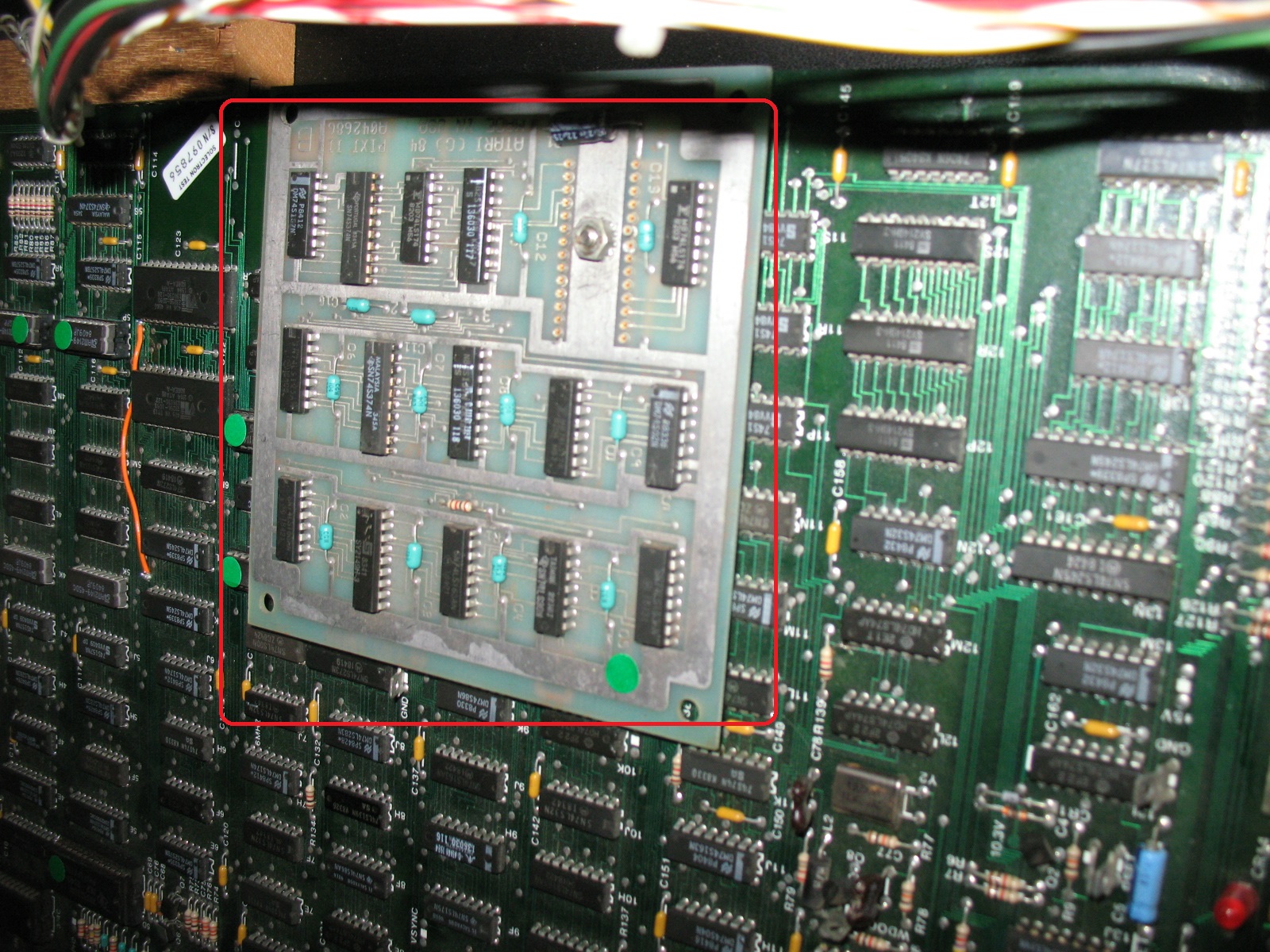
Atari Return Of The Jedi. PCB Repair.
I recently acquired an Atari ROTJ PCB in an untested/unknown state. First up I had to make an adapter so it could be wired into my JAMMA test rig.
Upon 1st power up the game loaded and played but had some colour issues with the display and also all the foreground sprites had horizontal line missing from the graphics.
The first photo below show the speeder bike having horizontal lines missing from the graphic, the colours of the trees and the ground also didn't look quite right and seemed to be missing the colour brown

All text and other graphics seemed to display correctly.

The screen below also showed some colour error (Green hue over complete screen) along with missing lines in the Deathstar graphics.

After spending a fair amount of time using my logic probe to find a faulty IC I didn't really make any headway into the issue. I then decided to put the game into test mode to see if the diagnostics would point me in the direction of the fault. Well the game wouldn't go into test mode and seemed to stick on a Magenta/Pink colour screen when switched into test mode. Not a great help I thought... I decided to read the Manual for the game and sure enough a Magenta screen when set to test mode indicated a fault in the Colour RAM section of circuitry. As it turned out a RAM at location 12R was faulty. Initially I piggyback a new RAM on top of this one and the colours came back but it still wouldn't flip into test mode. So I swapped the IC anyway and on power up the colours now looked good and the board went into test mode.

No green Hue on the screen below now, but the missing line now quite visible.

The Atari schematics for this game are nicely laid out, I deduced that the fault was in the Motion Object Horizontal Line buffer areas of the circuit. Again more probing around and Its was not clear what was wrong, I don't like shot gunning parts on a large scale, I like to know what is causing the faults, so I took a break from the logic probe and went for a visual inspection of the solder side of the board and then I noticed something....
Pins on a 74LS163 in the Horizontal line buffer section had been bent over and looked like they were tightly presses into a track from another pin. I used my multimeter in continuity mode and confirmed that some pine were shorted together. I uses a scalpel to lift the pins away from the track which they seemed to have been squashed into. Upon powering up the sprite issue had gone and the game was fully working.
The pins that were shorting were pins 1 (Reset/Clear), 2 (Clock), 3 (Input A) & 4 (Input B).
Note to self to save time in the future, begin board repairs with a good visual inspection especially if the board has been stored for years with an unknown history, anyway the board is work and I'm well chuffed.
Fully working Game images below.


smarty2015-01-02 22:53:40
I recently acquired an Atari ROTJ PCB in an untested/unknown state. First up I had to make an adapter so it could be wired into my JAMMA test rig.
Upon 1st power up the game loaded and played but had some colour issues with the display and also all the foreground sprites had horizontal line missing from the graphics.
The first photo below show the speeder bike having horizontal lines missing from the graphic, the colours of the trees and the ground also didn't look quite right and seemed to be missing the colour brown
All text and other graphics seemed to display correctly.
The screen below also showed some colour error (Green hue over complete screen) along with missing lines in the Deathstar graphics.
After spending a fair amount of time using my logic probe to find a faulty IC I didn't really make any headway into the issue. I then decided to put the game into test mode to see if the diagnostics would point me in the direction of the fault. Well the game wouldn't go into test mode and seemed to stick on a Magenta/Pink colour screen when switched into test mode. Not a great help I thought... I decided to read the Manual for the game and sure enough a Magenta screen when set to test mode indicated a fault in the Colour RAM section of circuitry. As it turned out a RAM at location 12R was faulty. Initially I piggyback a new RAM on top of this one and the colours came back but it still wouldn't flip into test mode. So I swapped the IC anyway and on power up the colours now looked good and the board went into test mode.
No green Hue on the screen below now, but the missing line now quite visible.
The Atari schematics for this game are nicely laid out, I deduced that the fault was in the Motion Object Horizontal Line buffer areas of the circuit. Again more probing around and Its was not clear what was wrong, I don't like shot gunning parts on a large scale, I like to know what is causing the faults, so I took a break from the logic probe and went for a visual inspection of the solder side of the board and then I noticed something....
Pins on a 74LS163 in the Horizontal line buffer section had been bent over and looked like they were tightly presses into a track from another pin. I used my multimeter in continuity mode and confirmed that some pine were shorted together. I uses a scalpel to lift the pins away from the track which they seemed to have been squashed into. Upon powering up the sprite issue had gone and the game was fully working.
The pins that were shorting were pins 1 (Reset/Clear), 2 (Clock), 3 (Input A) & 4 (Input B).
Note to self to save time in the future, begin board repairs with a good visual inspection especially if the board has been stored for years with an unknown history, anyway the board is work and I'm well chuffed.
Fully working Game images below.
smarty2015-01-02 22:53:40