

iOS App FAQ
Introducing the new UKVAC iOS Application. This app is free and will be developed further over the coming months adding new features and functionality. Version 1.0 is now released and available for download on the iTunes app store. The app works for both iPhone and iPad running iOS 5.0 or higher. It's optimised for use with the iPhone 5 and supports both portrait and landscape usage.
Get it from https://itunes.apple.com/us/app/ukvac/id581690153
The iOS app is designed to allow access to the forum data via a simple to use tabbed view that allows switching between several views for different parts of the forum. These views are:
New Posts View - This view is the only view which will automatically refresh when selected. This happens when you first launch the app OR if you switch back to the New Posts view from another view. This view is designed to show you the newly posted items since your last visit. If you want to update the New Posts list manually hit the button on the top right. If you want to navigate back from within a post to the new posts view hit the back arrow button on the top left.
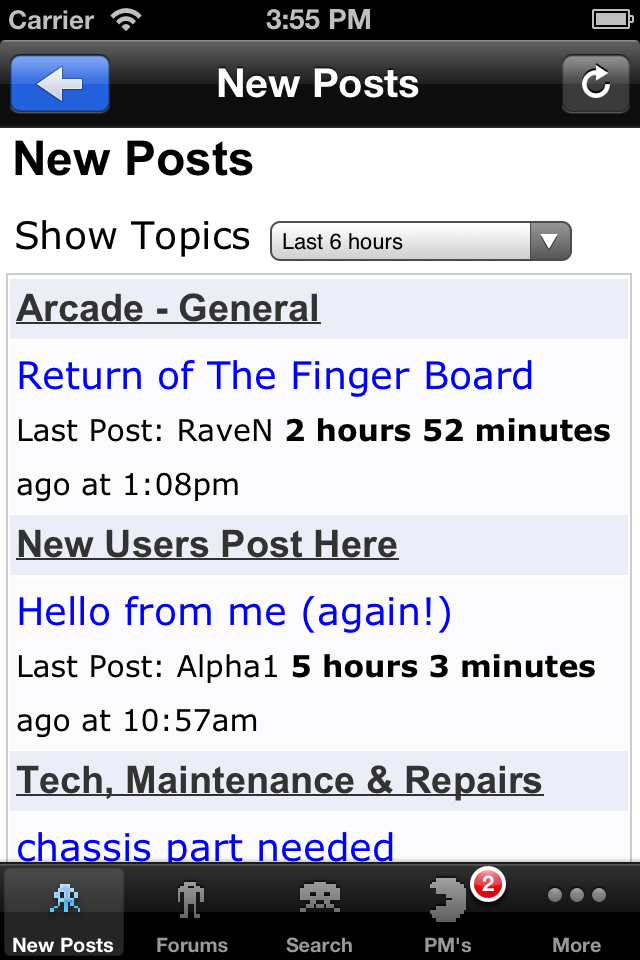
Forums View - this view will give you a list of all the forums. From here you can navigate through any forum and it's posts. To get back to the main forums view hit the "Home" button on the top right. If you want to navigate back from within a post hit the back arrow button on the top left.
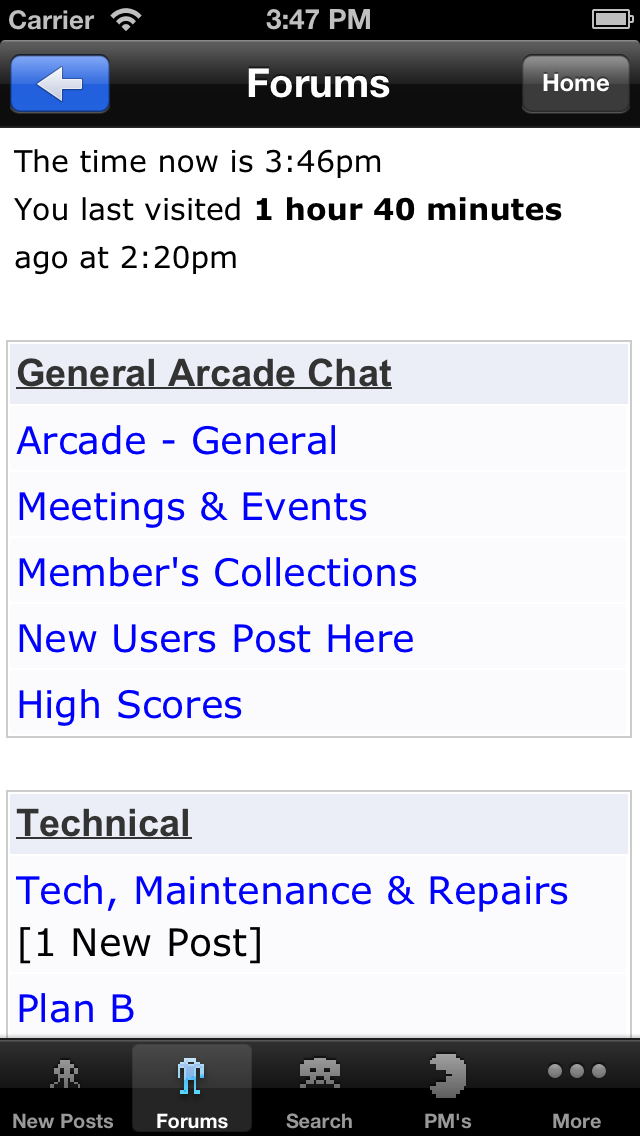
Search View - The search view allows you to search by keyword through all the forum posts for a given period. Complete the search criteria you want to search for and hit the "GO" button in the keyboard view. If you want to navigate back from within a post hit the back arrow button on the top left. If you want to do another search hit the "New Search" button on the top right.
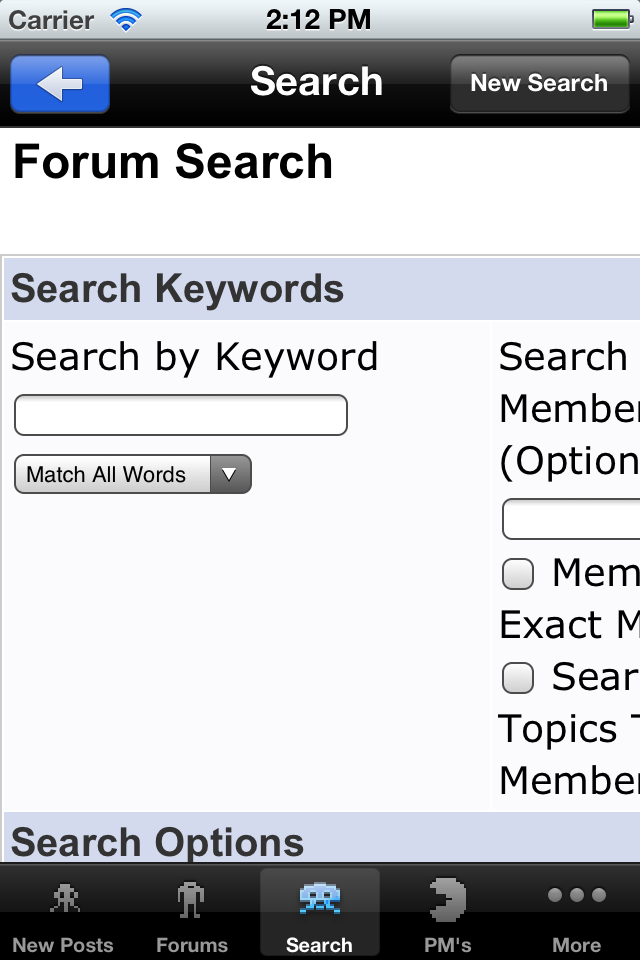
PM's view - This view will give you access to your private messages. If you have a new message the PM's PacMan icon will have a number against it reflecting the number of unread messages you have. If you want to navigate back from within a post hit the back arrow button on the top left. If you want to write a new private message, hit the write icon button on the top right.
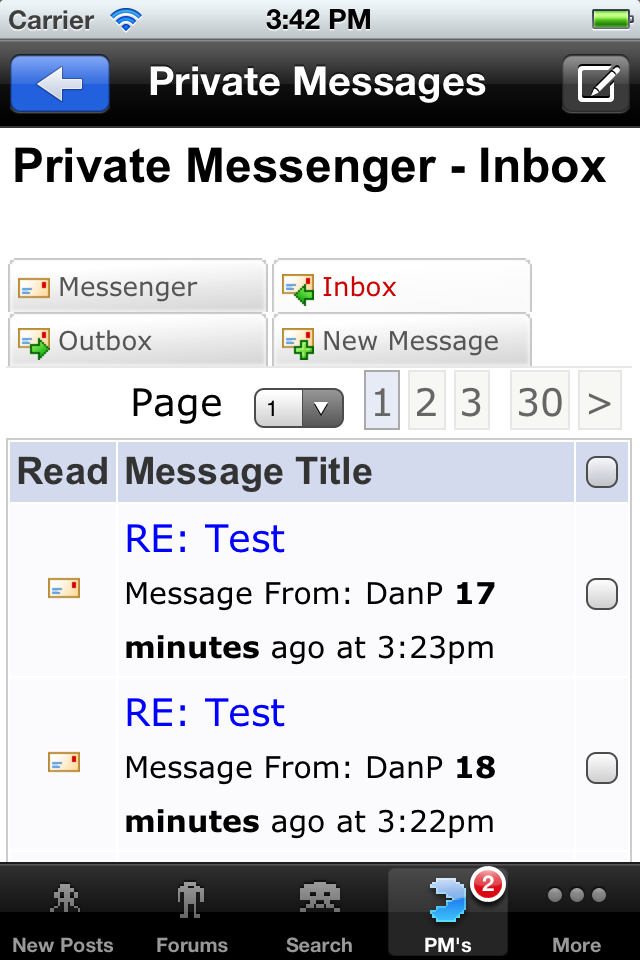
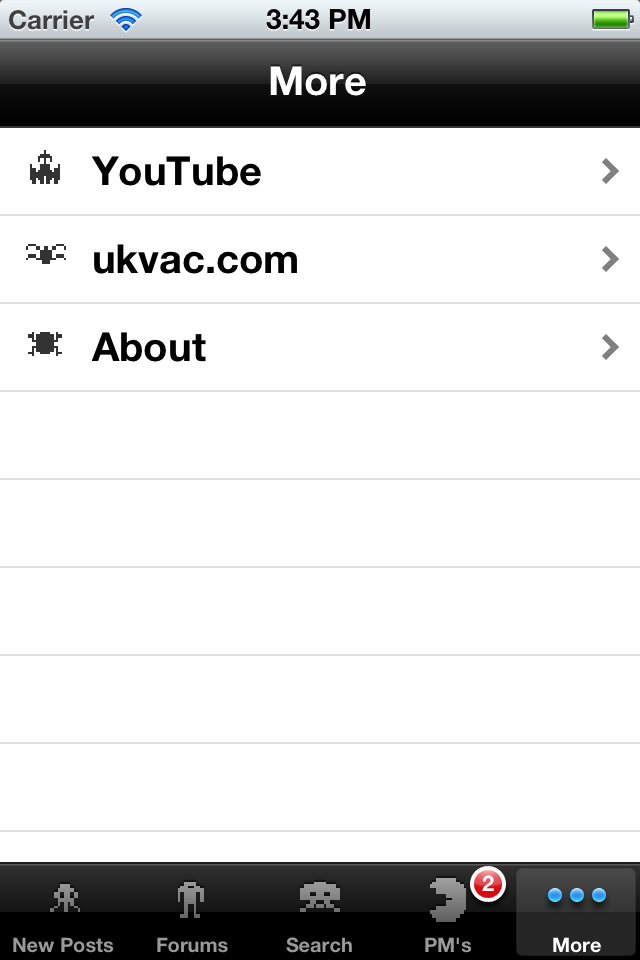
More view - The More view gives you access to some other views that are pretty self explanatory. Any new content from UKVAC will be added here
 For now you have access to the UKVAC.com website, the UKVAC YouTube page (under constructions) and the About page for UKVAC. More to come soon...
Ravage2012-12-02 19:03:41
Introducing the new UKVAC iOS Application. This app is free and will be developed further over the coming months adding new features and functionality. Version 1.0 is now released and available for download on the iTunes app store. The app works for both iPhone and iPad running iOS 5.0 or higher. It's optimised for use with the iPhone 5 and supports both portrait and landscape usage.
Get it from https://itunes.apple.com/us/app/ukvac/id581690153
The iOS app is designed to allow access to the forum data via a simple to use tabbed view that allows switching between several views for different parts of the forum. These views are:
New Posts View - This view is the only view which will automatically refresh when selected. This happens when you first launch the app OR if you switch back to the New Posts view from another view. This view is designed to show you the newly posted items since your last visit. If you want to update the New Posts list manually hit the button on the top right. If you want to navigate back from within a post to the new posts view hit the back arrow button on the top left.
Forums View - this view will give you a list of all the forums. From here you can navigate through any forum and it's posts. To get back to the main forums view hit the "Home" button on the top right. If you want to navigate back from within a post hit the back arrow button on the top left.
Search View - The search view allows you to search by keyword through all the forum posts for a given period. Complete the search criteria you want to search for and hit the "GO" button in the keyboard view. If you want to navigate back from within a post hit the back arrow button on the top left. If you want to do another search hit the "New Search" button on the top right.
PM's view - This view will give you access to your private messages. If you have a new message the PM's PacMan icon will have a number against it reflecting the number of unread messages you have. If you want to navigate back from within a post hit the back arrow button on the top left. If you want to write a new private message, hit the write icon button on the top right.
More view - The More view gives you access to some other views that are pretty self explanatory. Any new content from UKVAC will be added here
Ravage2012-12-02 19:03:41


