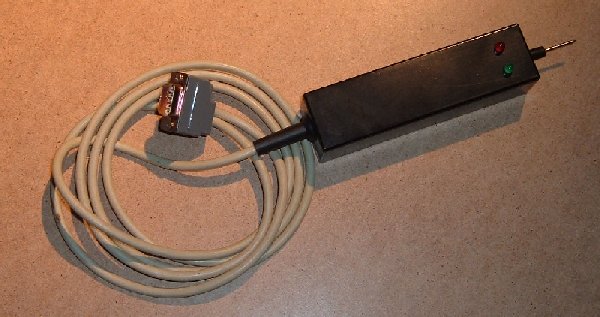
It's pretty much covered in the basics of how to use a fluke and my paragraph above, but...
(Off the top of my head since I've not used my Fluke in a while).
- Sync the probe to pod address access. How varies depending on whether it's a 9010 series or a 9100 series but it is only a case of pressing some buttons, nothing taxing. Check the manual.
- Pick a RAM or ROM. Any will do and look up it's address range.
- Read from an address in that range and stick it on a loop
- While this is looping check the enable lines for all of the RAM / ROM. This is probably easiest done at the outputs of the select logic (which is probably 74LS138's or 139's). You should find that ONLY the chip that you are trying to read is enabled.
- If any others are also enabled then suspect the 138 / 139
- Rinse and repeat for other chips / buffers / etc.
- I guess it could also be that a ROM or RAM had a stuck / duff enable pin which could also cause this. You're into a bit of remove / desolder or snip the pin and see what happens by the time you're at this point
You can do similar for writes in the case of RAM.
On boards like Missile Command, this same principle can apply to all the 74LS245's as well. There are quite a lot of them and you can get the situation where more than one is enabled at once when they shouldn't be. This isn't quite as simple to check for but the net result is that it's possible that (for instance) the board thinks it's reading from ROM / RAM when in fact it's reading from that and the trackball movement.
Otherwise known as 'The trackballs dumping all over the bus'
End result, game crashes or probably doesn't even run.
Not entirely sure the 245 buffers scenario applies to Galaxian (don't think it does), but the address select stuff most certainly does.