Lines on screen

Kenth333

Active member
Feedback
3 (100%)
Credits
114CR
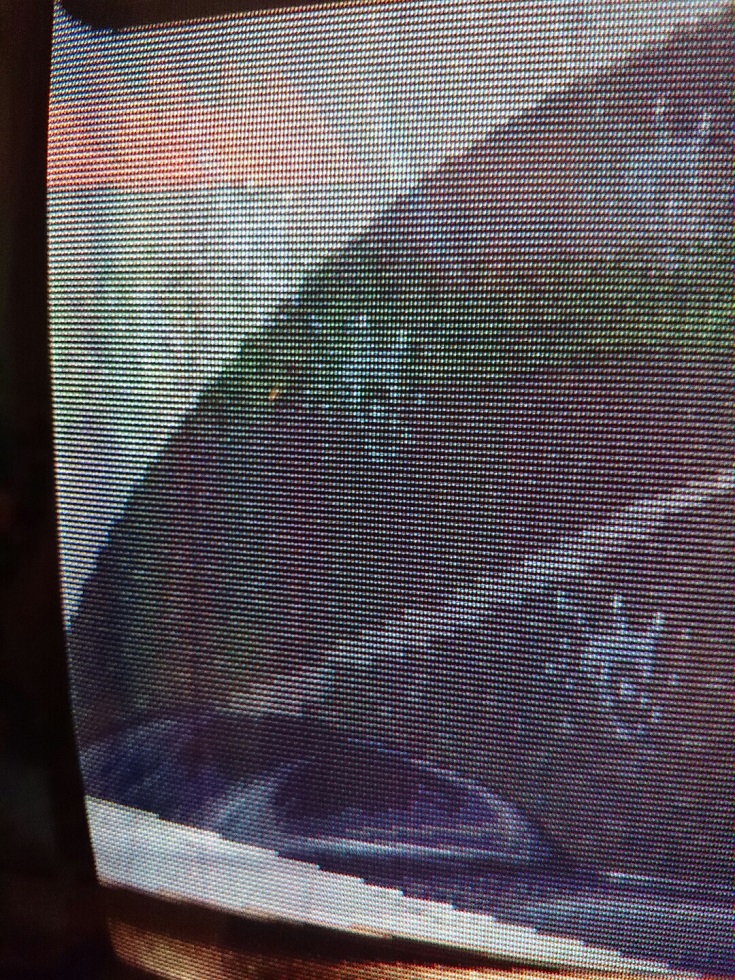
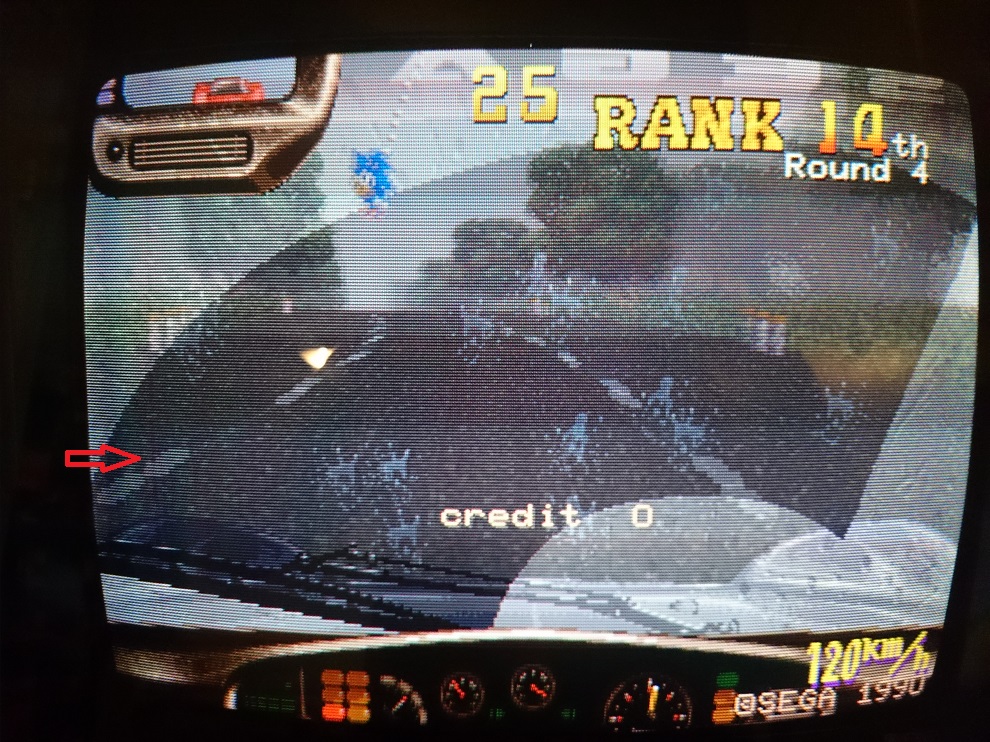
I have a WG K7000 thats come up with a couple of lines on screen. I'm not really sure what could be causing them. It isn't burn and I don't think it's magnetic interference.

Either the switching power supply or iso is a bit noisy so I was thinking it might be electrical interference(?) but I don't have any spares to test with.

Enybody remember experiencing these and/or know what could be causing them? Played this for a full day before I noticed the lines, so I'm guessing they weren't there at first. Just hope it isn't the tube that's gone bad.
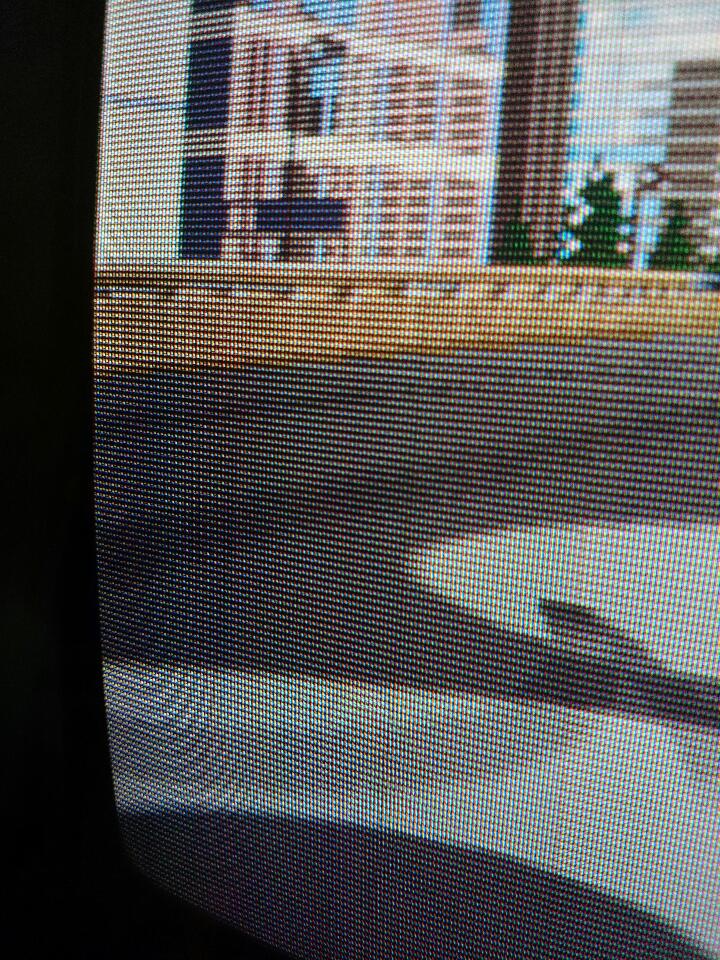
DSC_0392.JPG


DSC_0393.JPG
DSC_0391.JPG
 

anj

Active member
Feedback
7 (100%)
Credits
313CR
psu would be my first port of call , and make sure its not near anything like a power brick for a phone / laptop etc ,

you could try fitting a 2200 uF cap across the 5 ans 12 v on the output of the psu they are easy to get hold of ,

this is were i would start ,
 

Kenth333

Active member
Feedback
3 (100%)
Credits
114CR
It's a newer standard model power supply and the voltages are right on, but I am leaning towards it being the one making all the noise down there. The transformer and sound amp are right next to it so it's hard to tell.
 

Kenth333

Active member
Feedback
3 (100%)
Credits
114CR
Good idea, I'll have try that when I get home. At least I'll know if it's the signal or monitor. If the lines come with the signal it's probably the power supply. In which cases do you need to cap between the 5 and 12 rails? Do working power supplies ever need that?
Thanks both.
 

Kenth333

Active member
Feedback
3 (100%)
Credits
114CR
Blip said:
<span style="line-height: 16.7999992370605px;">Had identical lines on my monitor... This resolved it 100% 
smiley1.gif
</span>

Filter.jpg


<span style="line-height: 16.7999992370605px;">
</span>

<span style="line-height: 16.7999992370605px;">
</span>

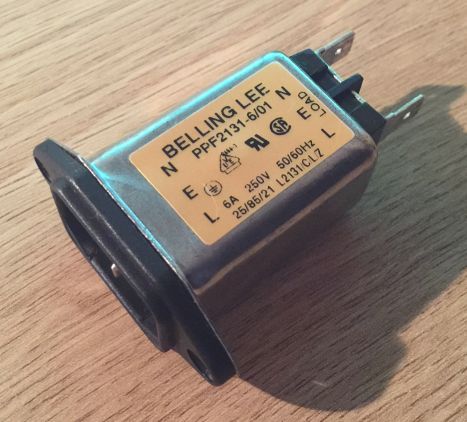
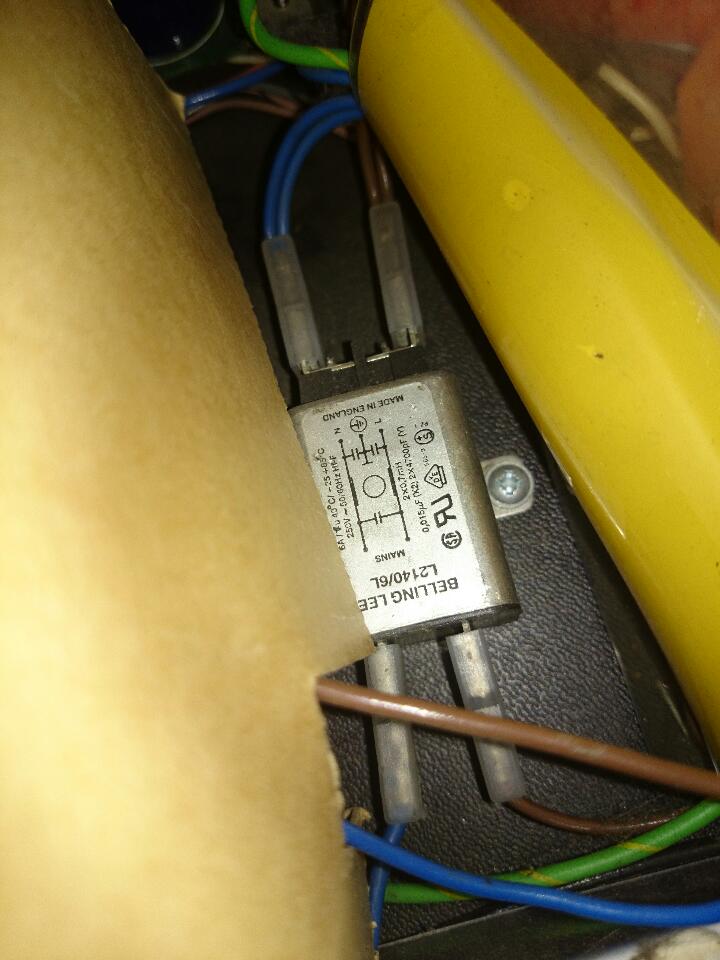
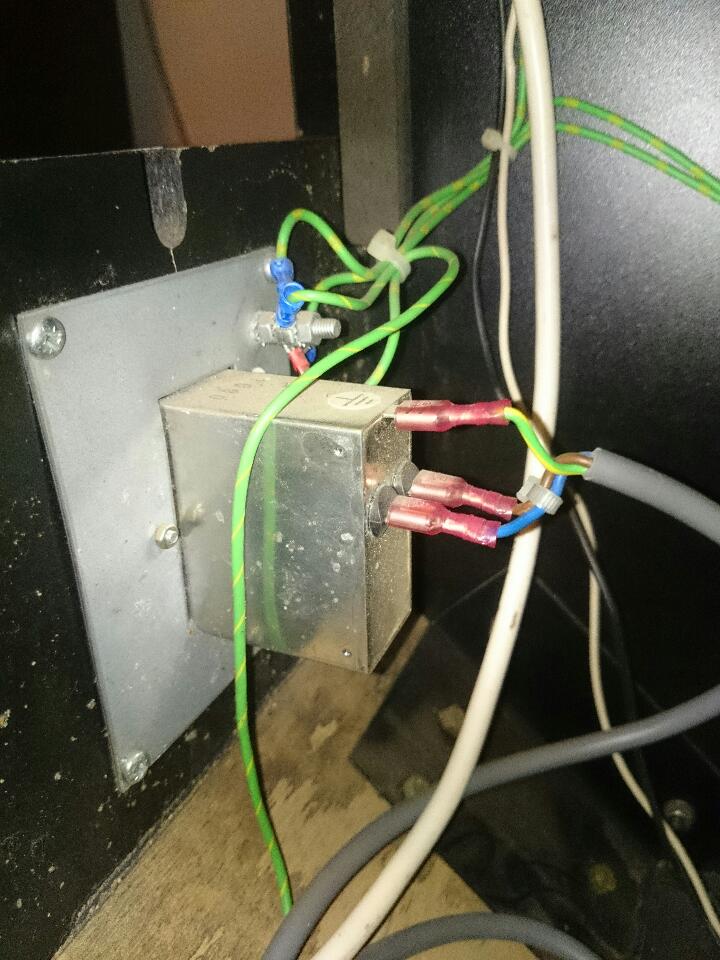
There's a line filter at the bottom of the cab, but probably one on the ac line too. I'll order new parts for both + new psu. Should sort this out, I hope.
 

obcd

Active member
Credits
3,830CR
What PSU are you using now? Is it an original one or a generic switch mode power supply.

The purpose of a line filter is to prevent interference from the machine to go out. A good switch mode power supply should have such a filter on it's mains input already.

The monitor chassis also uses a switch mode power supply, so it should have a filter at it's input as well.

My megatouch XL original Tatung monitor chassis had such an extra filter in it's power lines. If your monitor chassis is a 220V one, you could try to power it from a separate 220V source, before the machine filter. If the machine supply is interfering with the monitor chassis supply, the interference might go away like that. Obvious, another power supply might be a solution as well.
 

Kenth333

Active member
Feedback
3 (100%)
Credits
114CR
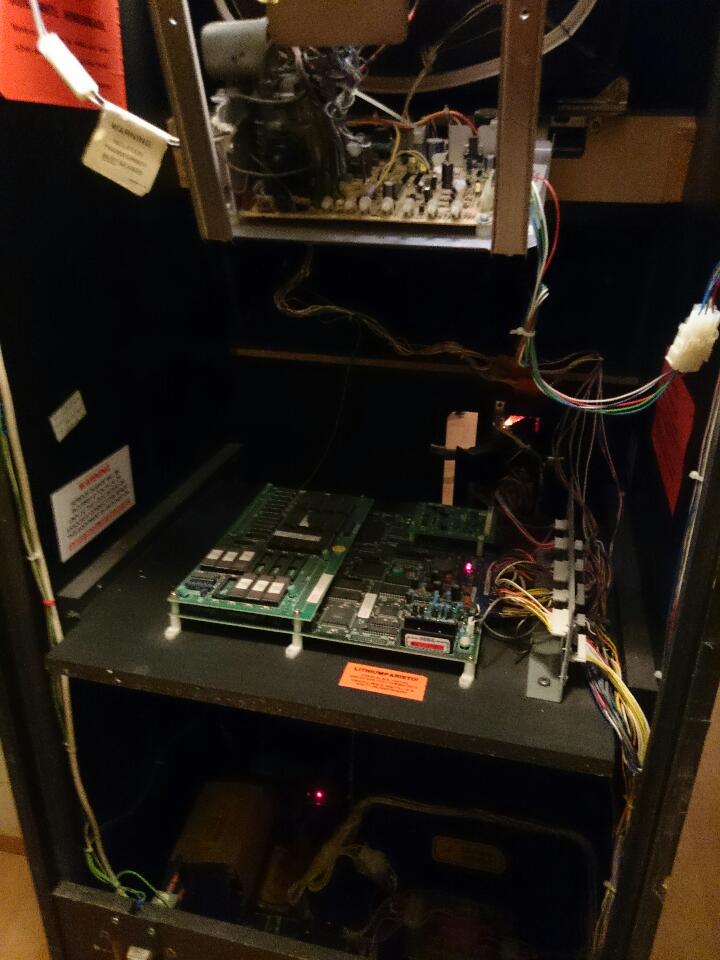
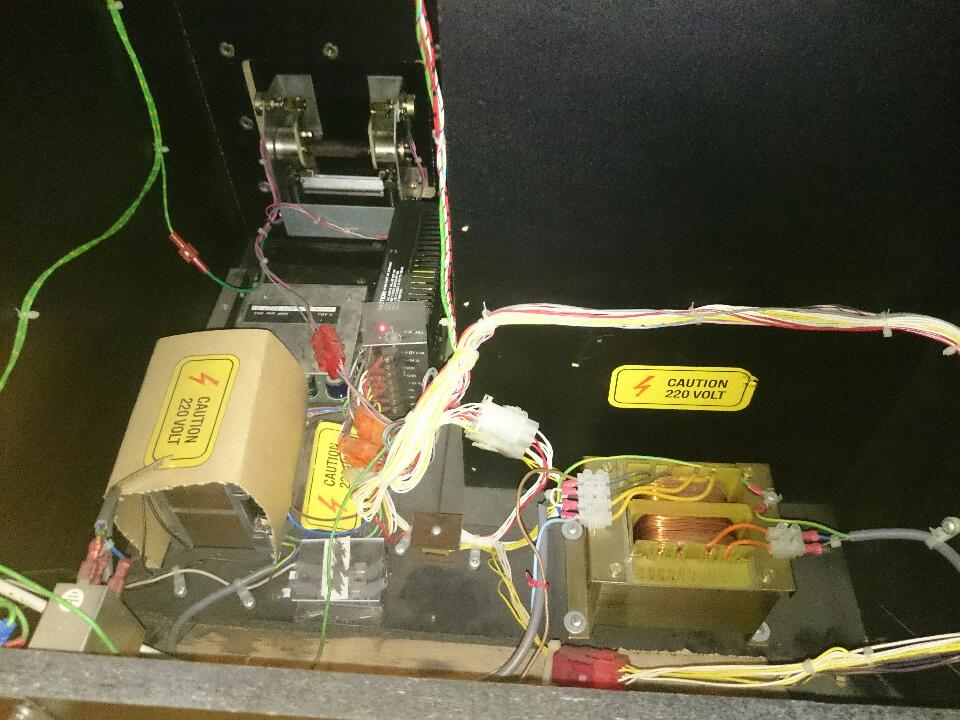
It's a generic new type psu. The monitor chassis wasn't a K7000 like I thought but some other WG, but I'm pretty sure it's 110V. The interference does seem to be coming via the signal from the game board with the lines going away with just the rgb disconnected. Something is deffo wrong at the bottom of the cab, making a loud noise and vibrating the hell out of the psu and sound amp area. What down there is able to cause vibration??

DSC_0384.JPG
DSC_0386.JPG
DSC_0398.JPG
DSC_0399.JPG
 

Kenth333

Active member
Feedback
3 (100%)
Credits
114CR
The power supply noise and vibration was really bothering me so I switched it out to the one in my VF cab. Noise and vib is now gone but the monitor lines are still there. New filters will hopefully fix that.

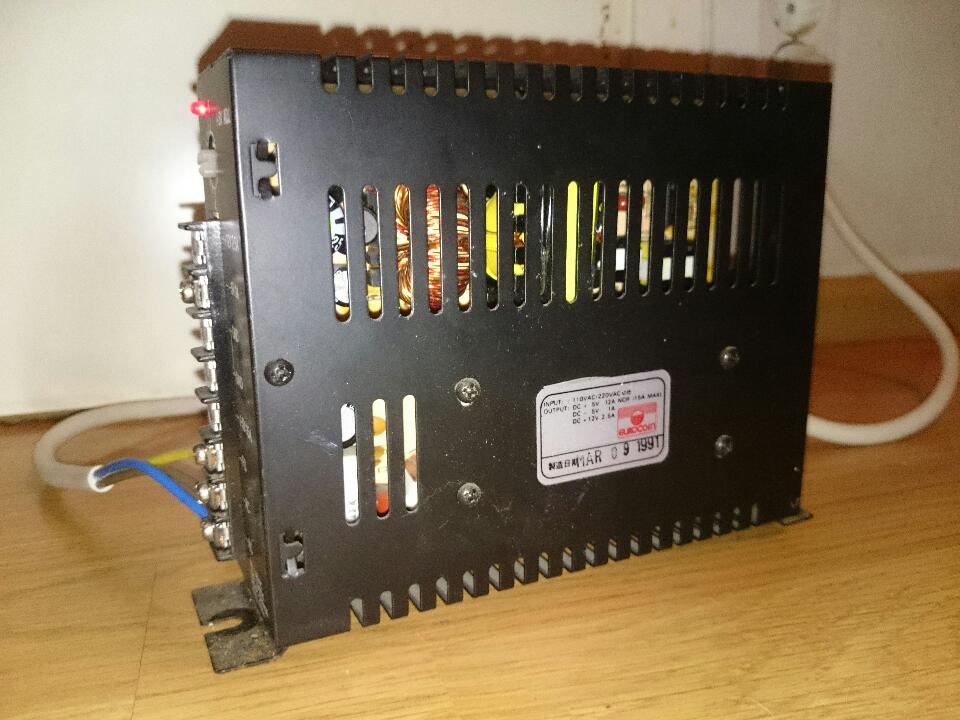
Out of curiosity powered up the rad mobile psu, original from 1991
smiley9.gif
, outside the cab and it did have a slight vibration to it but nothing like inside the cab. No noise though. Don't get it. What's inside there to make it vibrate
smiley5.gif


DSC_0408.JPG
 

obcd

Active member
Credits
3,830CR
A heavy loaded transformer can cause vibrations. (usually a buzzing noise). A switch mode power supply can make noise as well. I assume you are sure the supply isn't a 220V one only getting 110V?
 

obcd

Active member
Credits
3,830CR
The transformer windings can slightly vibrate causing some noise. This usually happens when the transformer is switched on and off, something you can have if there isn't enough load or 2 much load. The normal switching frequency of such a supply is a few hunderd kilohertz, so that is something you can't hear anymore.
 

Kenth333

Active member
Feedback
3 (100%)
Credits
114CR
Yes, it's 220V getting 220V. It was vibrating outside the cab so it was definitely the old psu doing that. Maybe the cap between 5 and 12 would have calmed it down.. New psu seems ok so that's all good now
smiley20.gif
just found it very strange.
 

obcd

Active member
Credits
3,830CR
It's possible that the internal cap's in the supply started to dry out and need replacement. I even had supplies with small cap's being bad (like 1uF 50V) They can be a pain to fix.

When you disconnected the RGB from the monitor, did you leave the GND connected between the game board and the monitor or did you disconnect that as well? Did you turn up the monitor brightness and screen voltage to see if the line appeared in the grey picture that should give you?
 

Kenth333

Active member
Feedback
3 (100%)
Credits
114CR
RGB, sync and ground was on the same connector so all except chassis power leads were disconnected. I turned fb 'screen' up till bright with raster and the lines weren't there anymore.
 

Kenth333

Active member
Feedback
3 (100%)
Credits
114CR
I'm thinking Blip might be right about one of the filters being bad and just play this (freaking fun game) as is till I get some new ones. Thanks for all the help. Awesome having people willing to help you out.Kenth3332015-01-29 20:33:42
 
Top