Phoenix bootleg boss colours

Vamino

Insert coin(s)
vacBacker
Feedback
19 (100%)
Credits
2,533CR
Does anyone have a Phoenix boot handy?

Mine is the G.G.I/Iresca boot.

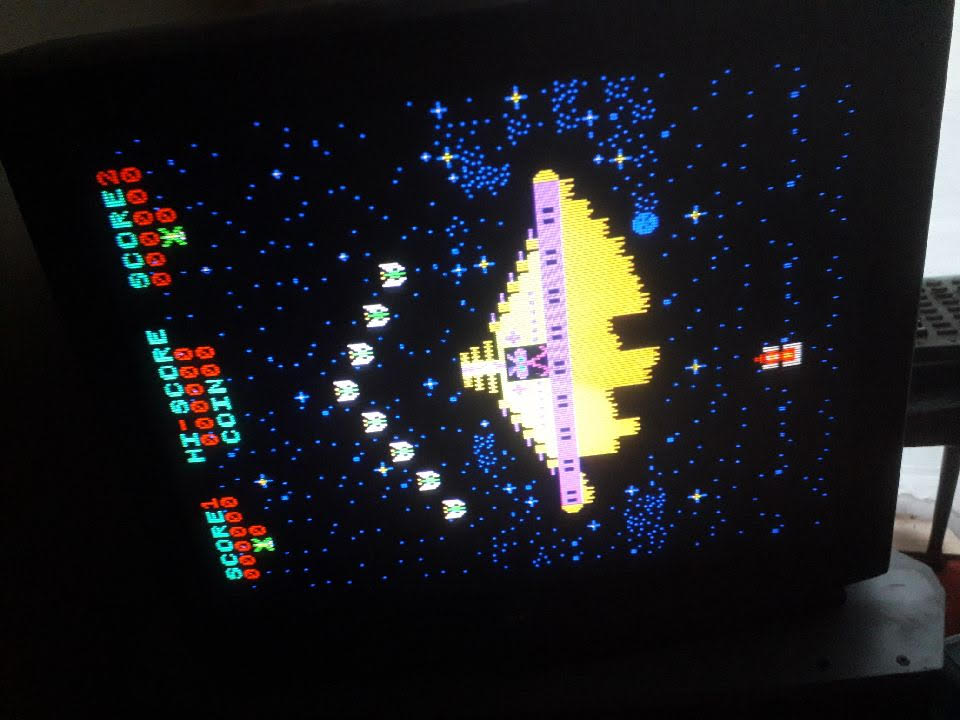
Does the boss on your PCB look like this?

I'm just wondering if this is how the bootleg is supposed to be or I have some sort of glitch going on. Everything else seems to look fine to me.

Thanks.

Phoenix_boss.jpg
 

Ace`

PlanB contributor #1
Feedback
35 (100%)
Credits
3,649CR
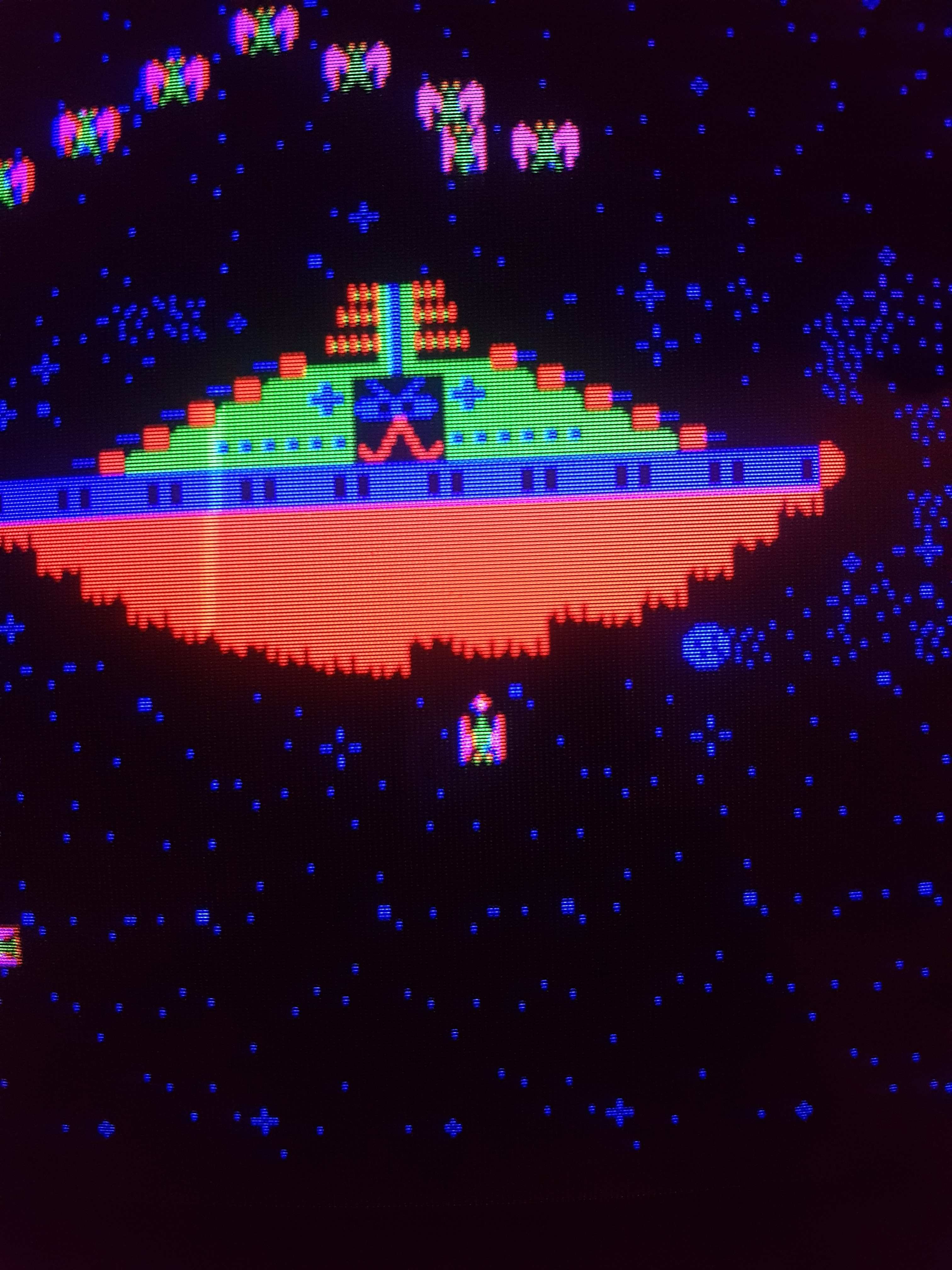
I looked through my camera and I happened to have a screen shot of the same board on my tv.

pscreenshot.jpg


Looks a bit more orange than your picture? I still don't know if that's correct though, you can't really trust mame for this. Strange fault if it is just the boss, maybe a few bits in the colour prom? I dunno let me know if you want me to look at it.

Ace`2019-07-08 12:20:55
 

Lurch666

Active member
Feedback
21 (100%)
Credits
4,013CR
Could be a video ground problem.

There is usually a ground (it's pin 14 parts side on the jamma pinout) that goes to the monitor.

Not all games need it but if it's not connected it can cause strange graphic/colour problems.
 

Judder

Active member
Feedback
2 (100%)
Credits
976CR
The proms in MAME are all the same for the original and the bootleg ROMS, which isn't necessarily correct as the game porter could have just cut and pasted the checksums

ROM_REGION( 0x0200, "proms", 0 )
ROM_LOAD( "mmi6301.ic40", 0x0000, 0x0100, CRC(79350b25) SHA1(57411be4c1d89677f7919ae295446da90612c8a8) ) // palette low bits
ROM_LOAD( "mmi6301.ic41", 0x0100, 0x0100, CRC(e176b768) SHA1(e2184dd495ed579f10b6da0b78379e02d7a6229f) ) // palette

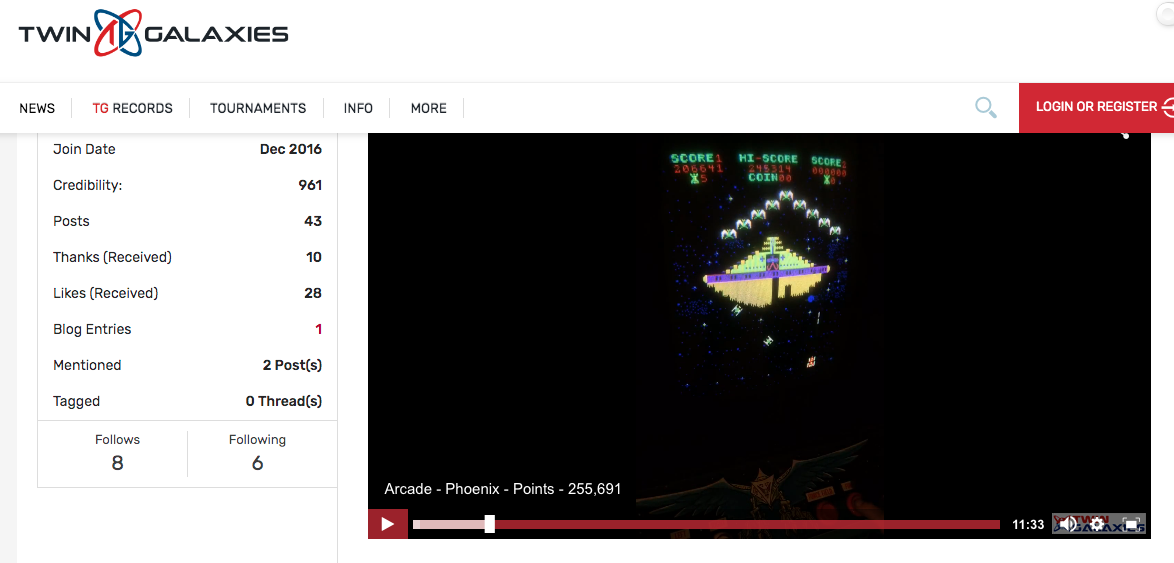
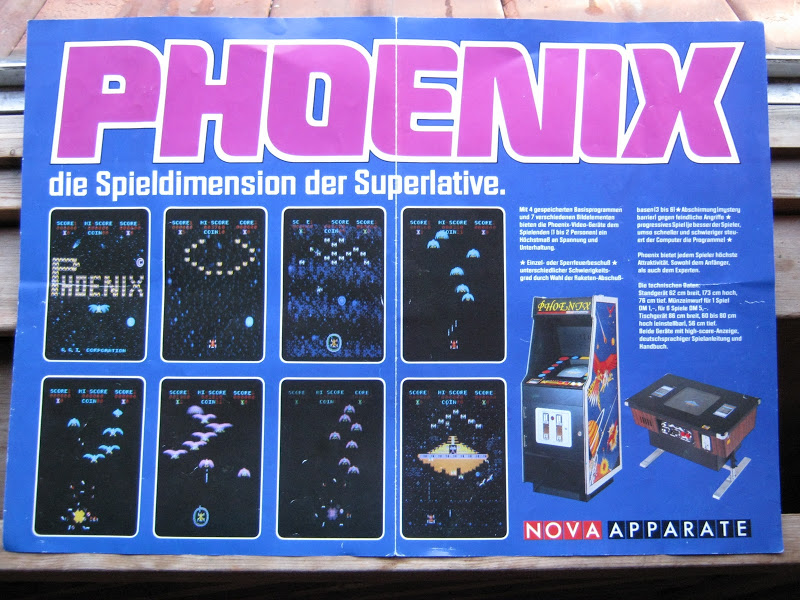
Looking at the game flyer and the official High Score video from Twin Galaxies (and from memory) the mother ship is much more orange than your screen shot and the middle 'band' is a different colour

Screen_Shot_2019-07-08_at_16.11.39.png


Safari_rallye_001.jpg


Safari_rallye_002.jpg


Saying that... I also found this screenshot of a Centuri cabinet on emuparadise and it's much more blue like yours!

So maybe try dumping your two PROMs and seeing what they checksum as?

phoenix.png
 

philmurr

Active member
vacBacker
Feedback
46 (100%)
Credits
2,286CR
Seems to be a very specific graphic issue as most of them look fine.

I’d suspect the graphics ROMs, or at a push the 174 d-type in the colour output section
 

Vamino

Insert coin(s)
vacBacker
Feedback
19 (100%)
Credits
2,533CR
Thanks for the info and suggestions guys.

Pin 14 is wired to ground on the adaptor. I would try it with a Pleiades but that is misbehaving as well.

My colour setting may be a bit off as the monitor has been set for Model 3 games but I've noticed other colour changes on this PCB as well. The sound is infinitely better on real PCB's though when compared to Mame, I never realised how bad Mame is with the sound on some games until recently!

Phoen_3.jpg
Phoen_2.jpg


Phoen_4.jpg


Phoen_5.jpg


I'll dump and verify the Rom's when I get the chance, my Rom burner took a dump so I'll have to ask

Shane if we can do it at his place. If we can't see anything untoward then I may take up your offer Ace if thta's OK.

Well I'm gonna pack everything away as I'm a bit cheesed off with these PCB's laying all over the place at the moment.

Thanks again.
 

Ace`

PlanB contributor #1
Feedback
35 (100%)
Credits
3,649CR
Can you try swapping the proms at IC40 and IC41 around? I see Caius has an old repair log where this was the problem, maybe they were mislabeled in mame.
 

Aido

Newbie
Credits
18CR
I have a Taito board and a "Hellomat Automaten" board which I think is a German version of the GGI board - both have the standard mothership colour i.e. various shades of orange/yellow depending on monitor adjustment. See pics below

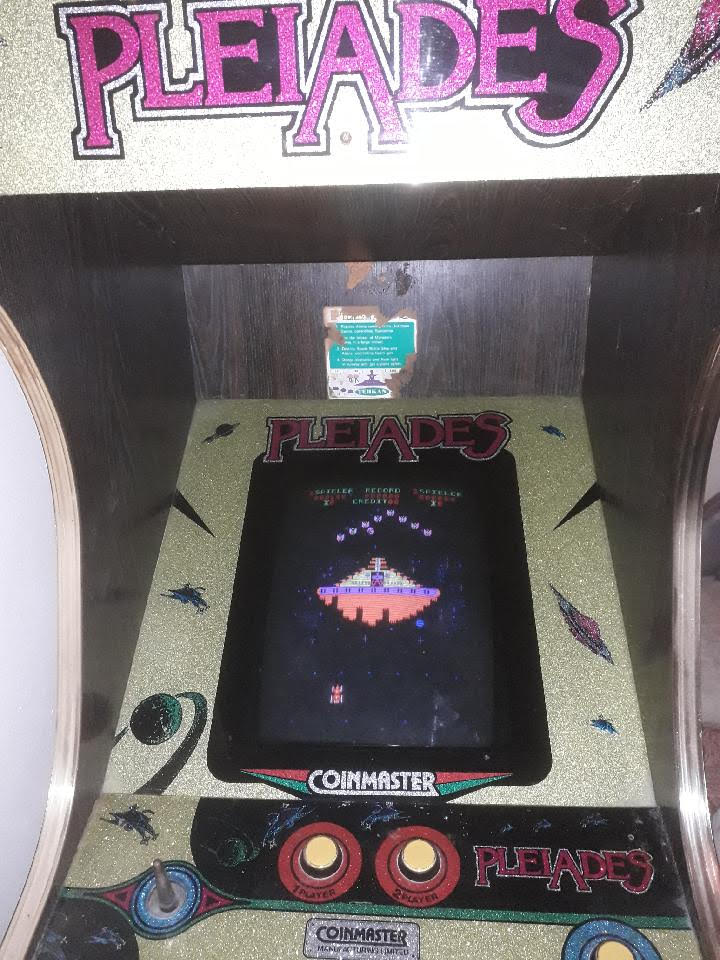
Could it be that you have Phoenix running on Pleiades hardware. As far as I know, this is doable but sounds and colours will be wrong.

mothership_taito.jpg


mothership_hellomat.jpg
 

Vamino

Insert coin(s)
vacBacker
Feedback
19 (100%)
Credits
2,533CR
Thanks for the pictures of your PCB's guys.

Aido's pics are how I remember the game looked.

Lurch666 said:
I'm wondering if your green and blue connections could be mixed up.

Red looks correct so maybe green/blue are swapped.

I'm not sure mate, but I've been soak testing the game all evening
and sometimes the colour of the blue birds now reverts to what it
should be, basically a lighter shade of blue with fully yellow legs
rather than the dark blue birds with part yellow legs as in the above
pics. Something isn't right here, but if it means swapping wires around to test that's
something I don't really want to be messing with tbh.

I think I'm gonna take you up on your offer Ace and send it back to you if that's OK mate.

I'll send you a PM now.

Thanks.
 

Ace`

PlanB contributor #1
Feedback
35 (100%)
Credits
3,649CR
phnxfixed.jpg


This is now fixed, here's a repair log for those interested.

After checking the colour proms, 7407 and then the two LS157s in the colour circuit (thankfully there's very nice quality schematics available). I noticed that two inputs on the 157 @ IC24 pins 5 and 11 called lin 41 and lin 51 were often low. The weak signals would toggle every so often and you'd see the correct colours for a split second.

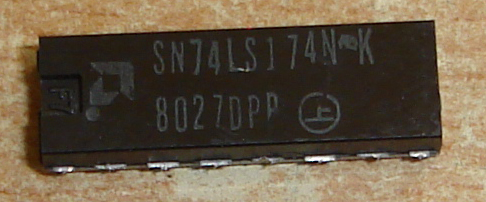
Following lin 41 and 51 singals in the schematics they go to a LS174 @ IC18 on the video board. Replacing this fixed the issue.

The 174 was AMD branded and I'd already had to replace a couple of others also AMD branded on this board. Note to self replace all AMD branded TTL in the future, they're worse than fujitsu!

ls174.jpg
 

Vamino

Insert coin(s)
vacBacker
Feedback
19 (100%)
Credits
2,533CR
Nice one mate, just as I remember it.
smiley1.gif


I may consider replacing all the Fujitsu and AMD chips on the PCB's I'll be keeping. I'm pretty sure this is a keeper game for me as the sound in Mame is dreadful compared to this PCB.

Thanks again.
 
Top