Morning all
You have to love this hobby, I have just received the last part of my Star Wars upright (Coin Door) to compete the restoration, was ready to type it up and post!
So I turned on the machine for a few games and I am faced that once I start in game there are no stars or Tie Fighters and occasionally I get a flicker of the death star.
So first things I run the self test and I get matrix errors. Reading up in the troubleshooting guide I see that we have tests 17 through 20 fail and also accumulators A to D. Looking at the test results it is reporting incorrect upper and lower bytes, I also get the odd character flicking between say the A and what looks like a B, which I guess is as the tests are being run x times a second. There is a picture of the errors below. It also gives different values (same tests fail) when I have run the self test again.
I checked the voltages and they are at 5.02v at the board and I also pulled the boards and re-seated all IC's
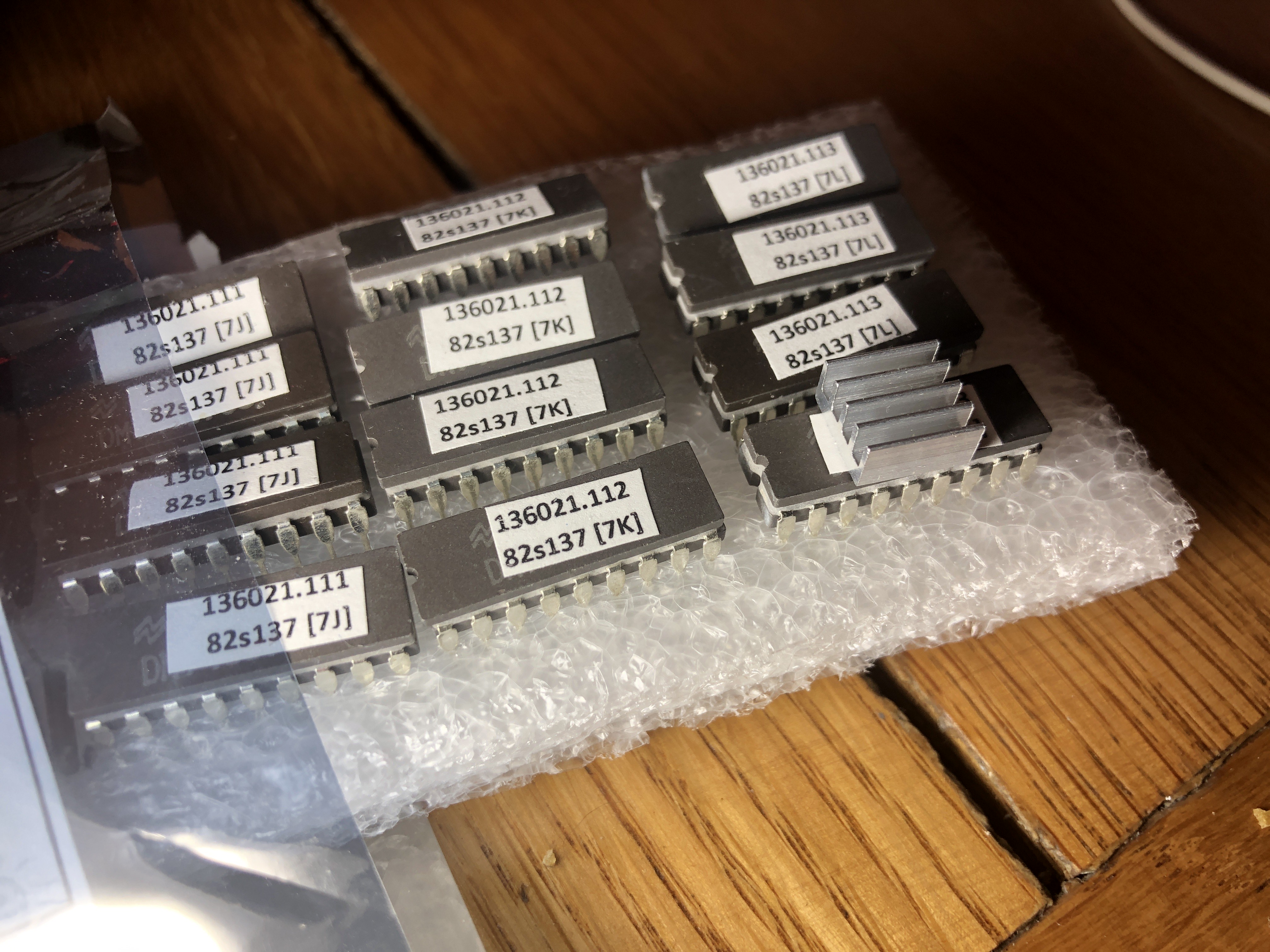
Did lots of googling and a lot of time people suggest the PROM's in row 7 being the most common cause. I am going to get the probe out and start to try and work though it but any pearls of wisdom, advice greatly appreciated. My logical (or none logical) brain says I need to look for something that would effect lower and upper bytes so is common to both.
I want to have a stab at getting this sorted myself before I dig into my pockets and send off to get repaired.
Just as a side note this was repaired about a year ago by Equites who did a sterling job bringing it back to life as it was dead, so it has a new AVG for instance. (maybe heading back his way!)
Thanks all.