Tempest Y position issues

myPinballs

Active member
Feedback
18 (100%)
Credits
826CR
So after fixing about 5 issues on my tempest board, i was giddy and happy...

For a day..

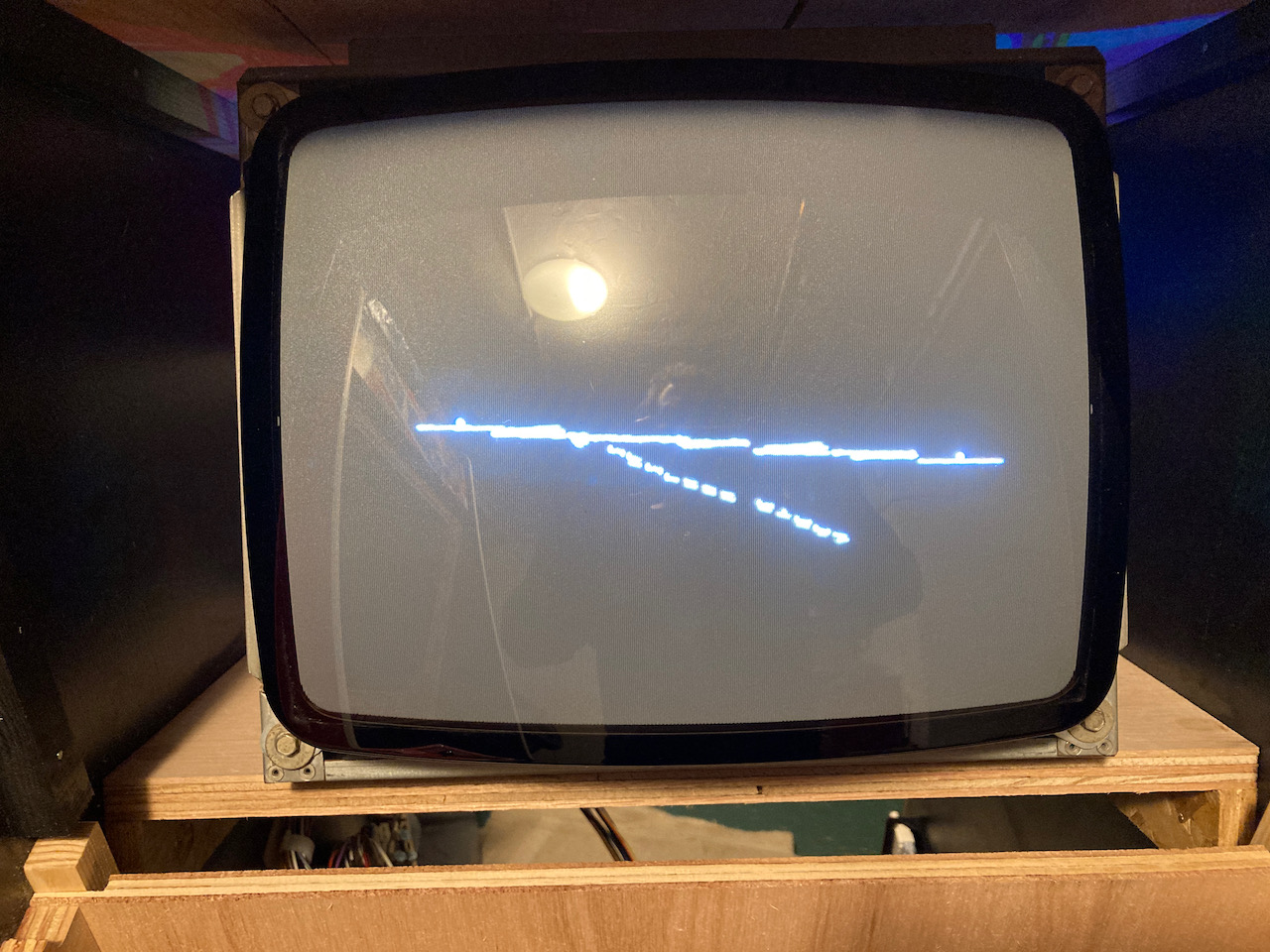
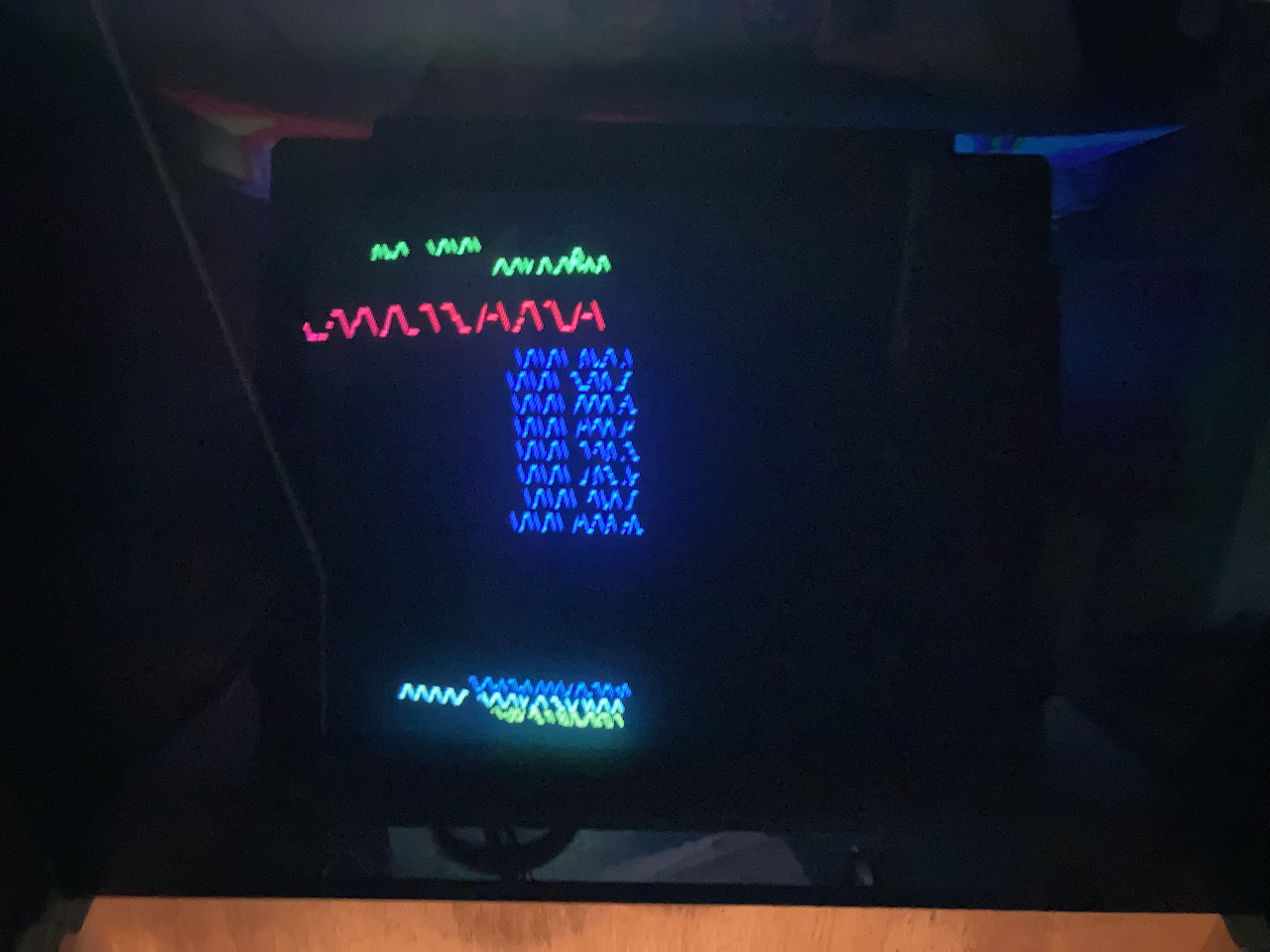
Then the next day powered it up to continue the soak testing and presented with this :( :(

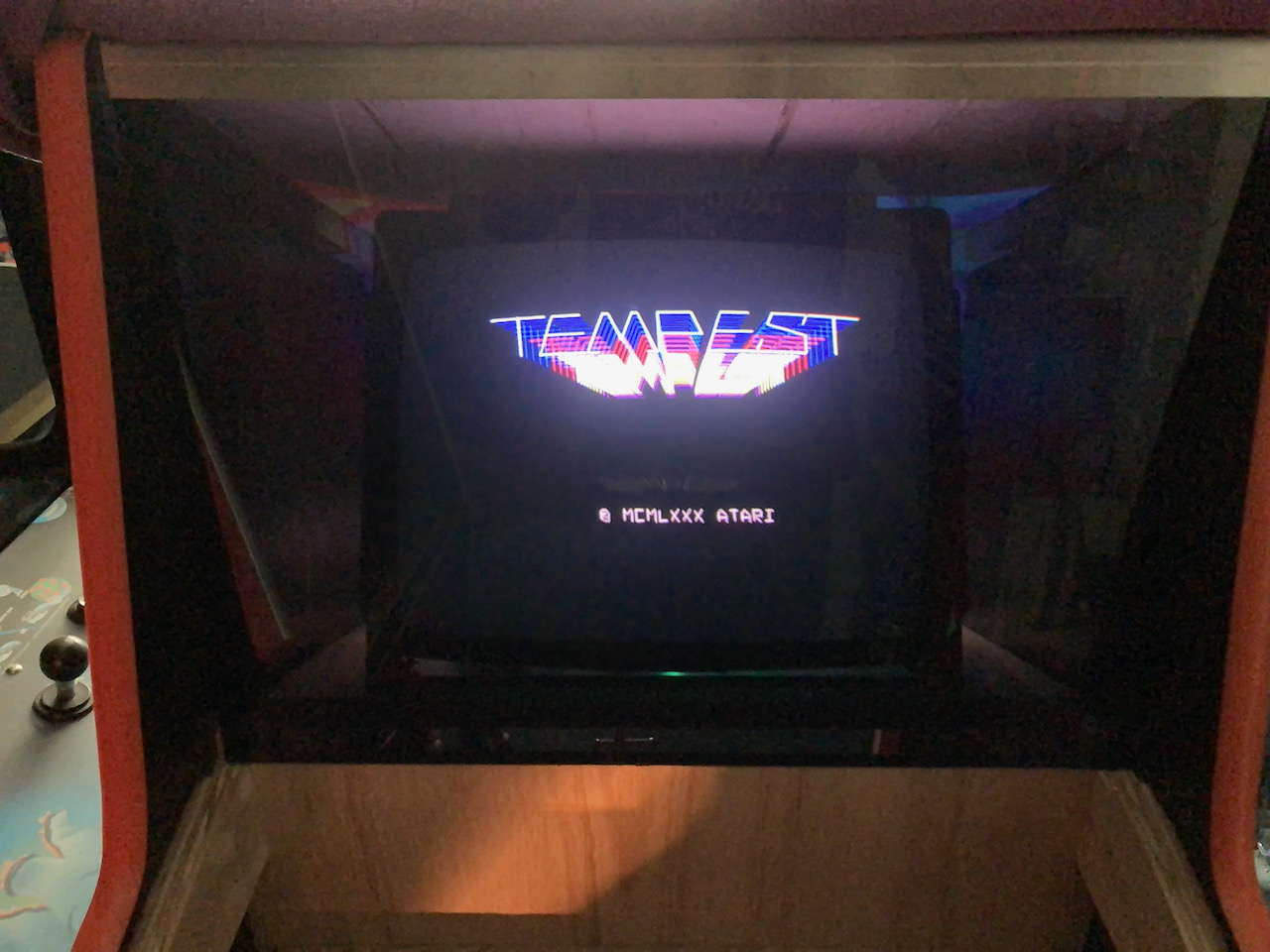
This is the tempest logo screen

tempest_pcb_y_position_issues_-_1.jpeg


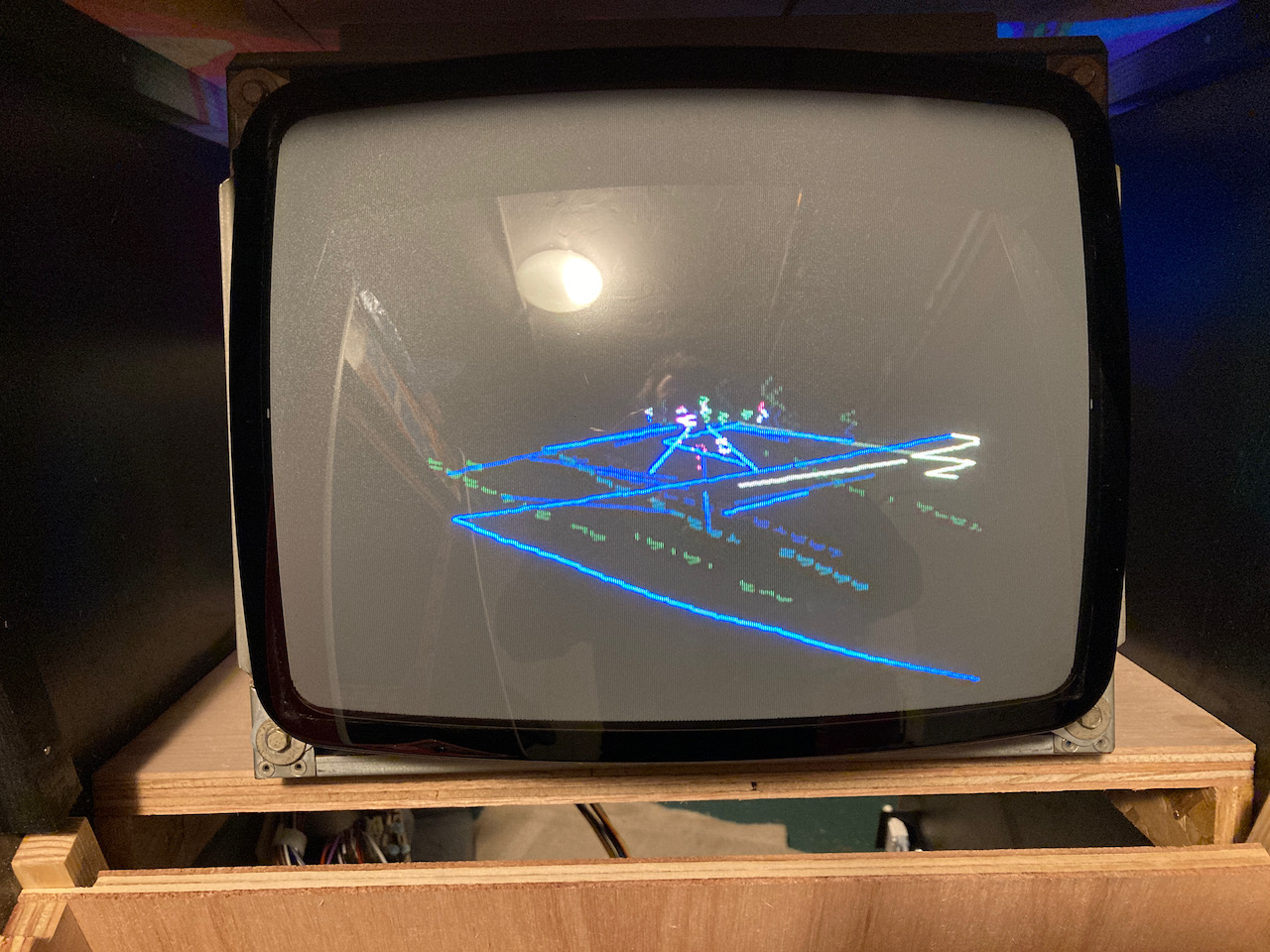
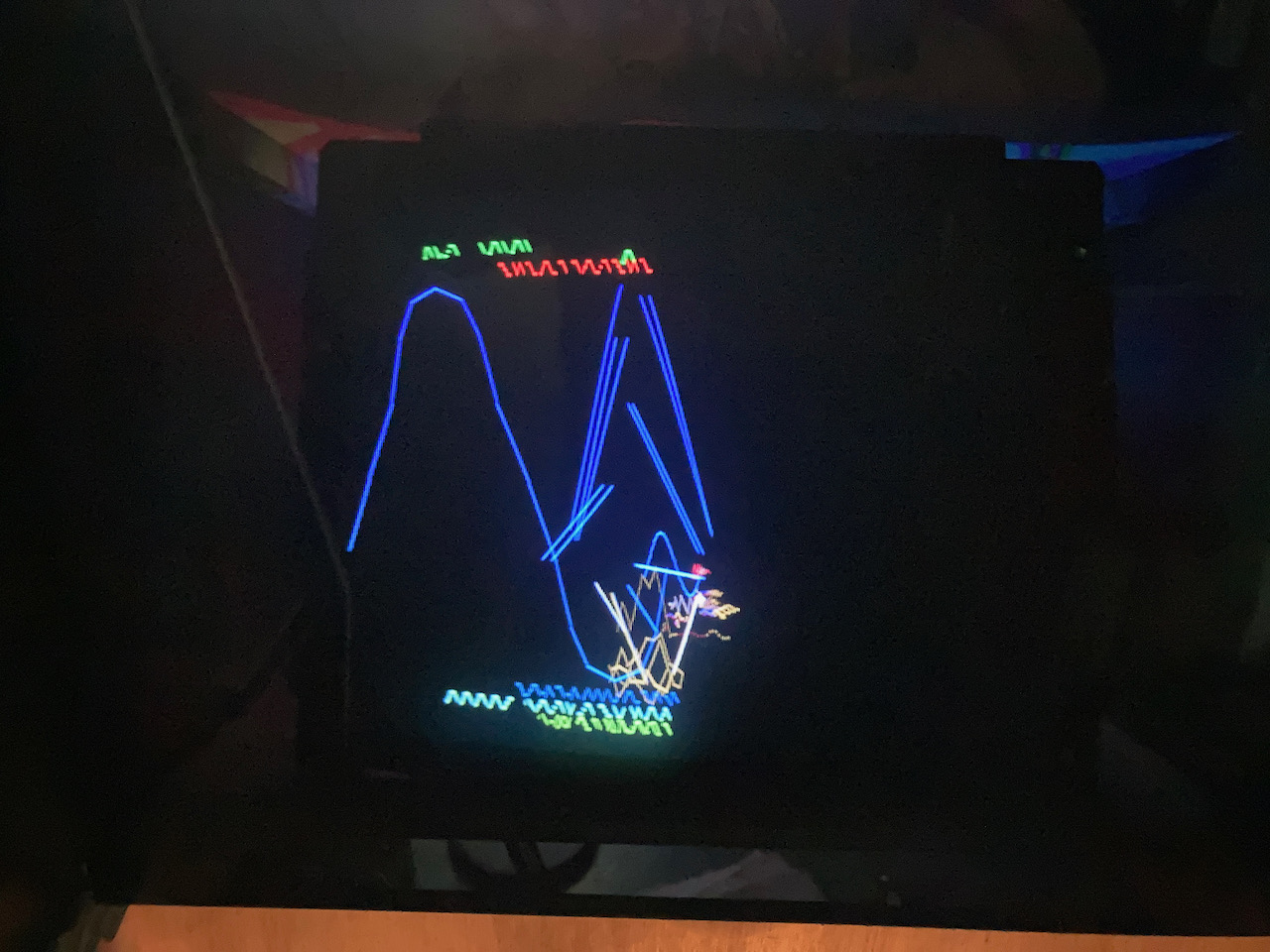
Attract game play screen

tempest_pcb_y_position_issues_-_2.jpeg


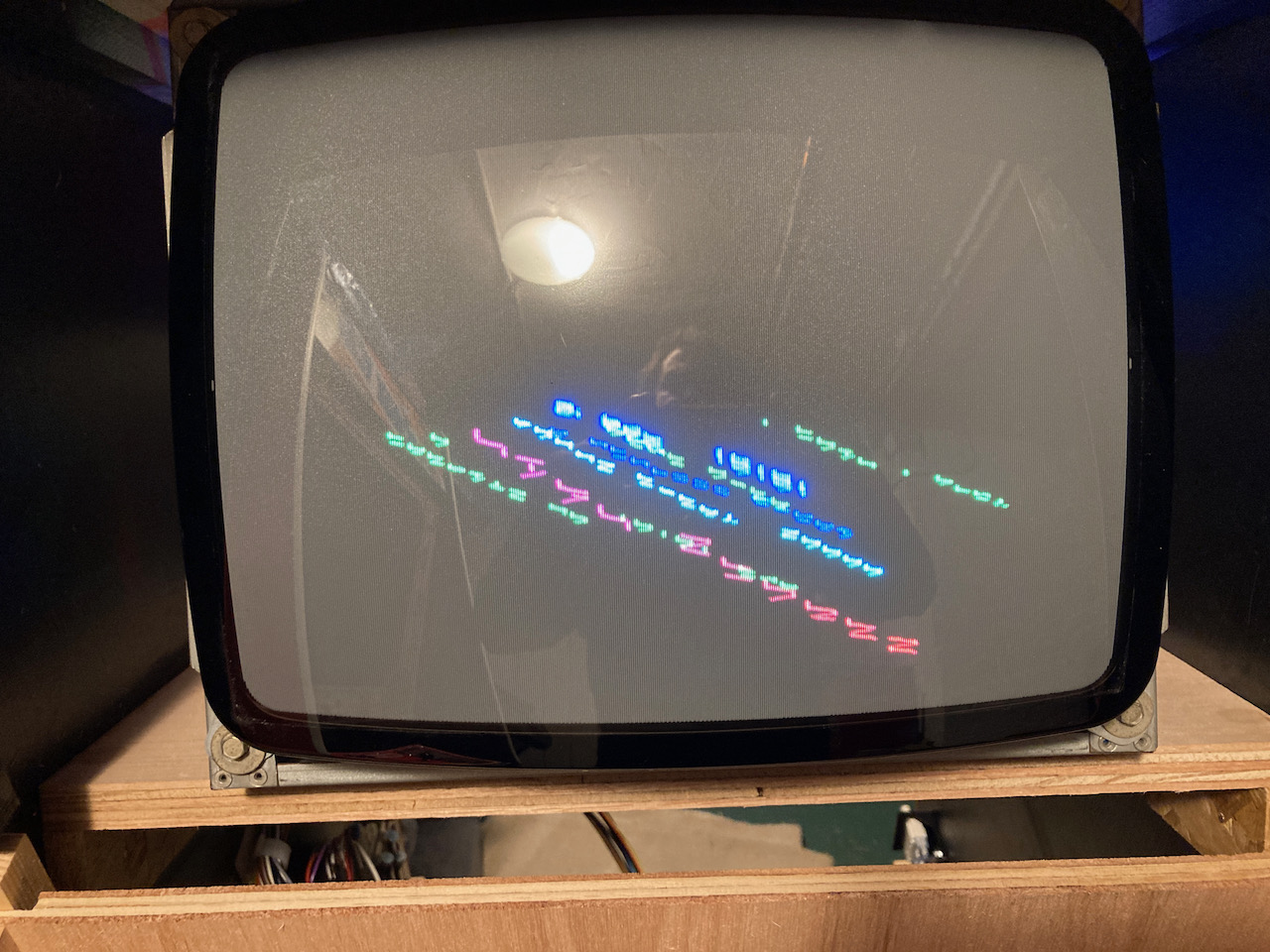
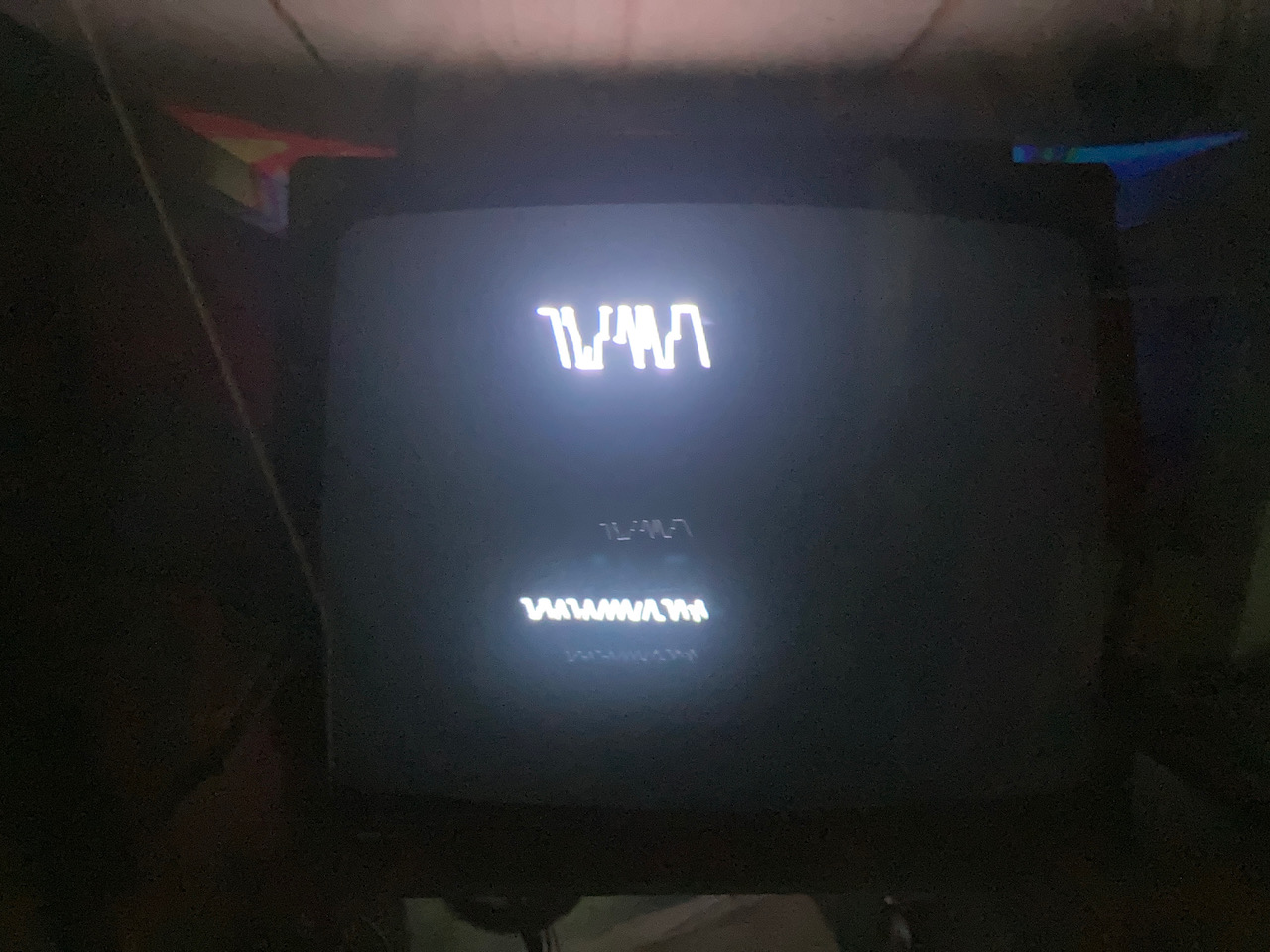
High Score screen

tempest_pcb_y_position_issues_-_3.jpeg


Spent the best part of 2 days on and off trying to fathom it out and its doing my head in now. Confirm dits a pcb board issue and not the monitor. Swapped the 2 x and y MC1495 ics act C12 and C13 to see if any change, nothing. Probed loads of stuff in the state machine and vector gen data shifter, everything seems ok.

Only thing i've noticed is the ls273 data output DYV7 (pin15) to the DAC08 at D10 doesn't seem to be the same as the others. I dont have another board though to check if this is correct or not. Tempted to swap it out, but i hate changing things without confirming 100% its an issue.

Trying to determine i guess if its a digital or analoge issue

I could socket both 12 bit dacs and swap around i guess to but again not sure if its worth it.

Any ideas welcome or if you have seen this type of fault before would be great.
 

Equites

Chief Sheesher®
vacBacker
Feedback
35 (100%)
Credits
3,329CR
Have you checked the TL082 op-amps?

It won't be the DAC-08, that's used for zooming effects.

Could easily be a XY DAC too.Equites2022-06-10 21:02:26
 

myPinballs

Active member
Feedback
18 (100%)
Credits
826CR
Equites said:
Have you checked the TL082 op-amps?

It won't be the DAC-08, that's used for zooming effects.

Could easily be a XY DAC too.

Thanks for the reply. I replaced 1 TL082 on the x side which was just outputting a solid 12v no movement. I've tested the others voltage wise and they seem the same as before when it was working, but maybe thats not an exact science. If it was just one of those i'd be well happy.

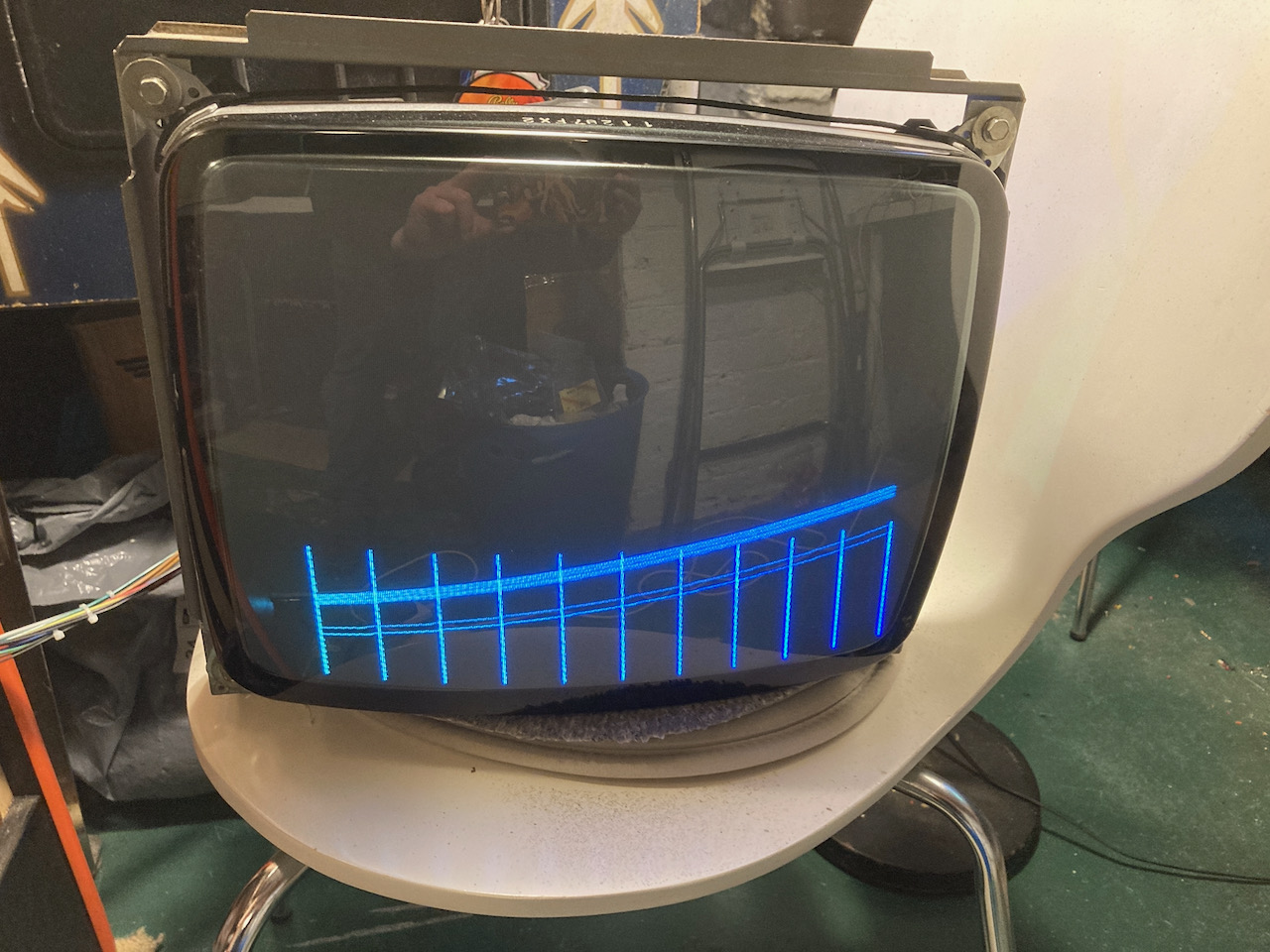
Here's another pic from the test screens, that may shed some light. I'm trying to work out what would cause this! Should be the cross hatch screen

tempest_pcb_y_position_issues_-_1_1.jpeg
 

Monstermug

Active member
Feedback
23 (100%)
Credits
1,807CR
What does test mode say? M IS MATHBOX. try reflowing the connector. Wild guess is probaby one of the big chips on aux board has gone bad or needs reseating. Forgot what they are called now. Or the op amps like what Nad said. Change y too if u only changed x.Monstermug2022-06-10 22:32:08
 

myPinballs

Active member
Feedback
18 (100%)
Credits
826CR
Monstermug said:
What does test mode say? M IS MATHBOX. try reflowing the connector. Wild guess is probaby one of the big chips has gone bad or needs reseating.

Can’t read most of the test screens very well, but doesn’t look like the M is present. Already reflowed the connectors and also made a new connector harness to solve an intermittent cpu crash/reset issue
 

Equites

Chief Sheesher®
vacBacker
Feedback
35 (100%)
Credits
3,329CR
Probably worth swapping/socketing the DACS to see if the problem moves to the other axis.

A bad DAC would certainly cause issues like that.
 

myPinballs

Active member
Feedback
18 (100%)
Credits
826CR
Ok so i unsoldered, socketed and swapped the 2 6012 DACs around and now i get this, so i think we found the problem :) Just got to wait for some new DACs to arrive now. Hopefully these pics are useful as reference in future for bad tempest 6012 Dacs on either Y or X

tempest_pcb_x_position_dac_issues_-_2.jpeg
tempest_pcb_x_position_dac_issues_-_1.jpeg
tempest_pcb_x_position_dac_issues_-_3.jpeg


myPinballs2022-06-12 18:18:42
 

myPinballs

Active member
Feedback
18 (100%)
Credits
826CR
We are back in action :) New DAC installed. Took ages to arrive, but finally here yesterday. Decided to change them both just for reliability as were both socketed now anyway.

IMG_3390.jpeg


Now the only thing that i still think is a pcb issues is this.

Vector_monitor_lines_test_-_1.jpeg


Notice how the horizontal line is ok but the vertical one is on a slant slightly.

Any thoughts on what this might be? I think this is effecting the parallelogram ness of the image, so maybe its something to do with the pincushion correction circuits?

myPinballs2022-06-24 16:31:56
 

myPinballs

Active member
Feedback
18 (100%)
Credits
826CR
Yes I know that and it’s been adjusted a few times as per the images above. It’s the fact that you can’t straighten this y axis line using them so it must still be a PCB issue somewhere as the x axis one is nuts on straight
 

Equites

Chief Sheesher®
vacBacker
Feedback
35 (100%)
Credits
3,329CR
myPinballs said:
Yes I know that and it’s been adjusted a few times as per the images above. It’s the fact that you can’t straighten this y axis line using them so it must still be a PCB issue somewhere as the x axis one is nuts on straight

Check the two MC1495 in the Y axis.
 

myPinballs

Active member
Feedback
18 (100%)
Credits
826CR
Equites said:
Check the two MC1495 in the Y axis.

Thanks for the reply mate. I swapped the 2 main mc1495’s over earlier when I was chasing the Dac fault so they are socketed. The other 2 ( x/y correction ones) I haven’t touched yet so the y one of these is looking like the prime suspect now. Will replace and see what we get :)
 
Top