'VGA Input: No Input Signal'

jamesllywelyn

Newbie
Credits
1CR
Dear all,

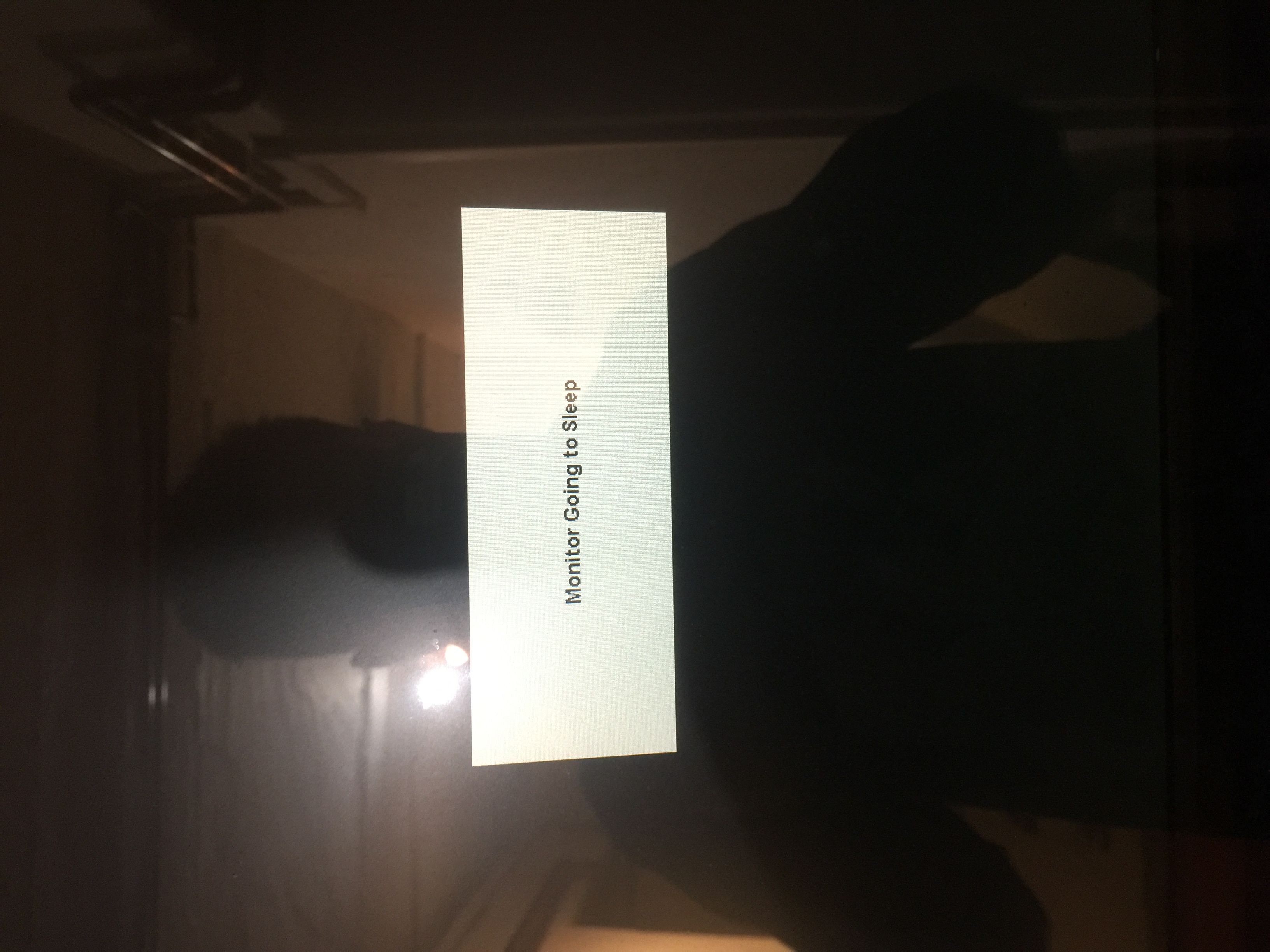
We're having some issues with our arcade machine. I believe it runs off of Windows XP. Every time we load the computer up it says 'Monitor Status, VGA Input: No Input Signal' and then turns itself off.

Has anyone else encountered this problem or have any solutions?

Thanks!
 

Kev A

Active member
vacBacker
Feedback
8 (100%)
Credits
747CR
Sounds like the monitor isn't getting any video signal from the pc and is going into standby mode, is the PC booting up (lights, PSU fan coming on?) first thing to check would be the cable between the PC and the monitor.
 

Shun

Active member
Feedback
1 (100%)
Credits
501CR
Welcome to the forum.

Are you able to plug the VGA cable that is going into the monitor into another monitor/tv that has a VGA input?

The issue could be one of the following:

It could be that the PC isn't booting correctly

The vga cable is broken

A dodgy connection on the monitor in the arcade machine.

You will need to eliminate things that could be wrong. If you try it on another monitor and it doesn't work either, I would assume that the monitor in your machine is ok and that there is an issue with the vga cable or the PC itself.

Then you could try plugging another computer into the monitor on the arcade machine (be careful with the resolution though).

I'm assuming it worked at some point and is not working now.
 

big10p

Coins detected in pocket!
vacBacker
Feedback
13 (100%)
Credits
6,093CR
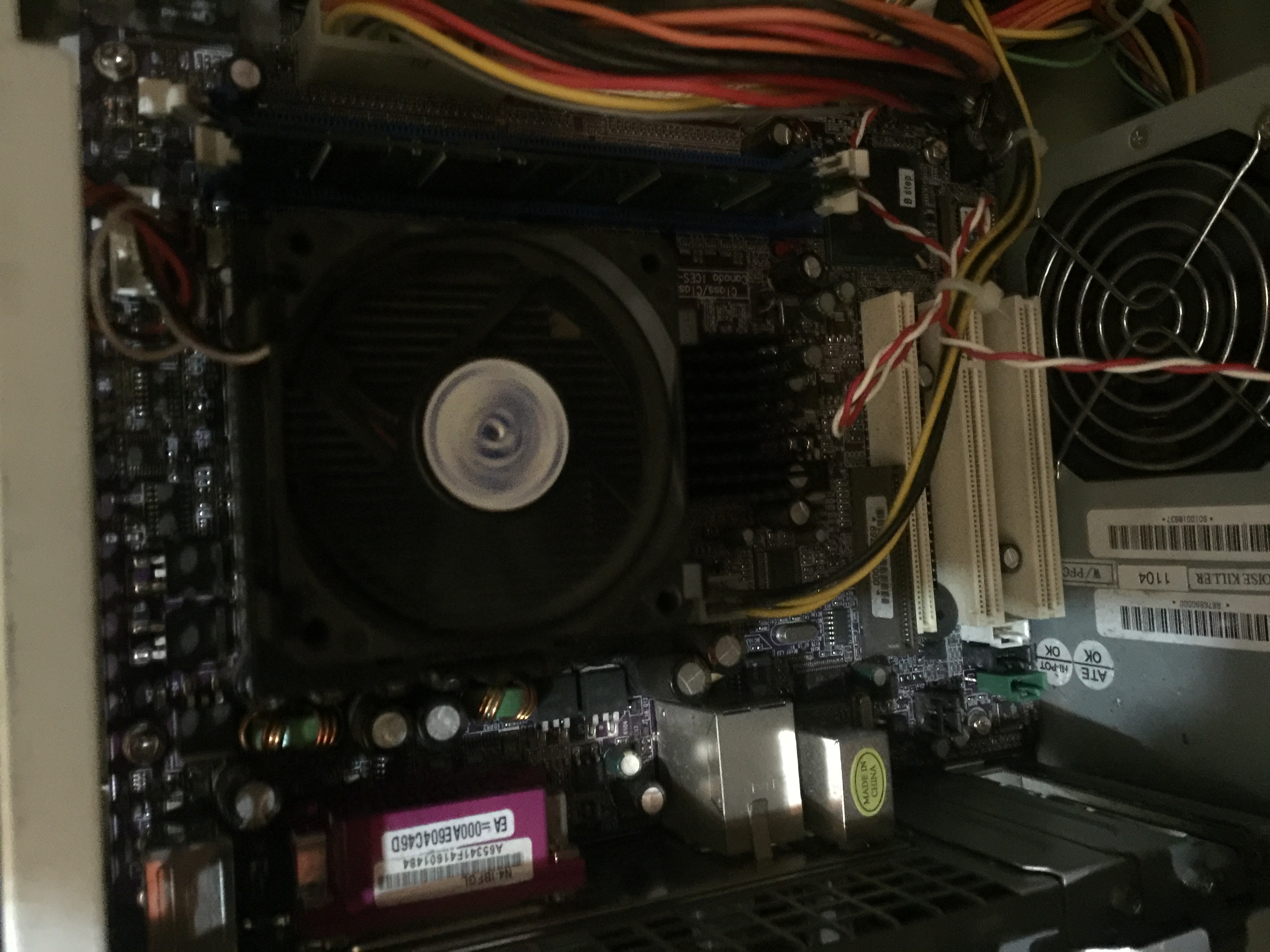
Check the video cable is connected properly to the PC and the monitor. I assume it is an LCD display? Some more details about what cab you have, and some pics of the internal connections would be useful.

[edit] I was beaten to it.
smiley1.gif

big10p2018-12-21 16:10:15
 

jamesllywelyn

Newbie
Credits
1CR
I think I’ve narrowed the problem down to the PC not booting correctly. I’ve tried another VGA cable and plugged in a separate monitor and received the same result.
The computer itself is flashing and sounds like it is repeatedly trying to boot itself up but it’s as if it never quite gets into gear. I’ve tried to add some photos but unable to figure out how to do it properly
 

big10p

Coins detected in pocket!
vacBacker
Feedback
13 (100%)
Credits
6,093CR
Sounds like it might be HDD failing. Add photos by clicking on the diagonal arrow icon above the reply box, then click the little tree icon.
 

jamesllywelyn

Newbie
Credits
1CR
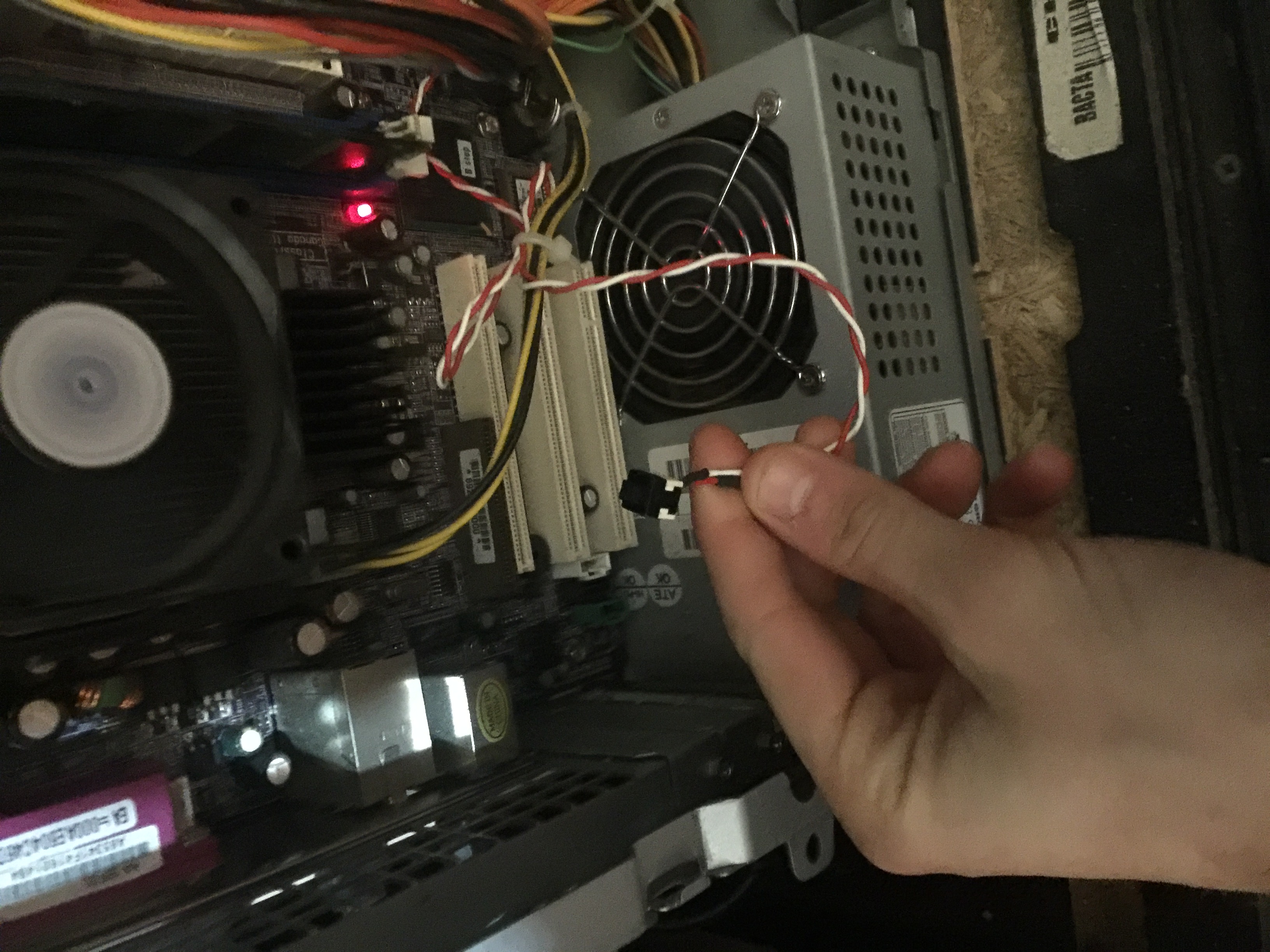
The wire in the final picture is loose inside the machine, however, there doesn't seem to be a connection at the end and I can't identify a port on the motherboard that it could slot into
 

jamesllywelyn

Newbie
Credits
1CR
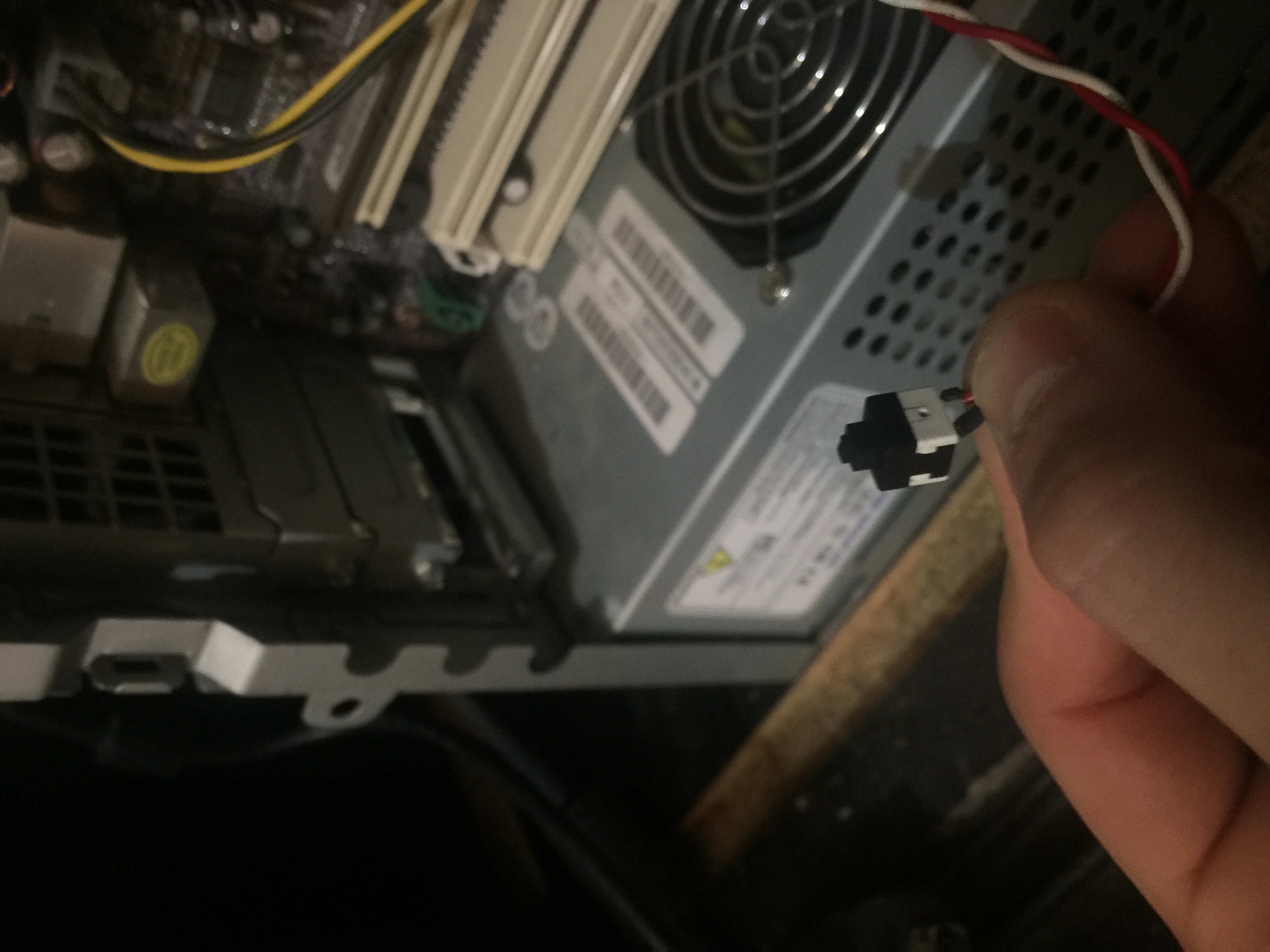
So, this is the lead that is not connected to anything. It's a switch and when i hold it down the computer tries to boot for a while longer. Any ideas?
 

big10p

Coins detected in pocket!
vacBacker
Feedback
13 (100%)
Credits
6,093CR
Looks like this is an old PC. Bit confused as nothing seems to be connected to the SATA ports. Does your HDD use an old IDE connection? Check the HDD connections are good. Does nothing get displayed on the monitor to begin with (i.e. the usual BIOS/POST messages)?

It could be that the BIOS battery is dead and the CMOS settings have been wiped.
big10p2018-12-21 17:40:01
 

Kev A

Active member
vacBacker
Feedback
8 (100%)
Credits
747CR
that looks like a power/reset switch possibly relocated to make it easier to reach in the cab. If you can check the connections to the hard drive and reseat the memory. Pop it out by pushing the tabs on the sides outwards
 

TheDaddy

Senior Member
vacBacker
Feedback
14 (93%)
Credits
7,230CR
The un-connected cable will be the power switch to force power on if the system does not come on when power is applied (I.E If the cmos battery dies). Its common to leave them in there in case. As far as the system not booting it could be a number of things , Bad memory contact, Faulty graphics chips ect ect ect. Take the memory out one by one and clean the slots (Brush off any dust and rubbish with a clan paint brush , Clean slots with IPA if you have any. Clean contacts on chips with IPA and re-seat. Make sure the power cable is plugged in (but not turned on) and touch the case before you remove them - Removes any static). Apart from that its hard to say what else you can do without someone having a look at it. Has the system always worked and then just stopped on you ??

Dave.
 

Ropi Jo

Active member
Feedback
2 (100%)
Credits
127CR
My 2 penneth, based on PC experience , not arcade experience........

I would go straight for the MOBO battery and BIOS. I use a controller at work that boots at power-on then operates from a hard disc, but when the bios battery dies it wont boot. Using the 'button' to boot it, it will try to start then shut down. We have to replace the battery (2032... standard), use the switch, hit 'del' repeatedly (but this may be a different key on your machine) (you'll need to plug a keyboard in, obviously), then once in BIOS find the power and boot options. Hope that's all it is on your unit.

Good luck.
 
Top