You are using an out of date browser. It may not display this or other websites correctly.
You should upgrade or use an alternative browser.
You should upgrade or use an alternative browser.
1992 mortal kombat restoration
- Thread starter musashi
- Start date


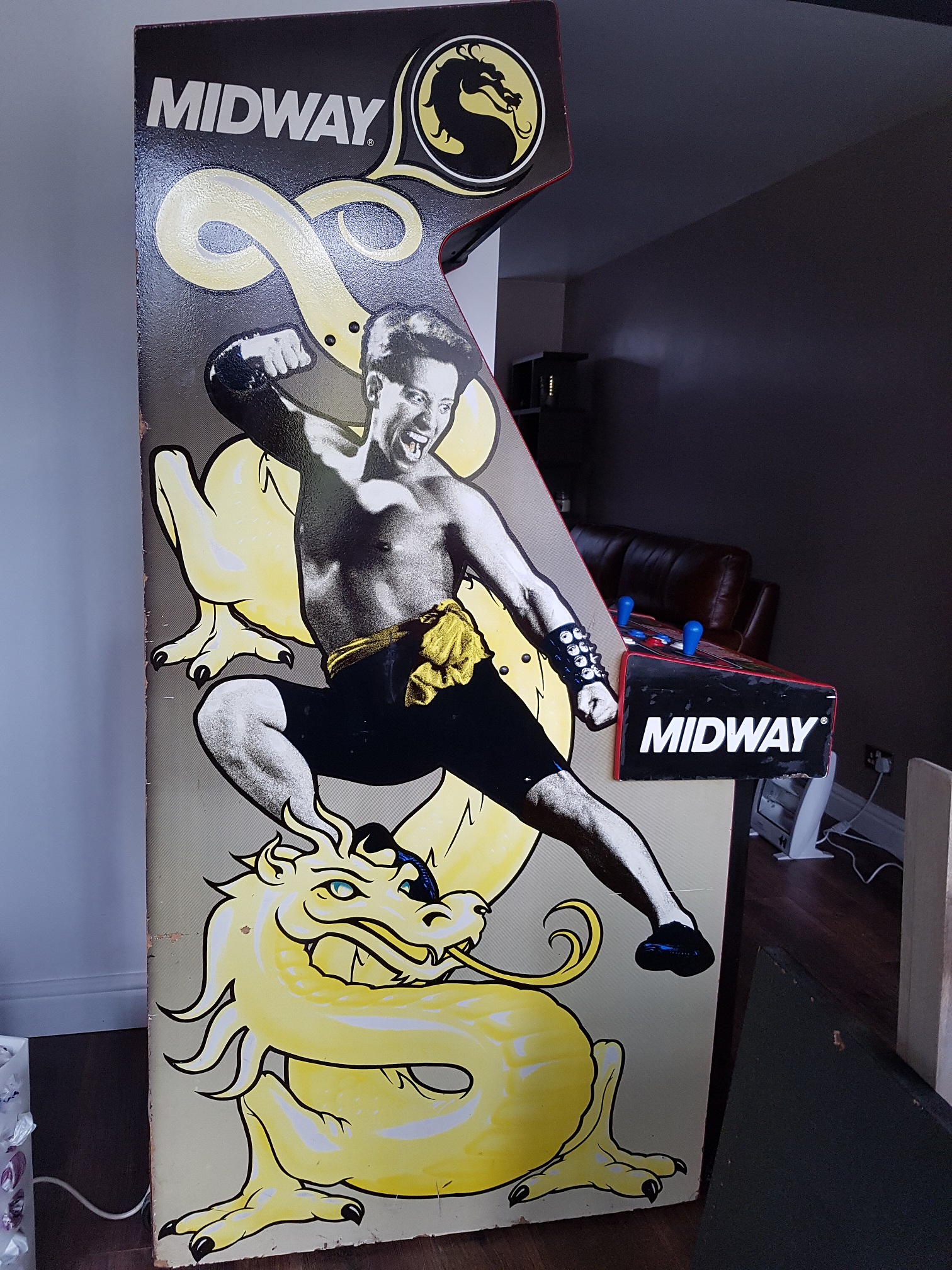
I am currently turning my total carnage machine (same cabinet as your MK1) into MK2 and if it helps my thread is here
http://www.ukvac.com/forum/mortal-kombat-2-conversion_topic357167.html
I actually have the Control panel and front art already printed if you would like them cheap. Just cover the printing costs and postage and they are yours.
http://www.ukvac.com/forum/mortal-kombat-2-conversion_topic357167.html
I actually have the Control panel and front art already printed if you would like them cheap. Just cover the printing costs and postage and they are yours.

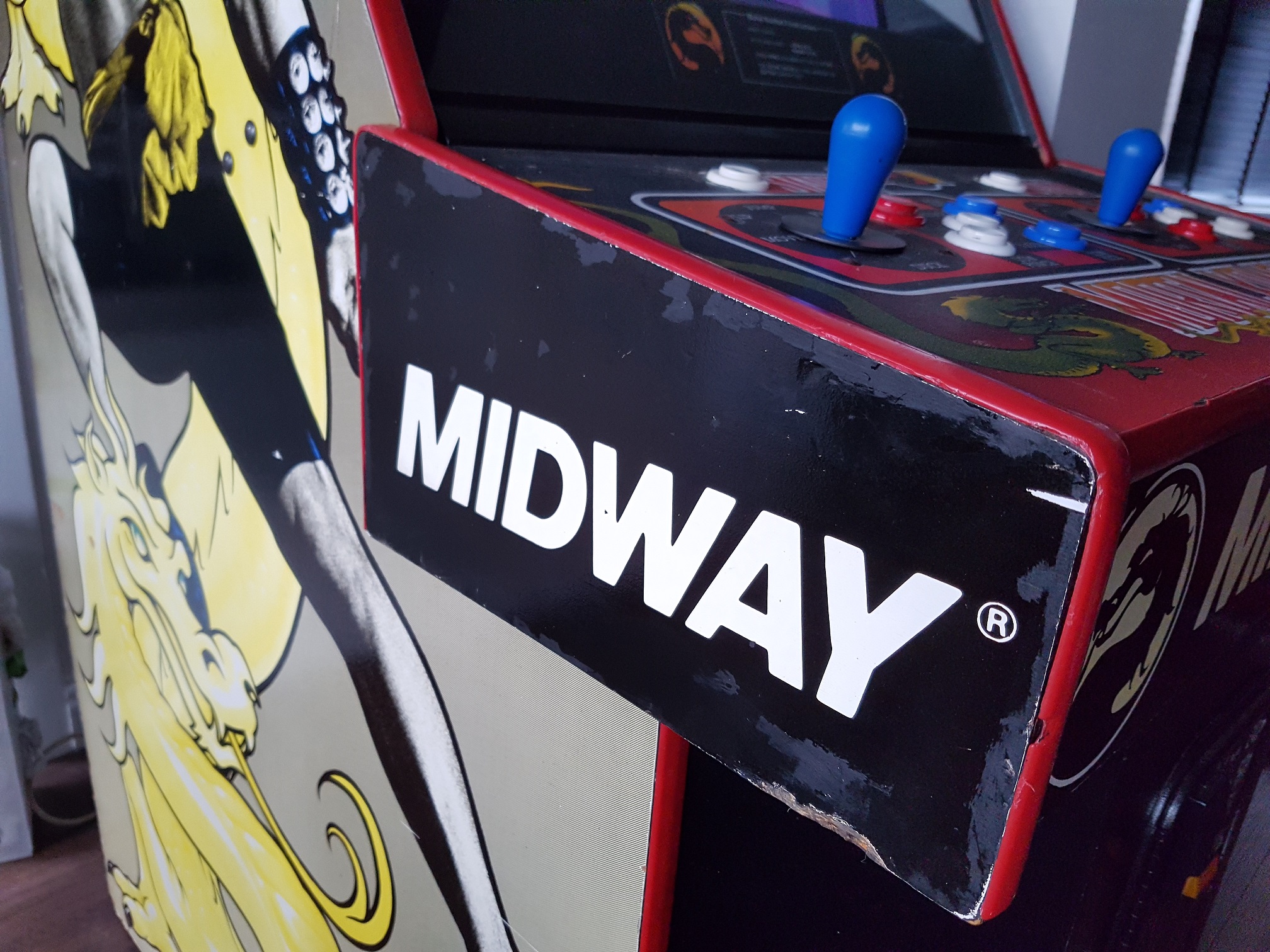
You'll be able to undo a couple of brackets under the control panel inside the cabinet, the whole panel will lift out then. Check the underside of the buttons which are probably screw fit ones. Then you can buy the same colour and type from Arcadeworlduk, you want happ concave button.
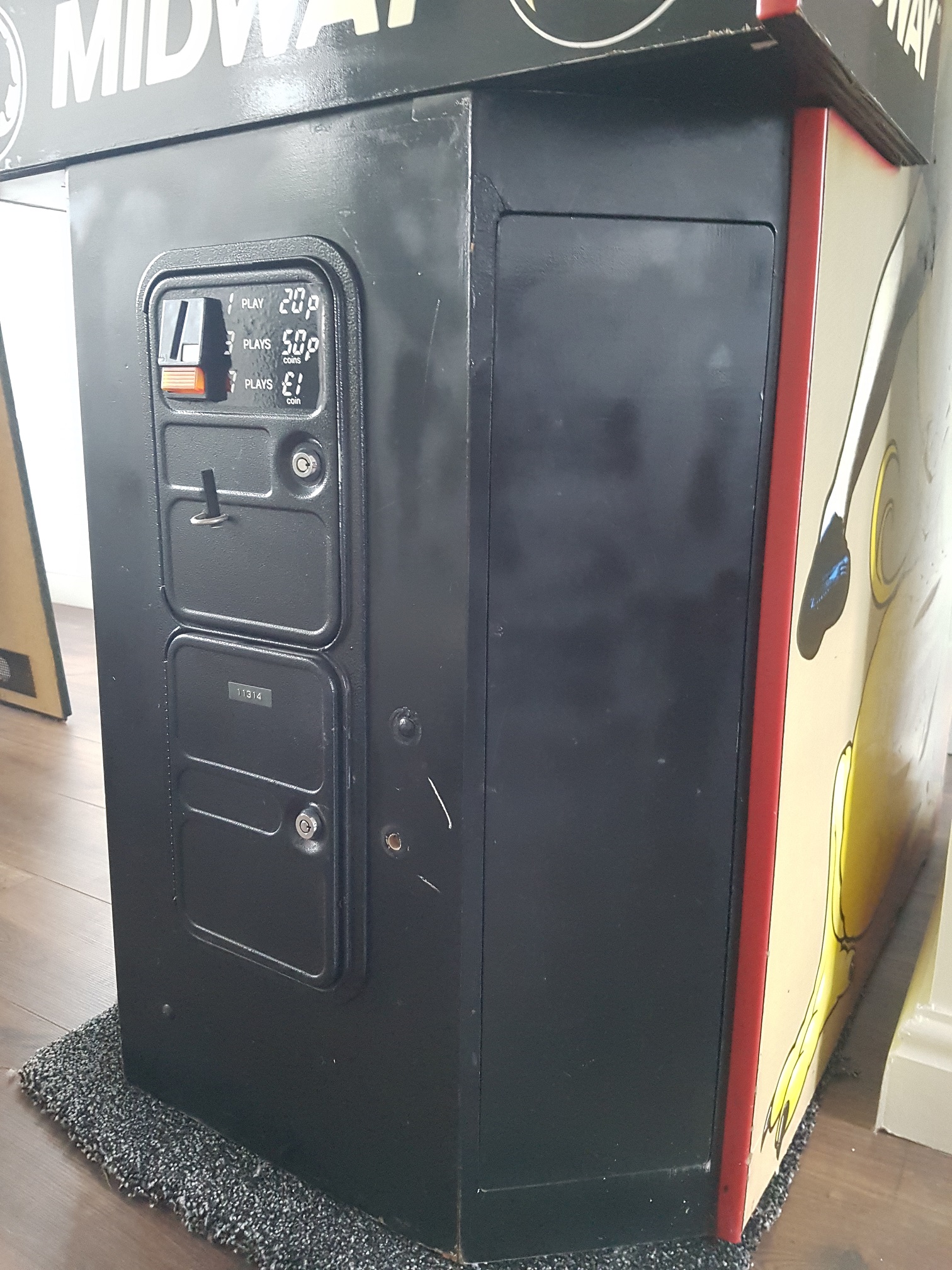
musashi said:sent you a pm mate, does anyone know how to fix that awful spray attempt in the last picture?
Yeah, sand it down, fill any bits and get some Satin Black Plasticote Spray and redo it black
My Double Dragon 2 went from this to that
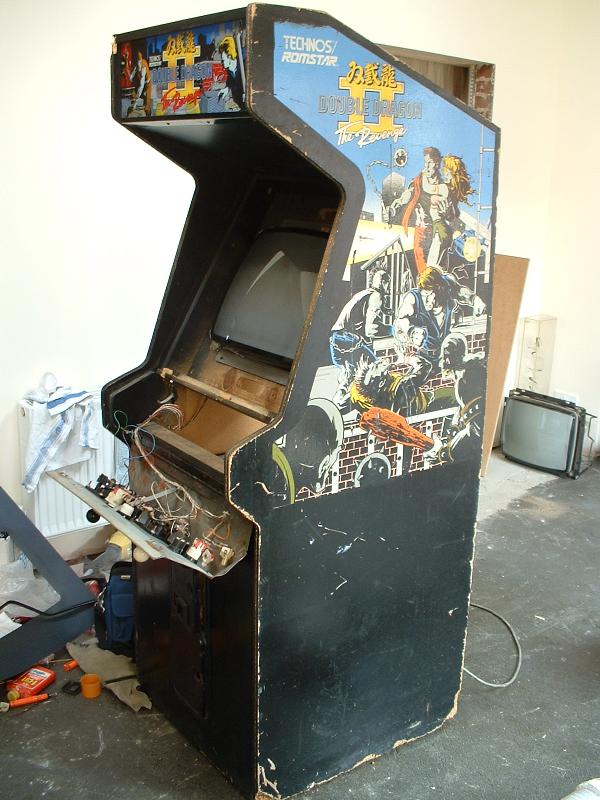
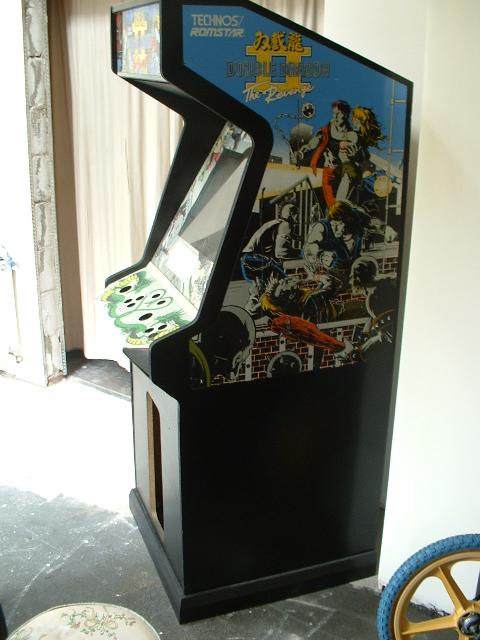
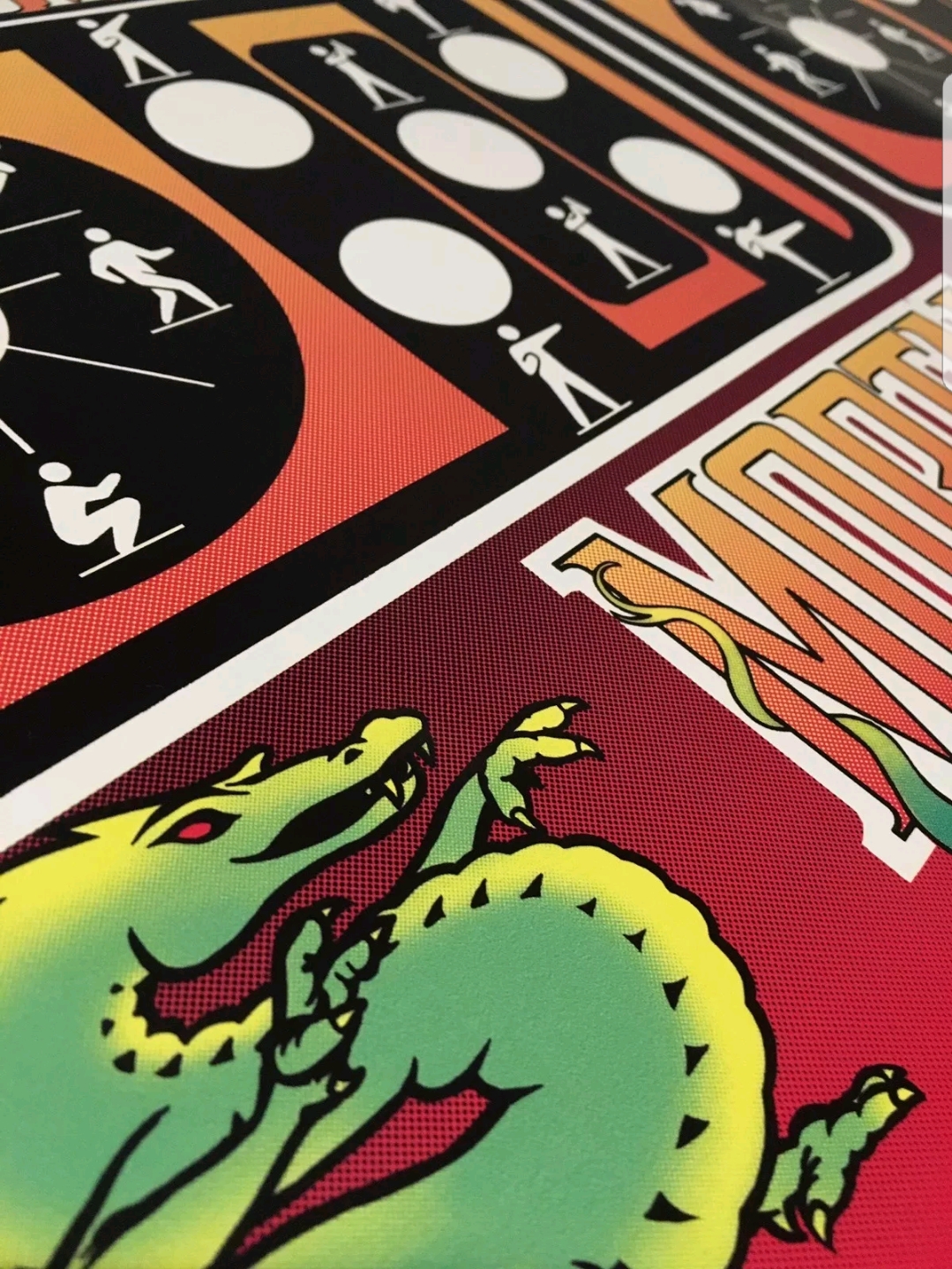
musashi said:the stick men look better, will it have the detail on the dragon and the mortal kombat lettering?
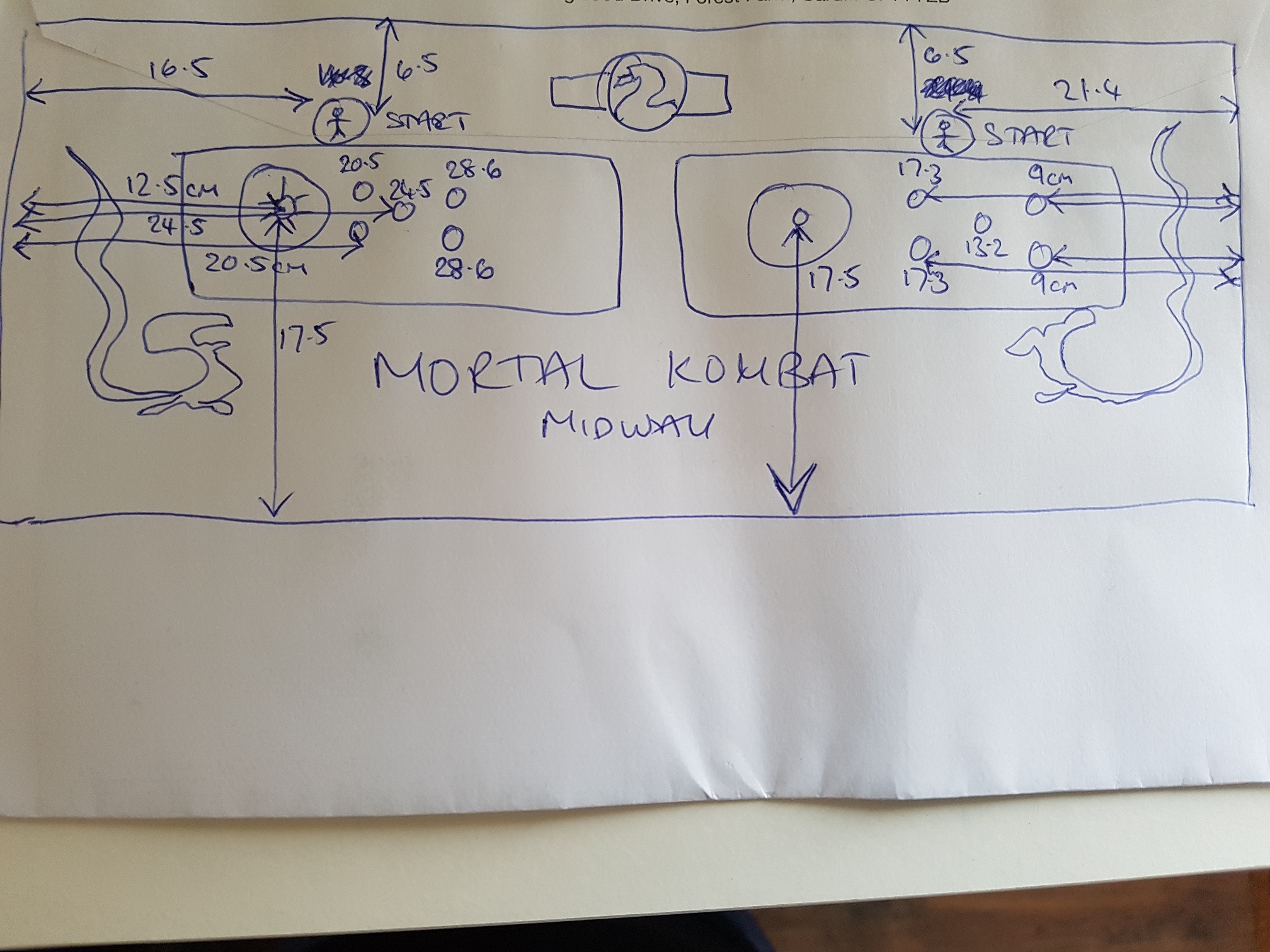
My control panel is unalignedso might be tricky to fit new art?
The art is readily available exactly how you want it. If it needs adjusting to your cabinet though, send me dimensions and ill resize and give you the measurements to print it in.

musashi said:ok great can give you those measurements tonight cheers!
Just seen what you mean by off centre..
Looks like the holes for all the buttons are shifted left but the sticks are centralized okay ?
option 1) print as is and it would end up looking like it does already but new and clean
option 2) provide measurements to the centre of each button and I can shift the artwork around it, whilst this would work you would end up with non centralised art on the control panel to match your non central buttons. I'll shift the button layout over half a cm tonight to the left and you can eyeball the art to see if it looks 'off' you may find that assets being moved looks worse then just the buttons not aligning.
Option 3) Get some MDF and create a new control panel with new properly aligned holes.
thanks! i think the previous art was cut incorrectly as the left hand dragon has more of a gap to the edge that the right hand side, which explains why the buttons appear off centre.
Would you recommend that I remove the the previous art to apply the new one? or apply on top of the existing?
Would you recommend that I remove the the previous art to apply the new one? or apply on top of the existing?