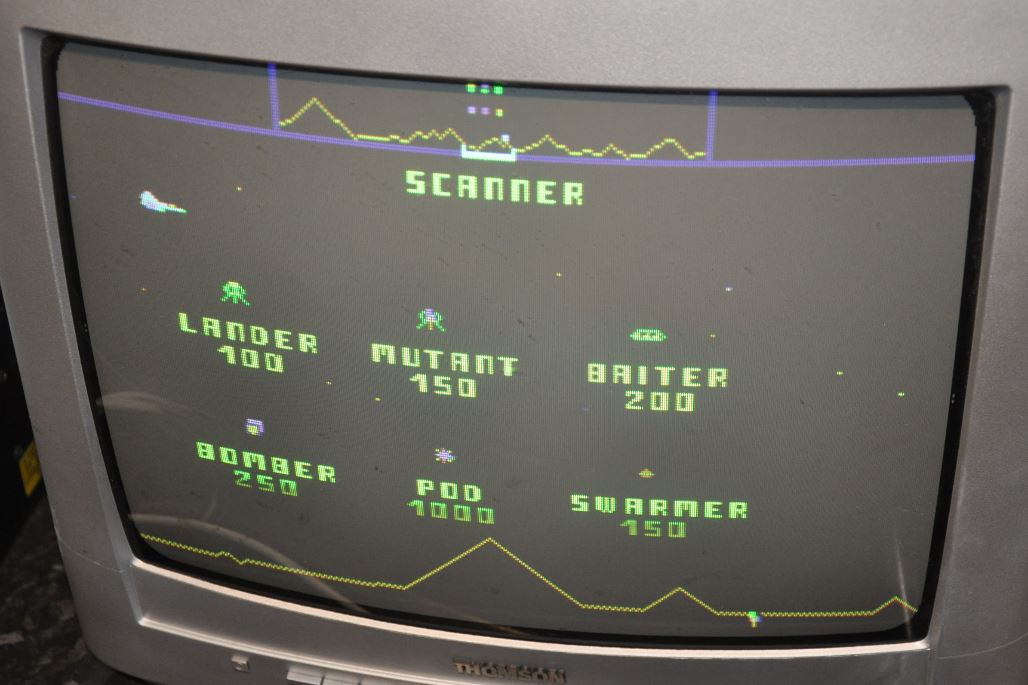
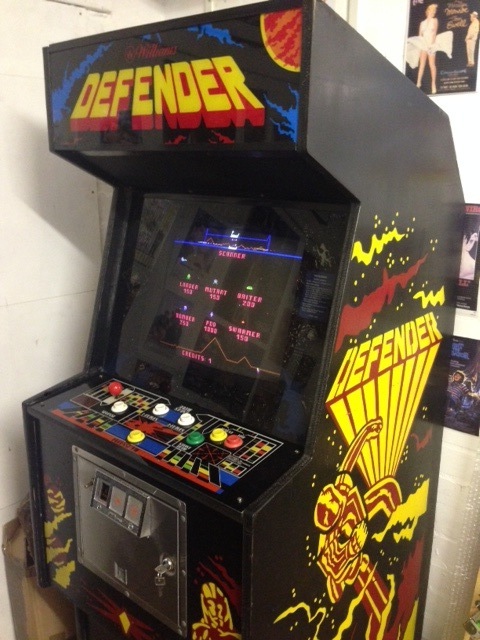
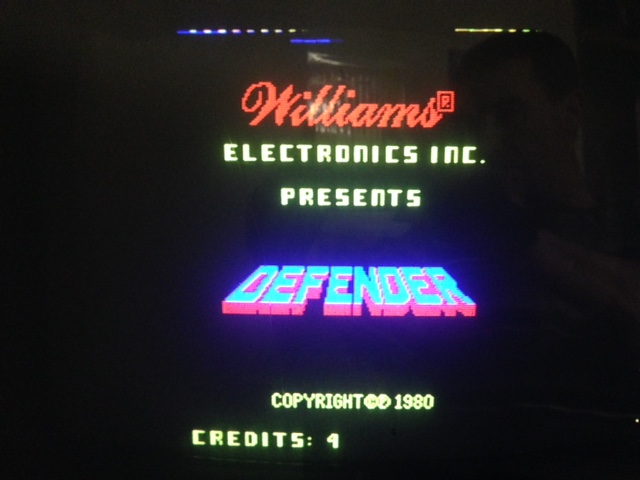
So Mike ended up sending me his boards to have a quick look. Didn't turn out that way and they really were a basket-case and just finished the repair this morning...
First
of all the CPU is an early version which only puts out separate H &
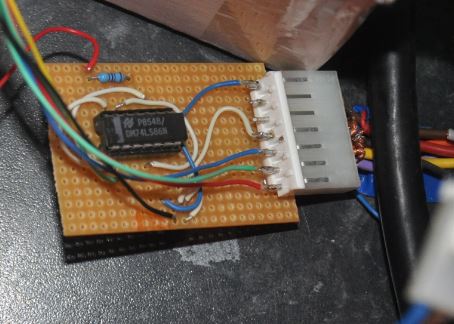
V sync. The later boards put out composite, so first step was to build
a sync combiner (Williams did a pretty good job of this so I just used
their circuit). It'll come in handy for later repairs I'm sure.
So the CPU was connected up to a known working ROM board and known good RAM was fitted. The result was a "corrupted" rug pattern but then the CPU was constantly watchdogging. Disabling the WD didn't do much as it just locked up and couldn't see what it was trying to do so I re-enabled it. I removed the CMOS RAM in case that was messing up the data bus but no change, added a socket but left it out of circuit as they often go bad.
With the logic probe I went around pretty much the whole circuit, from the clock, through the CPU, onto the screen counter, shift registers and colour RAM, nothing seemed to be stuck, so it wasn't going to be that easy.
Started trying to get the picture working first as I could then tell what else was going on. With a scope the screen address counter was checked and all looked ok. Moved onto the video RAM mux as something just didn't seem right. Rather than swap out just one of the muxes, I replaced all 4 (as if 1 has failed, the rest are likely to go soon). The result was the pattern that was posted earlier with the extra lines on the screen, so I guess between the first post and the boards arriving with me at least one of the mux chips has failed.
The extra lines point to wrong information being fed to the colour RAM section, i.e. the serial shift registers which are another regular failure. One had already been swapped and socketed, so I tested this one in my chip tester, it passed the test, typical
. Desoldered the rest of them and replaced them all (including the one that said it was ok, they're not expensive and hopefully will have a long life). Now we're getting somewhere, the result was this:-
Looks a bit odd, I suspected the decoder ROM at this stage because of the duplicated text, but swapped out for a known good one and got the same result. It gets to the test menu ok but then resets so there must be something corrupting the address/data bus.
The video RAMs are separated from the CPU data bus by LS374 buffers, suspecting these, or the 74245 CPU data bus buffer, I decided to swap them all out.
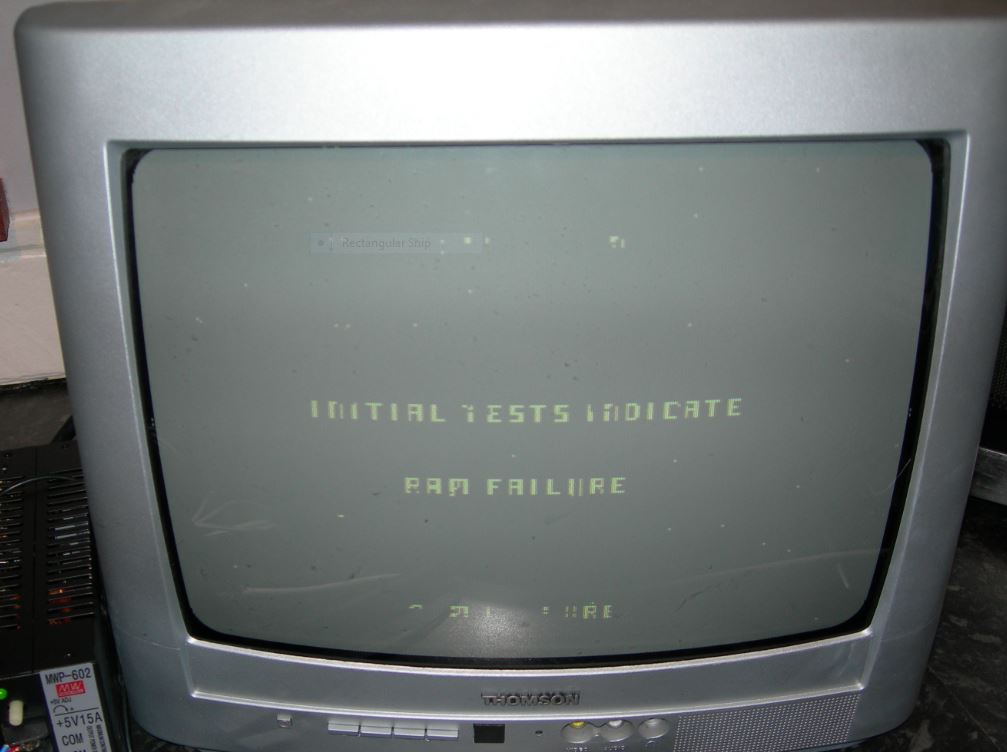
Powered all back up and now we're almost there. A nice-looking rug pattern, and text I can read, that says CMOS RAM failure. I forgot I hadn't replaced the CMOS RAM
Replaced the CMOS RAM, but still got the failure message so I don't feel as stupid. Put in a new CMOS RAM and we now get this
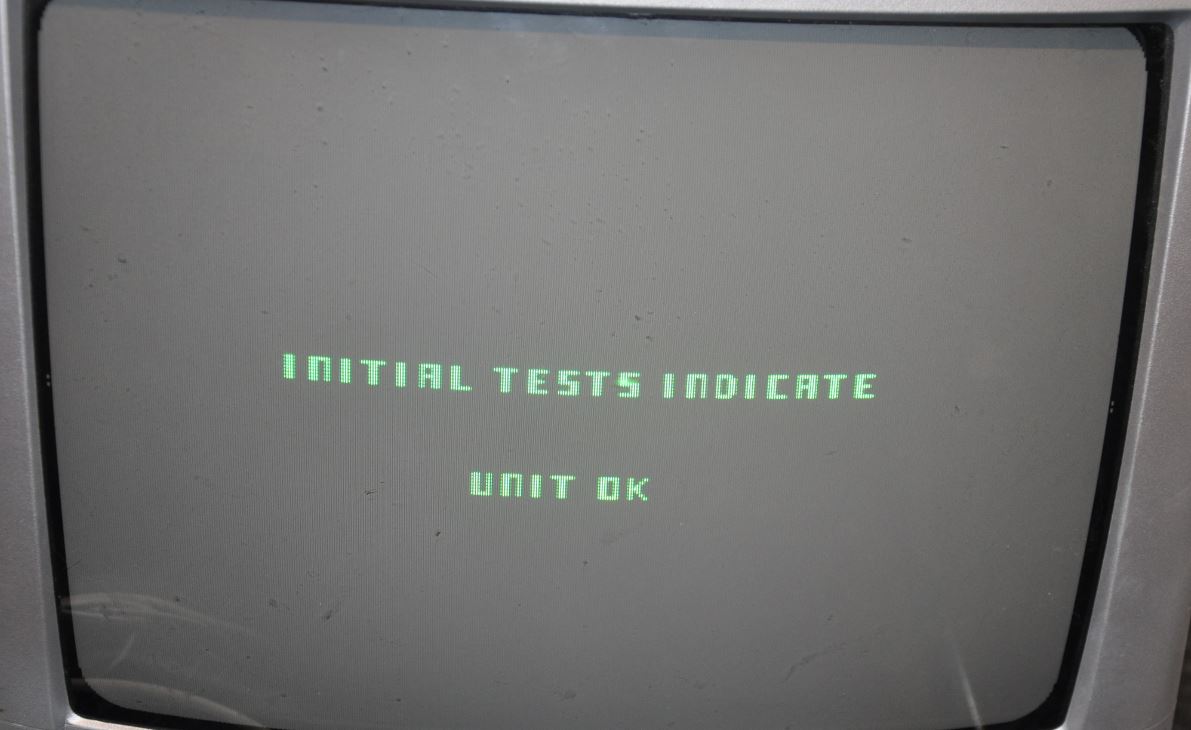
Then this
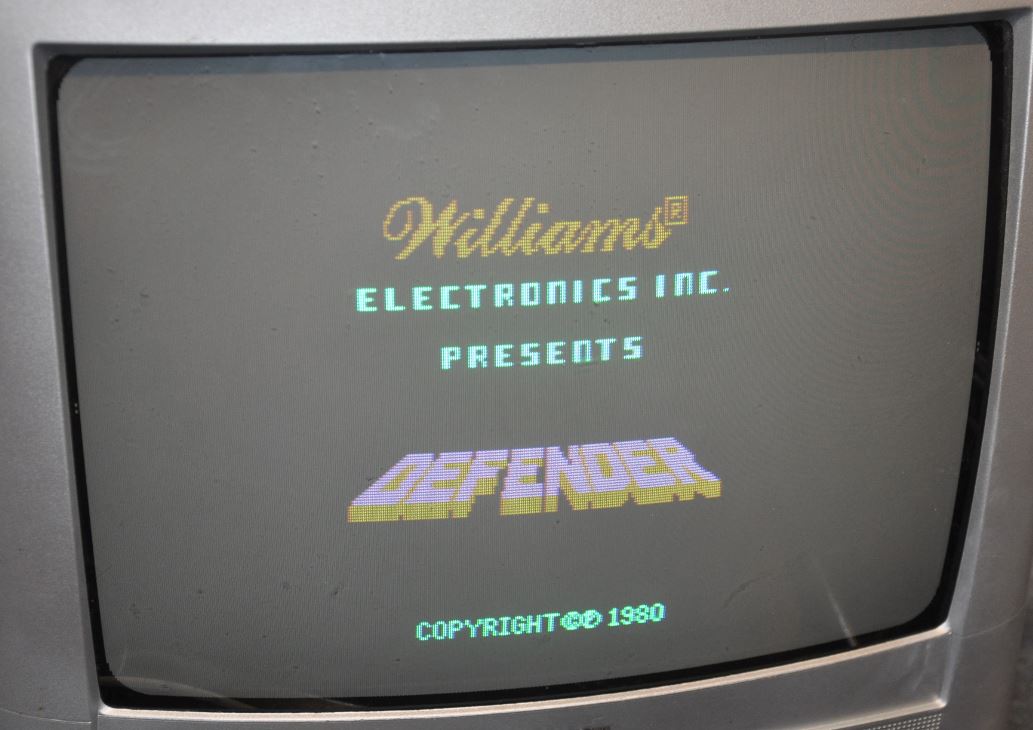
And it runs up into the demo
A quick check through the various tests and everything tests ok.
The colours (well, the red) looks a bit washed-out, but that could be my monitor. Main thing is that the CPU board is now working.
Tried it with Mike's ROM board and got the occasional ROM error, so cleaned all the ROM legs and found a couple that might snap if they're removed again. Powered back up and no more ROM failure, everything seems to be working as it should
Whilst the repair has been far from straightforward, it's been a great learning experience too, which is probably a good thing as I've another 10 or so CPU boards to fix...