Defender Resets

Judder

Active member
Feedback
2 (100%)
Credits
1,009CR
Equites said:
You 'may' get some success piggybacking, otherwise, do you have a logic probe?

Hey Equites

Thanks for the advice on the paint on masking fluid (different topic but totally forgot to say thanks!)

Yes I have a couple of logic probes here with Mike's CPU board and a scope to test - so any recommendations on how best to check it much appreciated

As mentioned above I don't have any replacements to piggy back but hopefully there are some 'Bay or someone has a couple spare here

Update: Just bought 4 * 5 as per Equities handy link so we should be good to test when they arrive
smiley2.gif
Judder2014-12-10 00:00:37
 

philmurr

Active member
vacBacker
Feedback
48 (100%)
Credits
2,374CR
On the 74165's

Probe pins 6,5,4,3,14,13 to check for stuck inputs

Probe pin 9 to check the serial output

Then move to 2I (74257)

Check pins 3,6,10,13 (which should be the same as the serial outputs above), and check pins 4,7,9,12 which feed the addresses for the colour RAM.

All the above should be pulsing, you might be lucky and find one stuck which may point to the fault.
 

Judder

Active member
Feedback
2 (100%)
Credits
1,009CR
Here's a video of the CPU board running in our office Defender cabinet


The CPU boots fine, triggers the sound card, does the 'rug' patterns across the screen and then gets to either the Green 'All Systems Go' screen or the Red 'RAM Error' screen

This is good as it means the guts of the board are working fine.

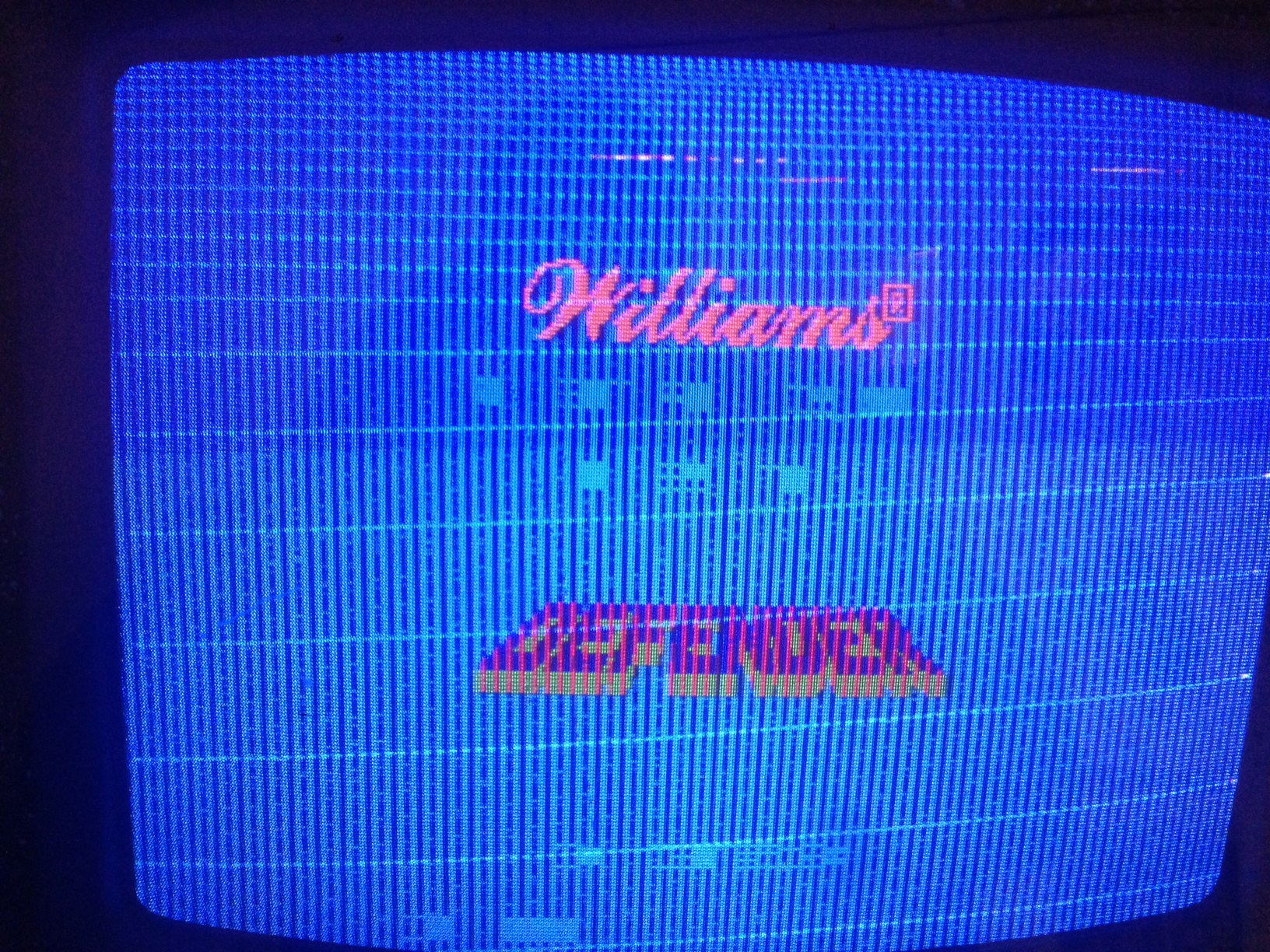
As you can see from the video, the sync is massively out on the video output, so the pictures heavily distorted.

Our cabinet is rigged up for a later CPU board (the twin decode one) which has the Jamma sync inversion cut on it

Guessing that would make our monitor heavily out of sync with what the early boards would be sending as the sync would be inverted

Any thoughts???
smiley5.gif


photo_24.JPG
 

Judder

Active member
Feedback
2 (100%)
Credits
1,009CR
Good point - just remembered (*the wonders of a glass of wine) that my monitor is a replacement Wells Gardner rather than the original Electrohome which has Positive AND Negative sync connectors on it

I'll swap it over to the other connectors tomorrow - I split my monitor cable to allow me to do this - and see how it syncs in.

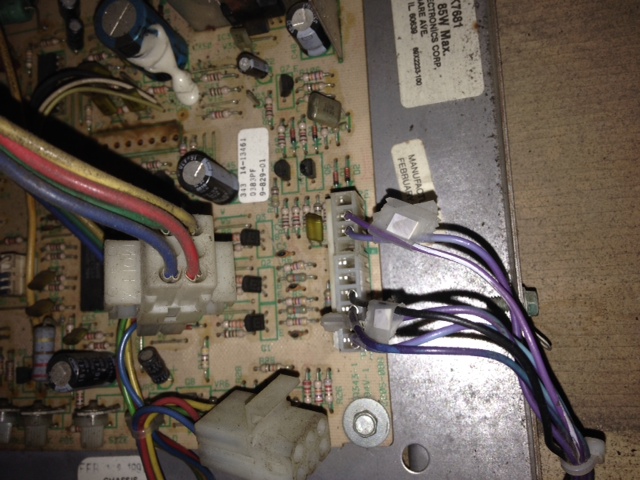
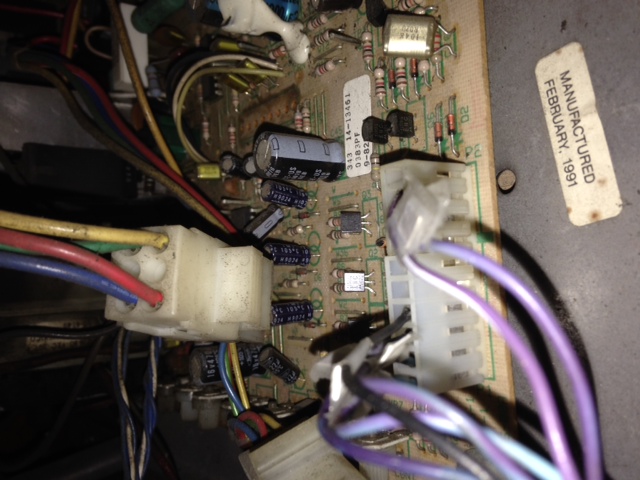
My thoughts are actually that all the boards are fine, bar maybe a bit of flaky RAM, and that Mike might just need to replace his connectors to the CPU power and monitor

smiley4.gif
 

tb lilley

5 Star
vacBacker
Feedback
2 (100%)
Credits
1,686CR
I'd be tempted to just reinstate the cut trace - then have a single connector wired to positive sync on the WG. Makes no real odds though, and entirely your call.
 

petercasino

Active member
vacBacker
Feedback
8 (100%)
Credits
212CR
The monitor in my cab is a Wells Gardner K4600. I have already replaced the CPU power connector but haven't touched the monitor connections so maybe that's the issue?

Feels like it's getting there. Thanks!
 

tb lilley

5 Star
vacBacker
Feedback
2 (100%)
Credits
1,686CR
I doubt there's anything wrong with your monitor connector.

Alex has a board that's been modified to output negative sync, and has wired up to his monitor accordingly. Your board is unmodified, and outputs positive sync (as it should). But using Alex's monitor wiring means that the sync is al over the place when wired to your board.

If I were Alax I'd just reverse the mod on his board and have it output positive sync as always intended.
 

Judder

Active member
Feedback
2 (100%)
Credits
1,009CR
Short on time today but here's how I split our monitor connector to move the sync lines into the second pair for negative sync. on the WG monitor.

So you have

R - Red

G - Green

B - Blue

+H - Positive Horizontal Sync

+V - Positive Vertical Sync

<Key>

-H - Negative Horizontal Sync

-V- Negative Vertical Sync

(extra space caused by using a plug that is one place too long...)

With my other Williams Jamma converted boards I have added a micro switch to enable the jumper to be open / closed to switch between positive sync (Williams' default) and negative sync (JAMMA / Supergun for testing)

I'll post some pictures of that up too to keep the thread complete

photo_2_5.JPG


photo_1_8.JPG
 

Judder

Active member
Feedback
2 (100%)
Credits
1,009CR
Friday night - time for some helpful videos
smiley4.gif


Here's 3 videos of the CPU board running in our Defender cabinet

I've converted my video back to standard Negative Sync and as you can see the sprite characters seem to be coming through all fine

There seems to be an intermittent issue where coining up the game, or doing various things while playing causes the CPU to blip in and out of noise and then normal playing

The RAM seems dodgy too as we get occasional Green PASS results, and Red FAIL results, but that's kind of normal with Defenders
smiley5.gif


So... it sounds like all is good bar one dodgy TTL chip coming in and out of life - anyone seen this kind of thing before?


In the background you can hear our team in the office about to head out for Friday night!
 

tb lilley

5 Star
vacBacker
Feedback
2 (100%)
Credits
1,686CR
I think Philmurr's advice above is the way to go.

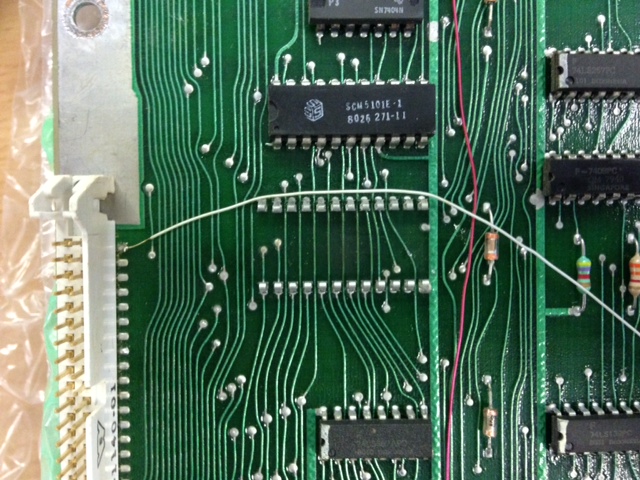
But failing that, keep it simple, look for the obvious. Pull the video decoder, clean legs, reseat. Check for cold joints around the video decoder and the 74165s. Start buzzing out the tracks. The usual really.

The resets .... could be RAM. So again, it's down to checking sockets etc.
 

Judder

Active member
Feedback
2 (100%)
Credits
1,009CR
tb lilley said:
I think Philmurr's advice above is the way to go.

But failing that, keep it simple, look for the obvious. Pull the video decoder, clean legs, reseat. Check for cold joints around the video decoder and the 74165s. Start buzzing out the tracks. The usual really.

The resets .... could be RAM. So again, it's down to checking sockets etc.

Agree TB

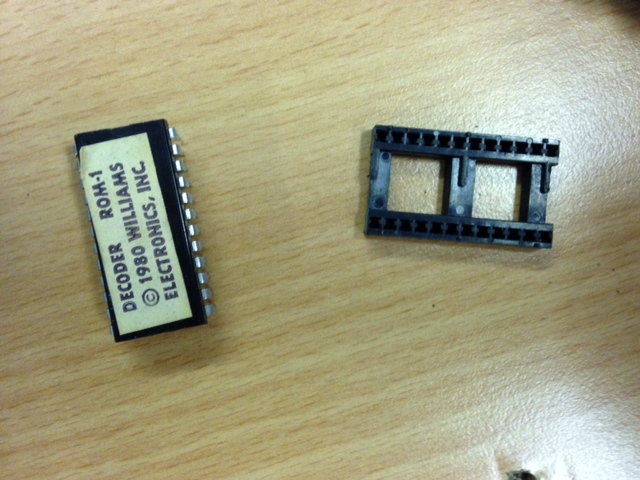
I cleaned, swapped and tested the video decoder with a known working one and no change to the video, so I think Philmurr's logic probing tests are the next way to go

To test the RAM I've had the board running for a number of hours today for the resets, and it's now continually resetting so I think replacing the RAM is definitely necessary to fix that issue

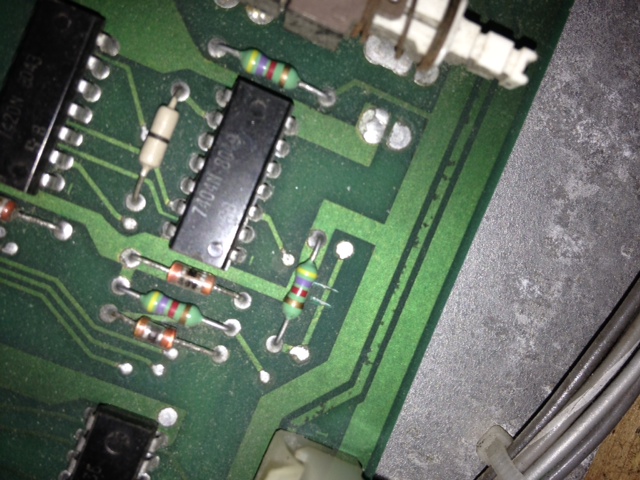
I'm running out of time before Christmas so the boards are probably going back to Mike to continue his diagnostics of the video issues, but here's a few shots of the decoder etc. and the resets showing the video's 'blocky' ness

DefenderDecoder1.JPG


DefenderDecoder2.JPG


petercasino

Active member
vacBacker
Feedback
8 (100%)
Credits
212CR
Alex, thanks for all your help in testing my boards, it's great to have narrowed the problem down!

In terms of the RAM, I only put those chips in a couple of weeks ago, does that mean that something on the CPU board is damaging them? I've actually ordered the RAM that runs off 5V and I'm just waiting for the adaptor. Don't want to put them in if the board is going to damage them though...

When I get the boards back I'll continue with the Logic Probe tests suggested earlier.

Thanks again everyone for your help.
 

petercasino

Active member
vacBacker
Feedback
8 (100%)
Credits
212CR
Ok, I got the boards back yesterday (thanks again Alex) and I've done some testing today.

The machine constantly shows the rug pattern when switched on as Alex mentioned in his last post.

I installed my 4164 ram and adaptor and there was no change, both with the original power supply and a switched mode one. I wondered whether there was a problem with the ROM chips so I tried the tests on this page: http://www.arcadesolution.com/rom.html but it just showed the continuous rug pattern as above with no LED's lit for each test. I've just tested the continuity of the RAM chips and everything's fine.

I'm not really sure what to try next, I was expecting the new RAM to at least get the machine back to the state where it booted up but didn't look correct. Any ideas?
 
Top