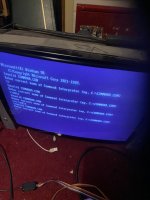
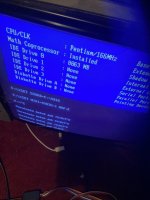
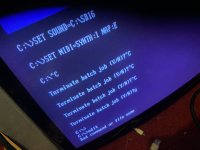
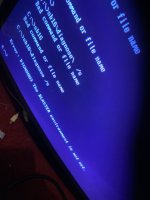
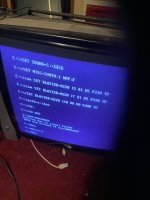
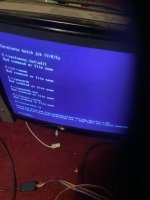
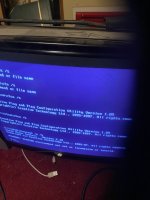
This is really difficult to diagnose remotely. From the picture on the 1st post of this thread, it's running DOS then, is that right? So is that the PC you put in the cab? Then you're trying to edit config files using another PC - is that right? How are you doing that? Are you using some sort of adapter to allow Windows to see the disk as a removable disk? If so, boot the Cab PC and try to edit files there (you might need to plug a keyboard in?). You get to the DOS prompt from either ArcadeOS by exiting it OR by quitting the autoexec.bat script before it runs ArcadeOS - you have to be very quick to do this, I think you press CTRL-C during the boot to do that. If you do you should see a black screen with a prompt for C:\ which you can then type in commands to. The command to edit files is just called 'edit'. Is not super easy to use, I think the main pain is that you have to use the cursor keys to move around the file, and then press the ALT key to get the menu drop-downs to appear then use the cursor keys to select save followed by exit. If you've never used it before it's difficult to use - just be warned.
If you get stuck you can just reboot and try again using (ctrl-alt-del).
Cool ..
Thanks for that gold info !
To answer your question .
I’m just taking the ssd from a dos pc in my cab ..
And then plugging it into a pc running win 10.
I used macrium to restore an image from original ide drive .
Original ide drive though has same issue , And Thats maybe because I plugged it into my pc as a slave Só win 10 has also assigned it a drive letter E too hence its doing same sound blaster issue .
I need to just get these drives to be C drives ..
Or at lease they all need to be seen as in a C drive ?
Any other way I can do this ?