Lindbergh hanging ?

Retroman839

Senior Member
vacBacker
Feedback
12 (100%)
Credits
7,132CR
Just rigged my Lindbergh up
After moving and it’s hanging on the loading screen?

Can’t remember what I need to do ?

Any help massively appreciated
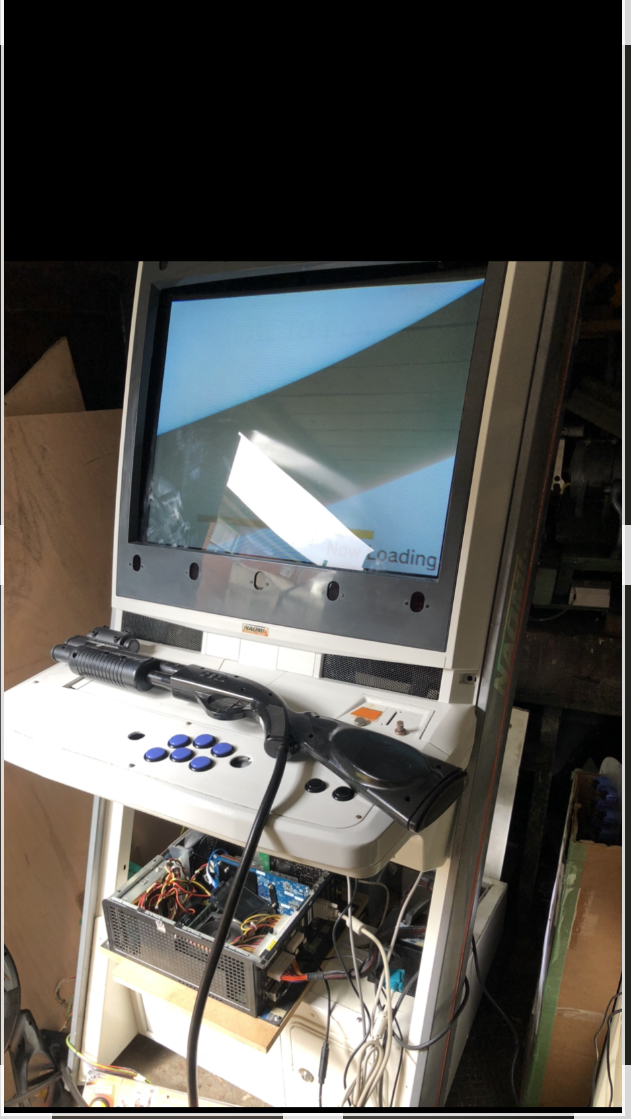
69523895-87F3-4FCF-9525-64F38DF74221.jpeg
Retroman8392022-08-20 12:45:59
 

jimmerd

Active member
vacBacker
Feedback
20 (100%)
Credits
425CR
On most PC based h/w you usually finds it's the I/O card , Video Card or Memory needs to be re-inserted.

However there is a chance the drive is damaged (if not an sdd) when moving or even that Video Card or another component is sensitive to the room temperature.
 

Retroman839

Senior Member
vacBacker
Feedback
12 (100%)
Credits
7,132CR
I have disconnected now
And im taking home to do more diagnostic

Just had a feeling it might be the hard drive
Or bios battery
I think I have had same issue before

On a better note
Naomi is working ok
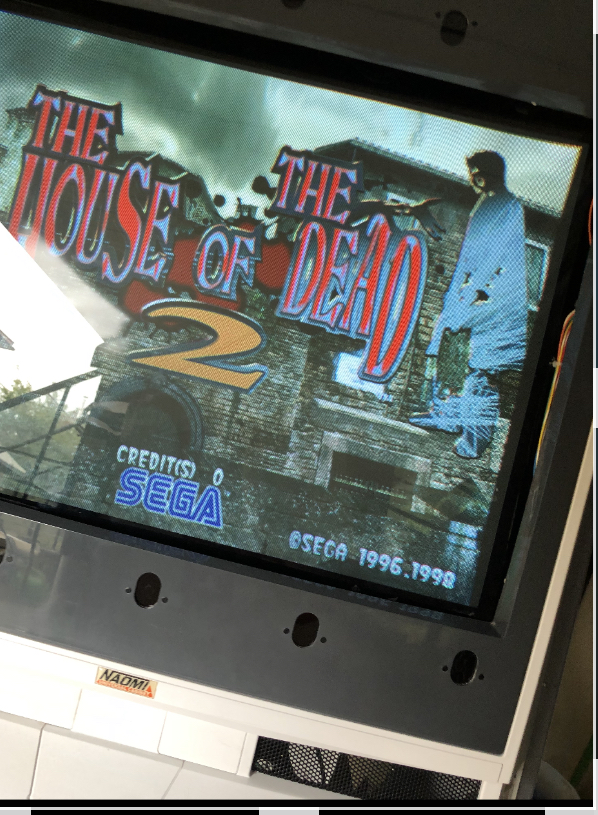
Gun cab has original hotd2 running for first time :)
2FF890BF-4F77-47DB-AF05-702E09A99E35.jpeg


Will reconnect the Lindbergh up at home tonight
And hopefully find another multi drive I had made a back up of.
To swap test the hddRetroman8392022-08-20 14:03:56
 

Retroman839

Senior Member
vacBacker
Feedback
12 (100%)
Credits
7,132CR
I just read this from arcade projects

“After that I turned it off and prepared it to move into my Naomi. After a few days when I booted it up it just hangs at the now loading screen.

Solved. Don't connect an unpowered I/O Board or the system hangs.”

And this

“ If anyone is technically interested, the Lindbergh knows a JVS IO is connected by the IO pulling the 5V of the sense line down to 2.5V. It is probably that an unpowered IO board does this by default, and so the Lindbergh detects an IO is present and constantly tries to talk to it and sits there in a loop expecting a reply but not getting anything.”

So maybe my io wasn’t powerd up..?

Retroman8392022-08-20 18:18:30
 

Retroman839

Senior Member
vacBacker
Feedback
12 (100%)
Credits
7,132CR
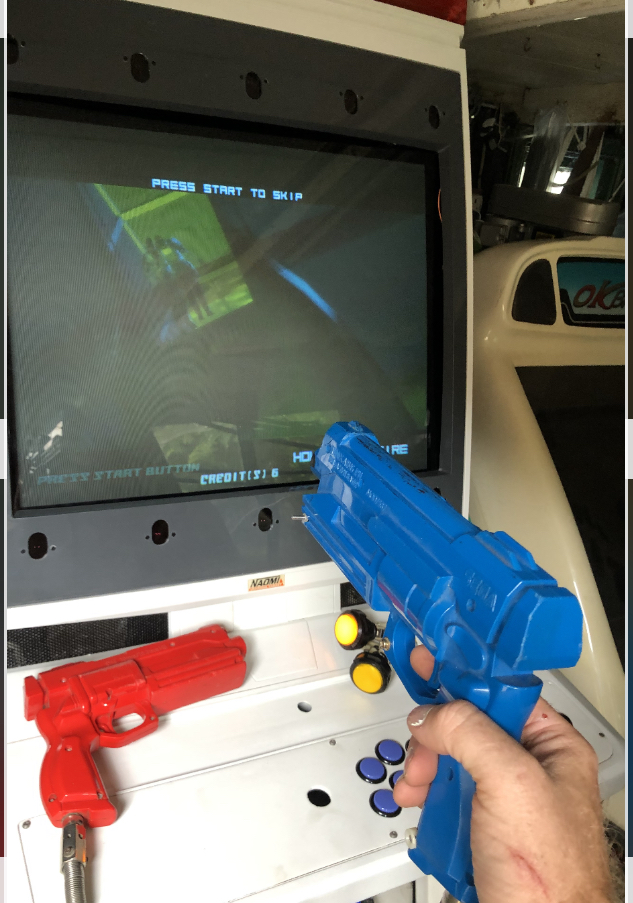
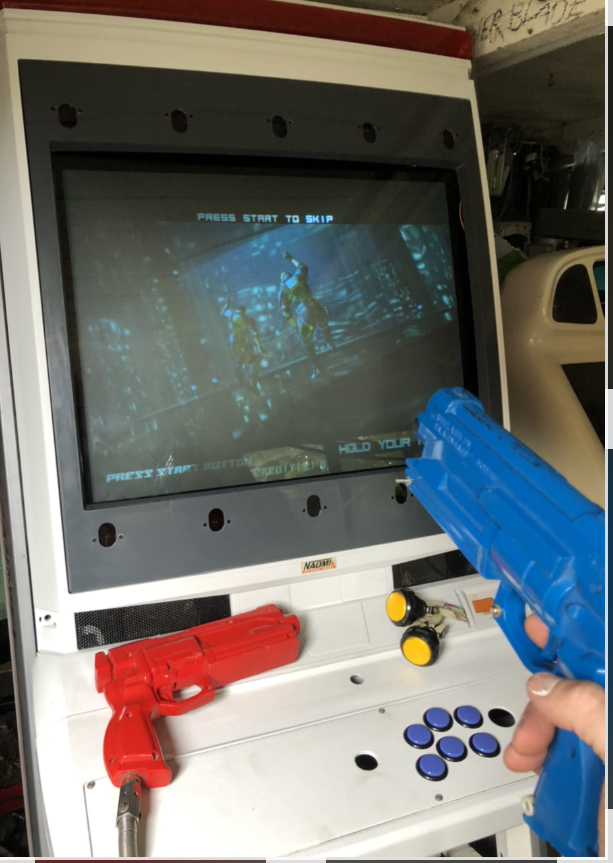
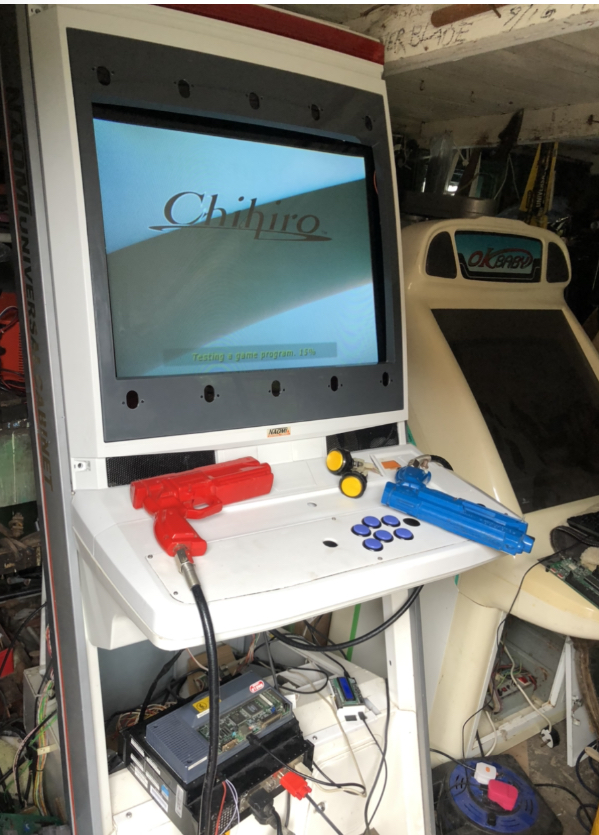
Found the power to the Lindbergh io and yes
I had not connected power ti the io!

So fingers crossed it is the io being plugged in with no power to it that caused the
Hanging no passing the initial loading screen.

Fired up chihiro all ok
And Naomi net dimm all ok
Sega gun io all working ok

1 gun out of whack up left right ok

But down only acurate until half way then goes up from centre of screen
Hopefully can calibrate this.

7D32FC86-EE48-4E4E-BC36-E5FE936A4542.jpeg
70C80974-1724-4380-B483-3D10B422625D.jpeg
A7153B9D-923A-44F0-84C1-62145645F986.jpeg
Retroman8392022-08-21 16:42:29
 

gunblade

Active member
vacBacker
Feedback
21 (100%)
Credits
8,400CR
jvs io card inside lindbergh pc, should have green flshing led - if its orange or red that's why it hangs

cabinet io board does not cause this, cabinet io not connected will show as an error message during final game boot sequence
 

Retroman839

Senior Member
vacBacker
Feedback
12 (100%)
Credits
7,132CR
Argh right ok

I need to hook it up again,,
Poss tomo
I tried a hard drive that thought contained a copy of the multi
And it looped after the loading screen.

But with the multi hdd that I know was good at least last
Time I tried it.. it just hangs..

Like I have usb keyboard hooked up
And I have a Xbox controller to use menu..

But I know I can use stick and buttons
But I don’t have the io for stick and buttons sorted yet..( normal Naomi io)

So it could be that the hdd is failing?
Need to check green light also tomo
 

Retroman839

Senior Member
vacBacker
Feedback
12 (100%)
Credits
7,132CR
But could it be if the external io isn’t powerd up
Then the io inside may stay orange ?

I.e. looking for a response from the external io
Hand shake Retroman8392022-08-21 20:39:16
 

Retroman839

Senior Member
vacBacker
Feedback
12 (100%)
Credits
7,132CR
Ok

Will be checking a bit later
Never had an issue with io
But could behave come loose from moving
I did give it a little push in so don’t think it’s loose.

Hmm
Hope it’s not a faulty io.

Do you know the password for the bios
Forgotten it.
 

gunblade

Active member
vacBacker
Feedback
21 (100%)
Credits
8,400CR
one of the most common lindbergh faults, sometimes you are lucky and it just requires the edge connector cleaning and/or removal of battery for 5 mins
 

Retroman839

Senior Member
vacBacker
Feedback
12 (100%)
Credits
7,132CR
Thanks for the help

I’m a bit rusty as I can’t remember stuff
Very well have moved to a new place and had to pack un pack
Been a proper task all in all

But I thought I was re setting the bios..
For a fresh install of the multi
And now I realise from watching a tutorial
That I actually reset the cmos.
Doh!
So I’m now hoping that a fresh install
Correctly configuring the jumpers this time
Will hopefully sort it…
 

Retroman839

Senior Member
vacBacker
Feedback
12 (100%)
Credits
7,132CR
Io green flashing
Light is ok

Tried new cro22 cmos battery
Reset cmos
Reset bios

No go

So I’m going to burn another image to
A new drive

I’m using sata port with ssd
Reading that pata port is better to use with adapter Retroman8392022-08-23 15:28:41
 

Retroman839

Senior Member
vacBacker
Feedback
12 (100%)
Credits
7,132CR
Connected ssd to pc

Pc is seeing all relevant files on ssd

So I’m assuming ssd is ok
So either my sata cables are not liked by the Lindbergh
Or the drive ?

I will try copying files on to different hdd

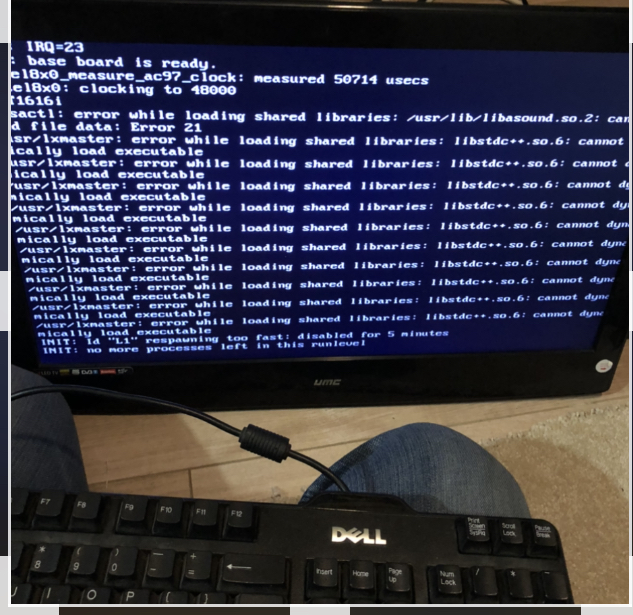
Getting this message if I hit escape
After a few minutes of it hanging stuck with
Now loading on boot up of the multi …

Sata & pata
17AE48AC-0734-417F-8B82-814B2C2EBFCB.jpeg


Python script
Cannot dynamically load.?

Is it just a faulty cable from the sata drive?

On a side note In the Lindy multi Ssd along
With all the files There was a Waste papper recylcle basket ?
Is that supposed to be in the multi files ?Retroman8392022-08-25 08:13:48
 

Fantazia2

Active member
vacBacker
Feedback
13 (100%)
Credits
2,173CR
Just because your pc sees all the files on the ssd doesn't mean there isn't an issue with it, it just shows it can read the file allocation table on the drive, the actual contents of one or more files could still be corrupt. Fantazia22022-08-25 11:18:59
 

Retroman839

Senior Member
vacBacker
Feedback
12 (100%)
Credits
7,132CR
Yeh I get that

But at least it’s being seen

I’m actually
Thinking it could be the drive is
Crap but also
There is only one sata port and I have read that it is temermental with sata connecting cables

I can use the pata post with a pata to sata aparantly …
And my
Other option just get the files onto another pata drive …

Both of which I have to try
Shame is im working then leaving the country tomo morning
So I’m thinking I’m not going to get to the bottom of it for couple of weeks now

But I think the Lindbergh is fine
Io is fine …

Just strange that I had it running
Then packed it in a box moved up the road a few miles
Unpacked it and now I got it just hanging ..

I changed boot from any drive in the bios also
And I have changed jumper a few times

Updated base board …

Put files onto another sata drive

Still same I haven’t tried different cables
And or tried a new pata drive

Also as you said fantasia My files could be corrupted
 
Top