Naomi Net Dimm Help

Monstermug

Active member
Feedback
23 (100%)
Credits
1,803CR
Are there any experts that can tell me which IC is responsible for saving IP address and clearing network settings please? I have a problem with mine that keeps saying Netdimm Timeout when trying to change any network configurations. Net dimm test are all good. Voltages are all good (5v 3.3v and 12v). Have tested it in another Naomi. CMOS battery replaced and Net dimm battery changed and also unplugged with no effect.

All ram and other test are fine. Obviously cannot piforce the thing because IP and subnet mask is currently set to 0.0.0.0 for both and cannot change it due to error. Tried reseating, cleaning, looking for lifted pins. Nada.

Never come across this issue before and absolutely no reference to this issue online either.

Did I mention I've always hated sega hardware designers
smiley18.gif


Monstermug2019-12-19 17:46:05
 

Monstermug

Active member
Feedback
23 (100%)
Credits
1,803CR
big10p said:
You have remembered to set the jumper for network loading, I assume?

Yep. It was working before storing it in a strong box and tons of bubble wrap. Typical sega flaky piece of crap
smiley7.gif


Might just go about reflowing any suspect IC on the Net dimm. Nothing else to loose.
smiley36.gif
 

Monstermug

Active member
Feedback
23 (100%)
Credits
1,803CR
Looks like i'm going to have to work this out myself. Symptoms tell me that the system is trying to r/w to some sort of non-volatile flash memory but is unable to access it for some reason hence getting error "Error - Netdimm has timeout". Dimm board passes self test and rams ok. Start up error 34 gateway not found (logical because ip is set to 0.0.0.0 and subnet mask 0.0.0.0)

The date configuration is however stored?? probably on a different flash memory?? I'm guessing it's stored on the main Naomi unit powered by the cmos battery and super cap.

On the bottom board there are:

NEC D4564323G5-A10S-9JH which is a 64Mb dram which is volatile memory so I can rule that out. Probably used by the custom sega 315-6154 @ IC10 and @ IC11S underneath the pcb.

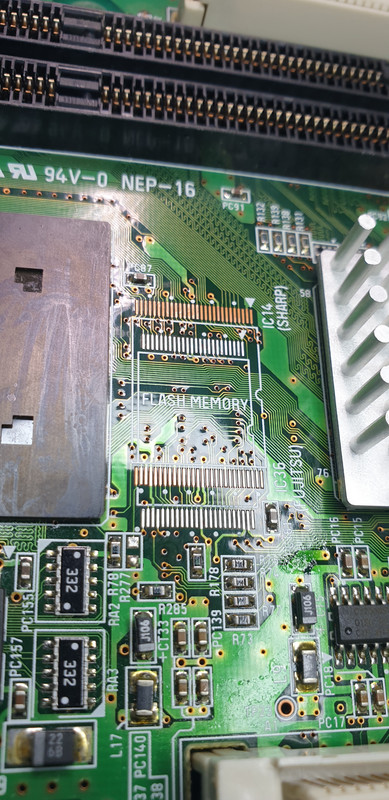
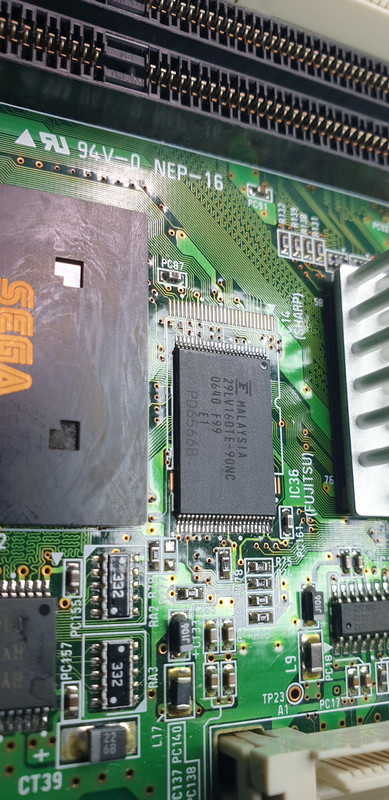
MBM29LV160TE 16Mb cmos flash memory in a 48TSOP package @ IC14. (most likely culprit)

HY57V161610D which is a 16b dram volatile memory @ IC34 and IC35S which I can rule out.

And the rest are buffers, bus transceivers and surface mounts cmos logic devices.

Top Board contains:


A TDK Lan pulse transformer (ignore)

Some Line drivers and receivers ADM3222 (ignore)

PCnet AM79C973BVC 10mbps TQFP Ethernet controller (ignore)

Altera Flex 208QFP EPLD probably used to interface with the GDrom and Ethernet data streams. (ignore)

So it looks like the fault will be most likely in the bottom board flash memory as the top board doesn't contain any flash memory devices. I will try to reflow those and if it doesn't work I will order some replacements to see if it will work.

Hopefully, I am approaching this in the right angel. Very difficult to test any of these as they aren't accessible when connected up. Probably be easier just to shot gun the two flash memory and any associated cmos drivers.

Monstermug2020-01-25 22:01:34
 

Monstermug

Active member
Feedback
23 (100%)
Credits
1,803CR
Apparently the Net dimm Self test IC34 IC35s IC10 and IC11SS so that rule those ones out.

Fujitsu 29LV160TE reflowed and did nothing. Looks like the sega custom IC next to it is able to read to it but has trouble writing to it. If replacing the Fujitsu doesn't work then the sega custom next to it will probably need re-balling
smiley11.gif
. This is what you get for combining Sega and Fujitsu. Bloody flaky hardware
smiley18.gif


I will update once I get a new flash ram.
 

Monstermug

Active member
Feedback
23 (100%)
Credits
1,803CR
Alright then, I thought I update this post in case someone else has the same problem. So a new Fujitsu 29LV160TE arrived in the post.

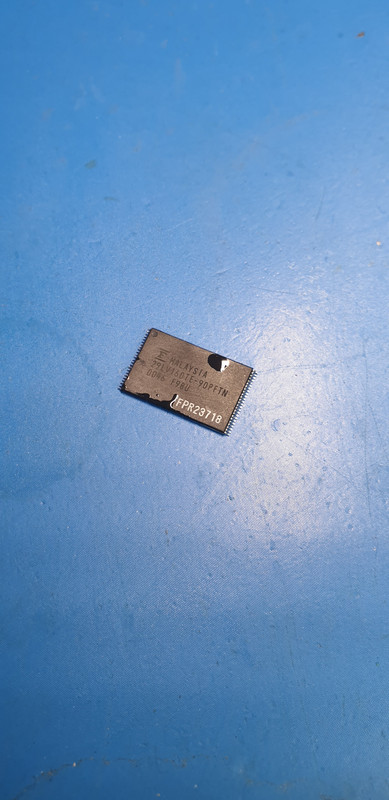
Removed the old Fujitsu flash memory...

20200103-214732.jpg


And then stuck on the new one...

20200103-220725.jpg


Tried it with fingers crossed... and got an ERROR 22: COMMUNICATION ERROR OCCURRED BETWEEN MAIN BOARD AND OPTION BOARD

I am surprised there isn't an error 101: It's raining outside.


I assumed that the old Fujitsu flash memory contained some kind of code in it for the custom sega communication to function properly and actually had nothing to do with what I thought it did. I had no adapter for this flash memory so I can't confirm it. Disheartened that it didn't fix the fault I decided I was going to dump the net DIMM in my never to be fixed scrap box, normally only reserved for unobtainable custom faults.


Almost chucked it in and then something hit me. For laughs and giggles, I thought I have a quick peek at the zero pic chip. See what was in there. No idea what lead me to this but I thought I try.

So I read it, dumped it and then compared the signature with my original zero pic hex. It was different! Hmmm, Erased it and reprogrammed the right stuff in there and then left it thinking that cannot be the problem. I have been told that it will work even without the zero PIC inside apparently??? Anyway, original flash memory had already been removed and was too lazy that day to put it back.

Anyway, days went by and I managed to get hold of a new net DIMM thanks to a very kind soul on this forum. (very grateful for this!). Anyway, it was version 3.17 unlike my version 4.1 and only had 512mb of ram which mine had 1028mb ram. Anyway, I thought I use the old parts to upgrade the new one I got. So I swapped rams over, and the new battery, which I made (which doesn't do jack it seems).

Whilst doing this I thought I put the old Fujitsu Flash memory back so I don't end up losing it and also because I realized that there was probably nothing wrong with it in the first place. So back it went on.

20200103-214735.jpg


Forgot to take photos of it going back on but hey it was supposed to go in the bin pile.

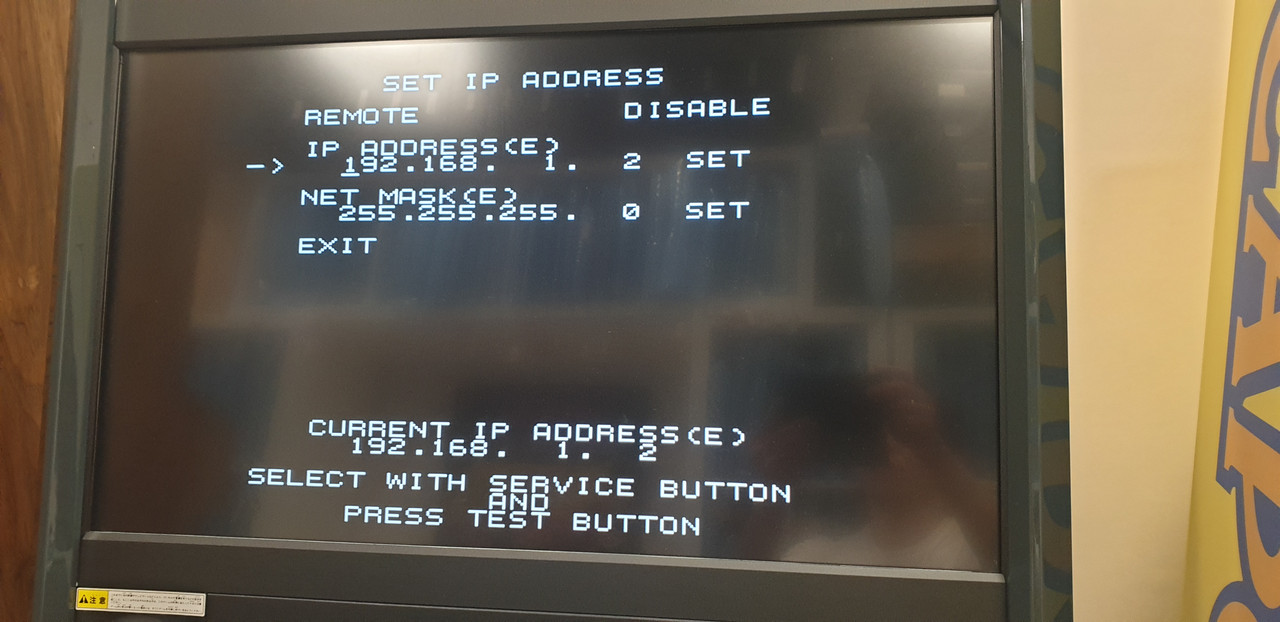
I went to test the new one to see if it worked which it did. Then for laughs and giggles, I thought I give the old one, one last try just to see if I had stuck the old Fujitsu on properly and to my amazement when I went to set the IP address....

20200110-014321.jpg


It got stored!!!

Hmmmm it was the bloody zero PIC that got corrupted somehow.

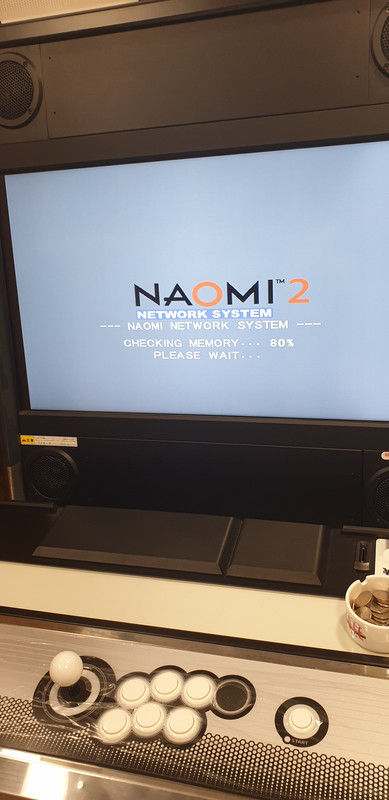
Went to load a game and....

20200110-015042.jpg


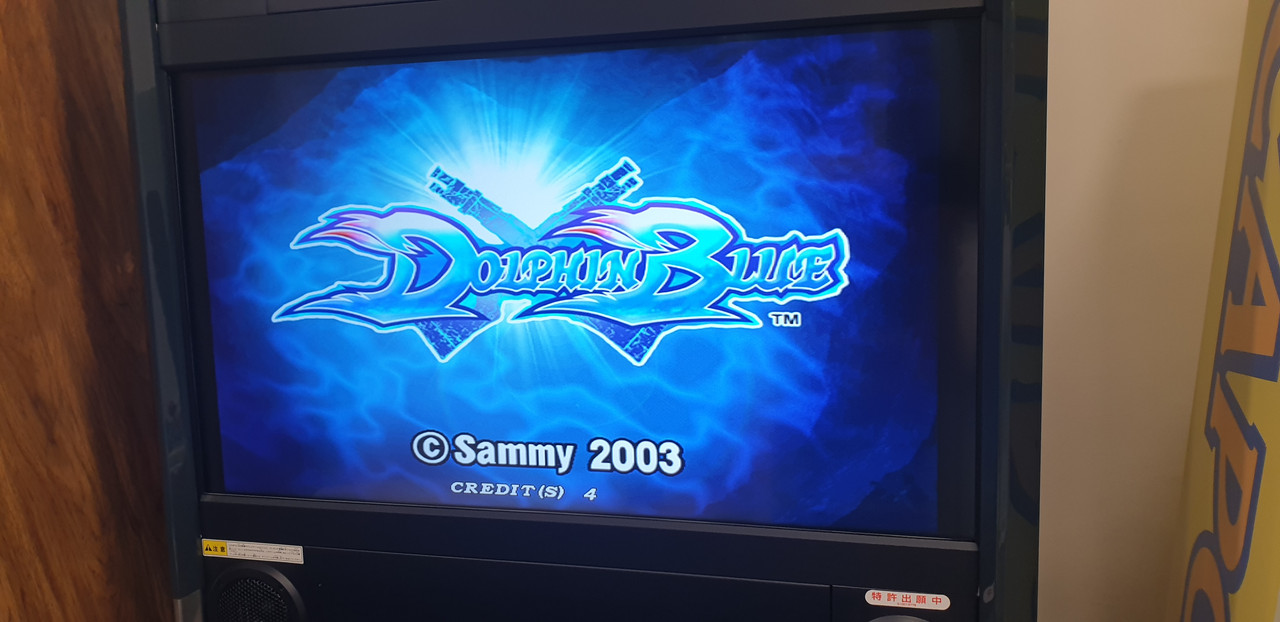
Looks like it's happening....

20200110-014149.jpg


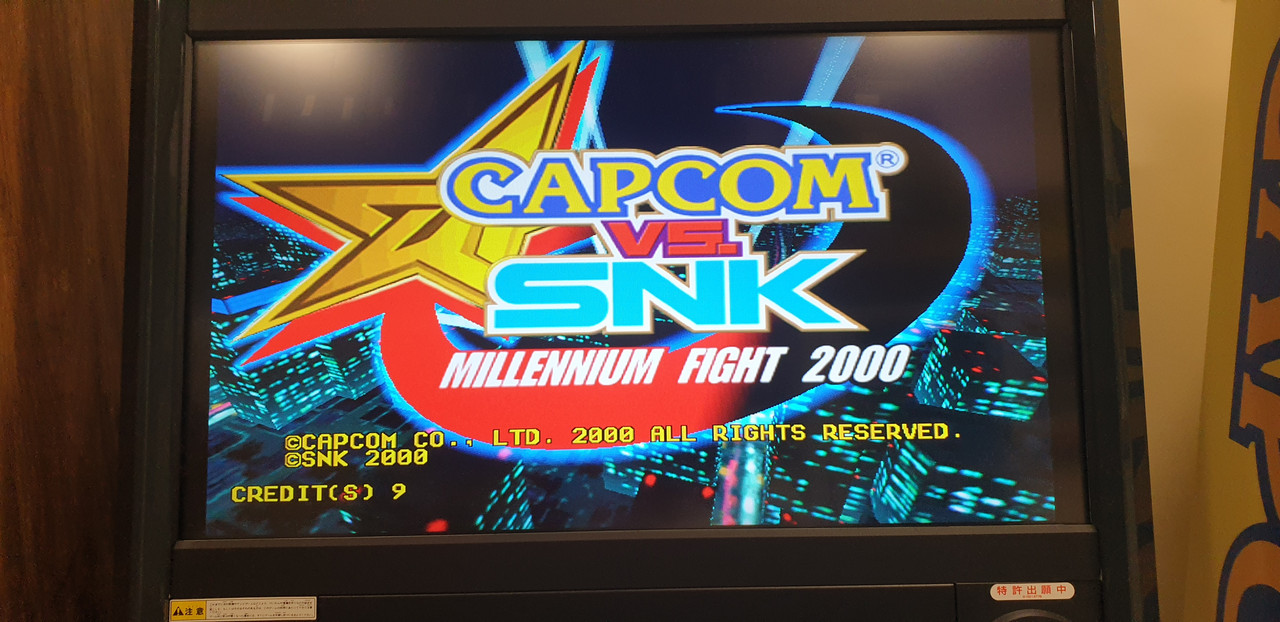
Voila, baby!

20200110-015138.jpg


Thought I play some non-sega games just to piss off any sega employees that might be reading this lengthy, and slightly deviating repair log.

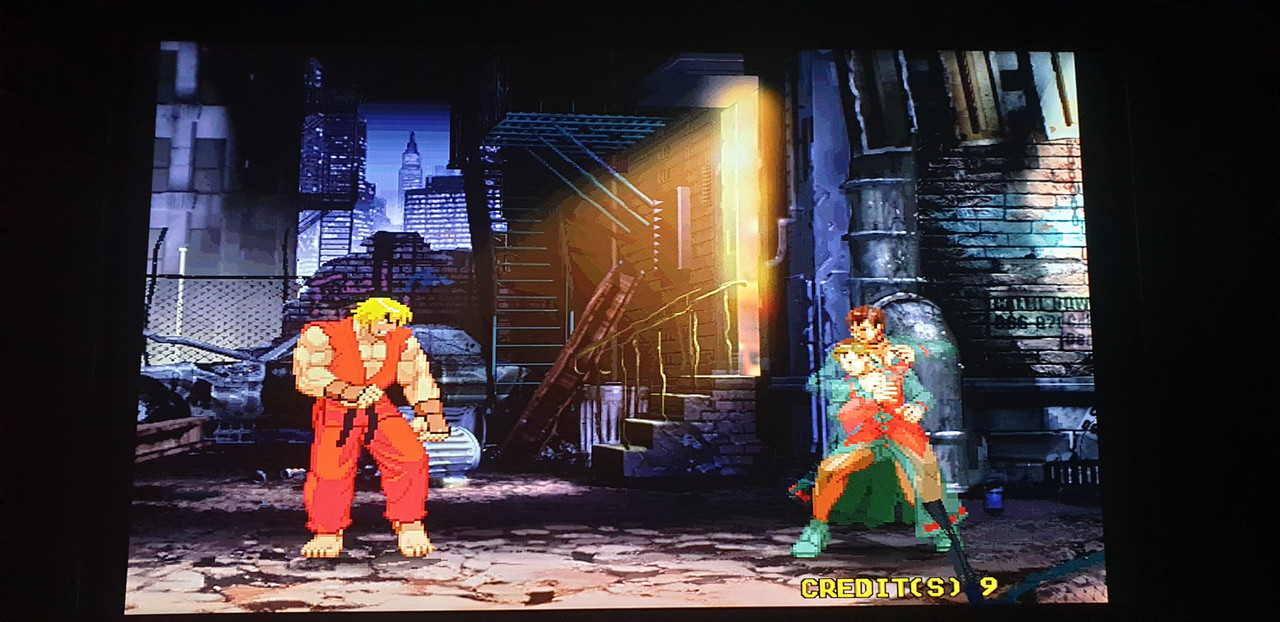
20200110-015416.jpg


After 1cc this game on my first try ever...

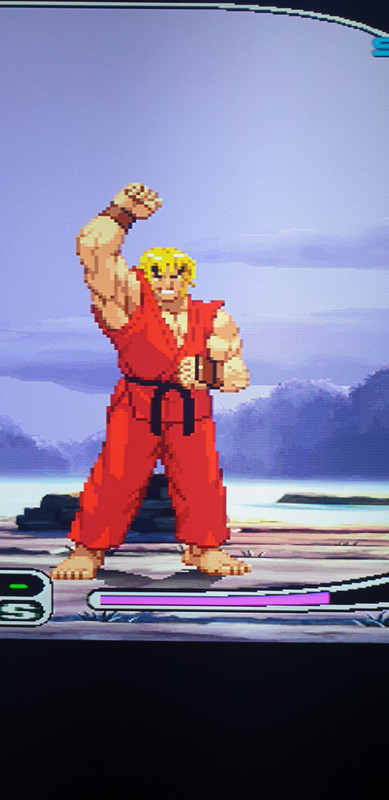
I thought I let Ken sum up my day with this emote.

20200110-020131.jpg
 

big10p

Coins detected in pocket!
vacBacker
Feedback
12 (100%)
Credits
5,595CR
Well done! I hadn't even considered the PIC. Funny you say your net dimm has a gig of mem - I thought 512mb was the max.
 

Monstermug

Active member
Feedback
23 (100%)
Credits
1,803CR
big10p said:
Well done! I hadn't even considered the PIC. Funny you say your net dimm has a gig of mem - I thought 512mb was the max.

Yes you are right. I meant 256mb upgrading to 512mb. Guess I had Taito x2 in my mind during write up. 512mb takes forever when doing the net dimm test
smiley18.gif


In hindsight, what I do think is happening is when you go to set IP address in the system menu and press save, the custom sega communication IC, still uses the flash Fujitsu memory but it also uses the zero pic decryption keys as well. So if the zero pic is corrupted or faulty, it is unable to communicate with the flash memory and is therefore unable to save. Either that or the mainboard doesn't talk to the custom sega communication IC without a proper working zero pic therefore you get net dimm timeout. In my case the zero pic was corrupted and therefore some functions were working properly and others not. Just my theory of operations based on what I have found.

I guess one way of finding this is true is to save a specific ip address and then remove the flash memory and install it on another one and see if the IP gets transferred.

Monstermug2020-01-10 13:08:29
 
Top