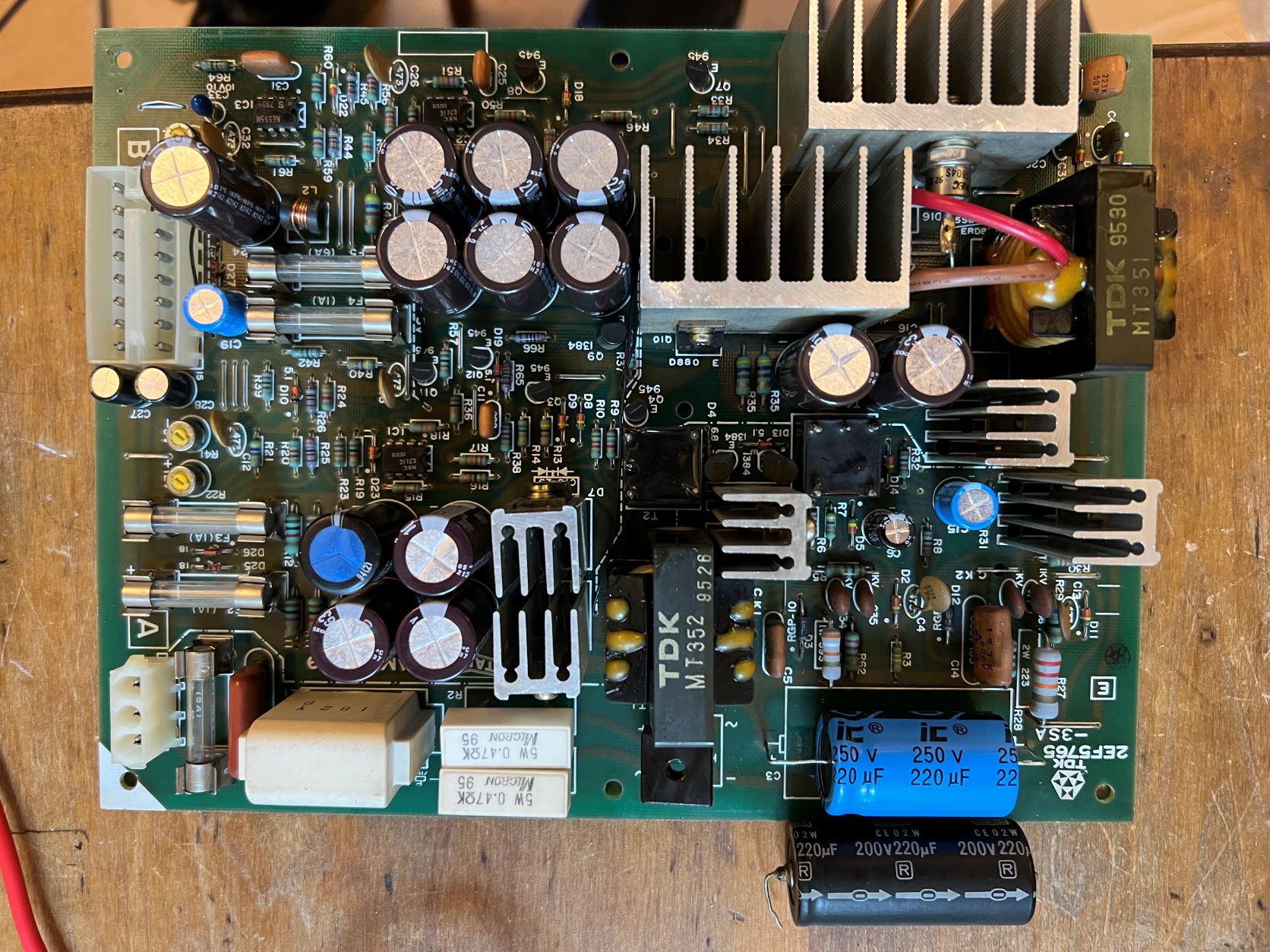
Hi Patzik and thank you for the reply.
Yes - a good jump forward so thank you for all your help and advice. When I bought this thing, I never imagined that those horrible noises it made, together with the corrupt display, would down to faulty chips - it sounded and looked so much like interference from a noisy power supply/duff capacitors etc. So, I have certainly learnt a thing or two. And your tip about breaking the sweat joints when removing chips was a revelation - I would have been completely stuck without that!
Anyway, here are a couple of videos of the sounds. This first one is with the SI game playing. When the invaders advancing VR6 is turned up, the 4 x sounds turn into 1 x thump. When the ufo vr1 is turned up there is hiss in the background all of the time. The actual ufo sound is fine. Hopefully this shows what I mean:
This second video is of the test rom running. There is still some hiss when I turn the ufo VR1 up although not nearly as bad with the SI romset and the ufo sound is loud and clear. Similarly, I can turn the invaders advancing VR6 all the way up and all 4 sounds are loud and distinctive. Here it is:
So, those sounds seem to be getting distorted somewhat when the game is running. For extra info, I already changed out the second 74ls42 @ IC14 & 74ls17 @ic18 that were mentioned previously as I had the chips and sockets, but they made no difference.
Lurch suggested that I try the test rom with the shifter reinstalled, so I installed it before the above rom test. I still don't know how to interpret all of the test rom results but he also suggested trying the original Space War romset to see what happened. Here are the results:
So, as Space Wars apparently depends on the shifter to run, I can assume that the shifter is actually ok? What I forgot to do was try the sounds with Space War running to see if that made a difference. I don't know if that is worth trying?
For the service switch/coining up, I do have the credit board though when I first got the table, this didn't seem to do much. Whether the board was plugged in or not, I was able to coin up via the coin slot. The service switch does nothing.
After all the work on the sound board, coining up stopped working via the slot, with the credit board removed. When I plugged the credit board back in, I was able to coin up again but credits kept counting up to 99. I have adjusted the dip switch this morning and that seems to have resolved the problem. The service switch still doesn't work though. I did quickly check the cables which seem ok and the switch is working properly. I still have those 2 yellow wires that have been stripped and wound together, and the black/white wire that is hanging loose. I haven't had time to investigate those properly but the black/white wire seems to be for a coin lockout coil, according to the schematics I have. Having said that, the schematics I have are for the smaller credit board. My credit board is the larger one with the two banks of DIP switches. I don't know what the lockout coil is - I don't seem to be able to find reference to it anywhere and my coin mech doesn't seem to have anything on it other that the coin switch.
The key for mine is the 7800, NOT the 7900. I did see someone in Australia selling copies but they are really expensive. In the meantime, a company fairly local to me claim they can cut keys from the number. I am not very hopeful but they say I wont have to pay if they don't fit. If they don't fit, I will try and pick up some blanks from them and have a go at cutting my own. I don't know if the 7800's and 7900's have the same basic profile but I could always pop a couple in the post to you and you could try having spares cut for yours?
For refinishing the legs, I do know that chroming is seems to be very expensive. I don't know if it is to do with extra preparation of the surface? Anyway, again, I have found a plating company not too far away and as soon as my back is a bit better, I will remove the legs and take them over for them to quote on.
Sorry for all my rambling
Cheers, Mark
Clabs2022-05-28 10:20:38