Dot matrix display help

Ronnie Dent

Active member
vacBacker
Feedback
15 (100%)
Credits
1,206CR
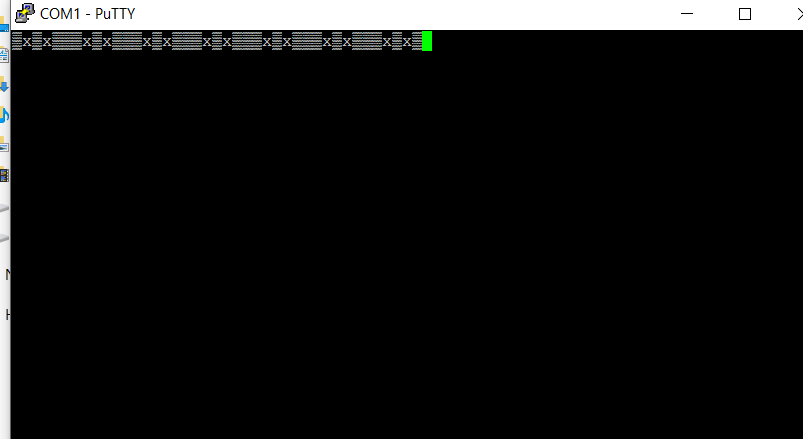
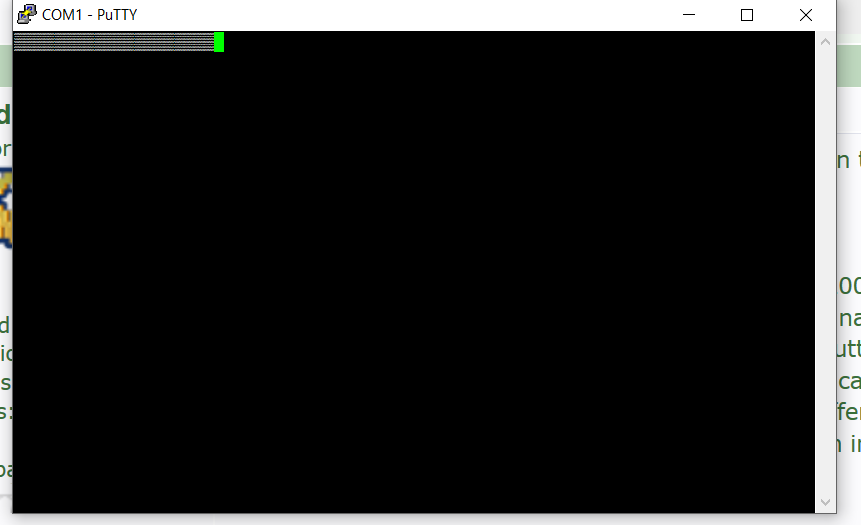
I can't type anything in the window, well it did respond at times but just showed this?

Screenshot_3.png
 

obcd

Active member
Credits
3,830CR
This could be related to an incorrect baudrate setting. parity and number of databits can make a difference as well, but I would start with testing different baudrates. Welcome to the wonderfull world of serial communication...
 

obcd

Active member
Credits
3,830CR
Some devices echo back the characters you sent to them. Does it only advance when you hit enter or also when you press another letter? If that's the case, you will need to experiment with the different baudrates, the number of databits and the parity settings to figure out the correct settings for the display. If they are correct, the letter you are typing should appear in putty, and hopefully other stuff as well.
 

Ronnie Dent

Active member
vacBacker
Feedback
15 (100%)
Credits
1,206CR
It advances whichever key I press but shows the same on the screen as above, so this means my cable is correct I think? I will have a play see if I can get somewhere.

Thanks Ronnie
 

Ronnie Dent

Active member
vacBacker
Feedback
15 (100%)
Credits
1,206CR
Best so far it displays < with any key press, most combinations it comes up with error unable to open comm port?

Do I need to cycle the power to display each time I try a new setting? are there any common high and low numbers for databits? 16 etc

Thanks Ronnie
 

obcd

Active member
Credits
3,830CR
databits, only 7 or 8.

baudrate 600 1200 2400 4800 9600 19200 38400 56000 115200

parity none, odd or even

Stopbits, 1 1.5 or 2 (shouldn't matter much)

You don't need to power cycle the display every time.

You will need to close and restart putty with the new settings every time.

Are you sure you have pc ground and display ground connected? It should be pin 5 on both connectors. You are sure you didn't start counting the pins from the wrong side?
 

Ronnie Dent

Active member
vacBacker
Feedback
15 (100%)
Credits
1,206CR
Thanks, yes I double checked the cable connections ground is 100% pin 5 but I will double check again tomorrow, lots of combinations to try! will give it a bash.

Thanks Ronnie
 

Ronnie Dent

Active member
vacBacker
Feedback
15 (100%)
Credits
1,206CR
Just tried that this morning, no it does not show anything when I power it on! still to re check the pins on the lead but I'm fairly sure they are right.

Thanks Ronnie
 

Ronnie Dent

Active member
vacBacker
Feedback
15 (100%)
Credits
1,206CR
something has changed with what it's scrolling now! I get a load of 2's in the first block of text, probably a flook and if I recycle the power I guess it will be written over, not sure how I done it, was trying other settings this morning, I wonder if it's worth dumping the eeprom before it's written too?

Thanks Ronnie
 

obcd

Active member
Credits
3,830CR
Does the data in the eeprom remains after a powerup, or does it default to previous?

Did you do anything special to get that behavour (combination of keys) Can you repeat that behavour?
 

Ronnie Dent

Active member
vacBacker
Feedback
15 (100%)
Credits
1,206CR
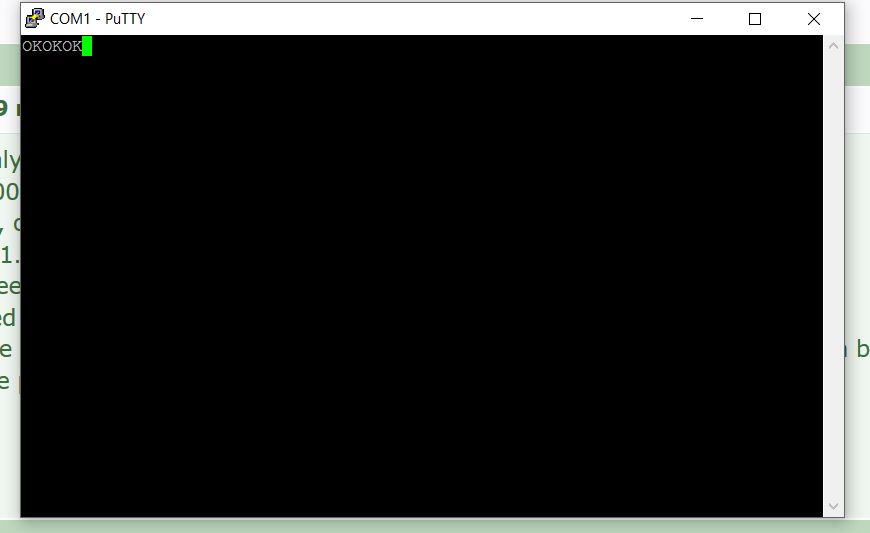
The data remains, I now have some 3's in it also but it seems random! and no control or any letters that work although it shows OK with a key press well I have to press the key many times before OK shows!
 
Top