Replacing transformer

Retrojedi74

Active member
Feedback
1 (100%)
Credits
86CR
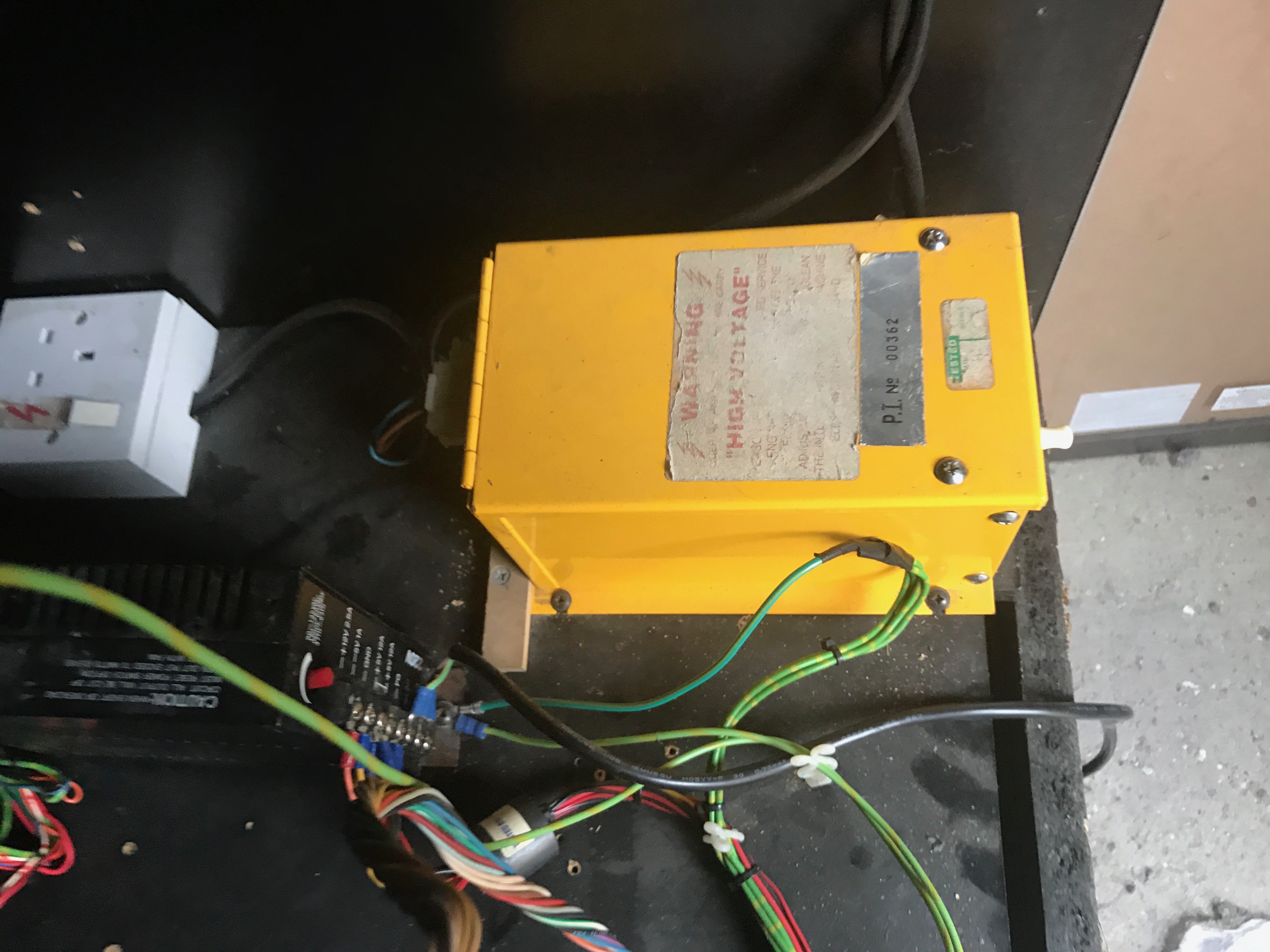
Hi all, I'm hoping to get my transformer replaced as it has stopped working or even maybe repaired if possible. If anyone can recognise what type it is as I'm stumped what type it is. Thanks in advanced fo any advice.
IMG_3847.JPG
 

favouredson

Super Star
vacBacker
Credits
1,260CR
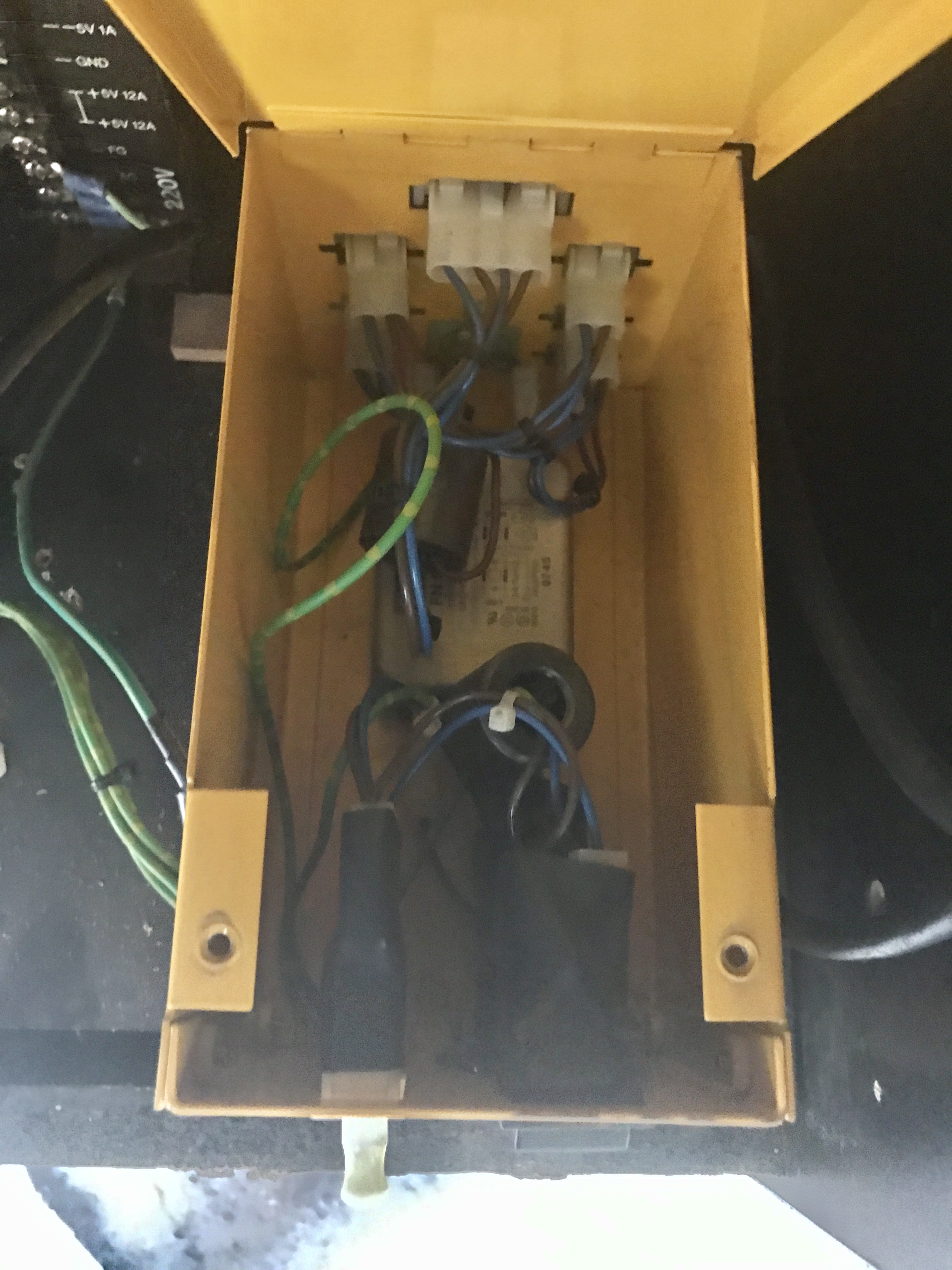
Have a look inside the case.
The top is hinged and should open if you remove the two top screws.

Check out the earth cable while you're at it...
 

Retrojedi74

Active member
Feedback
1 (100%)
Credits
86CR
Well I have checked the earth on the transformer and seems ok? However when I use the reset button on the transformer the I get a boot up noise on the monitor and power goes to my pcb with the leds light up momentarily and then everything goes off straight away.. Any ideas? Thanks
 

big10p

Coins detected in pocket!
vacBacker
Feedback
13 (100%)
Credits
6,091CR
I'm struggling to work out what exactly this transformer is, tbh, as you also have a switcher in there. And I've never heard of an ISO transformer with a reset button. Sounds like it might be going into auto shutdown for some reason, though. What cab is it? As favouredson says, open it up and get some pics posted of what's inside the yellow metal case.
 

favouredson

Super Star
vacBacker
Credits
1,260CR
Retrojedi74 said:
Well I have checked the earth on the transformer and seems ok?......
Sorry, I meant the earth wire laying next to the transformer which connects to the switcher, the one with insulating tape wrapped around it...
 

Retrojedi74

Active member
Feedback
1 (100%)
Credits
86CR
IMG_3882.JPG

Here is a picture of the box inside, after speaking to an electrician today about coming around he suggested speaking to a tv engineer about my problem. I call a local one up and explained what I tell ( which isn't much )?? Anyway he said when I moved the machine I could of disturbed the capacitors in the power supply and told me to leave it switched on for a couple of days to see if they will build up with power. If that doesn't work then he will come around and have a look on Friday. ??
 

big10p

Coins detected in pocket!
vacBacker
Feedback
13 (100%)
Credits
6,091CR
Ah, a picture speaks a thousand words!

And yeah, the white one. It definitely should pull out. Without the back door on to hold the switch in, the cab shuts off, for safety reasons.

big10p2017-08-29 19:22:34
 

Retrojedi74

Active member
Feedback
1 (100%)
Credits
86CR
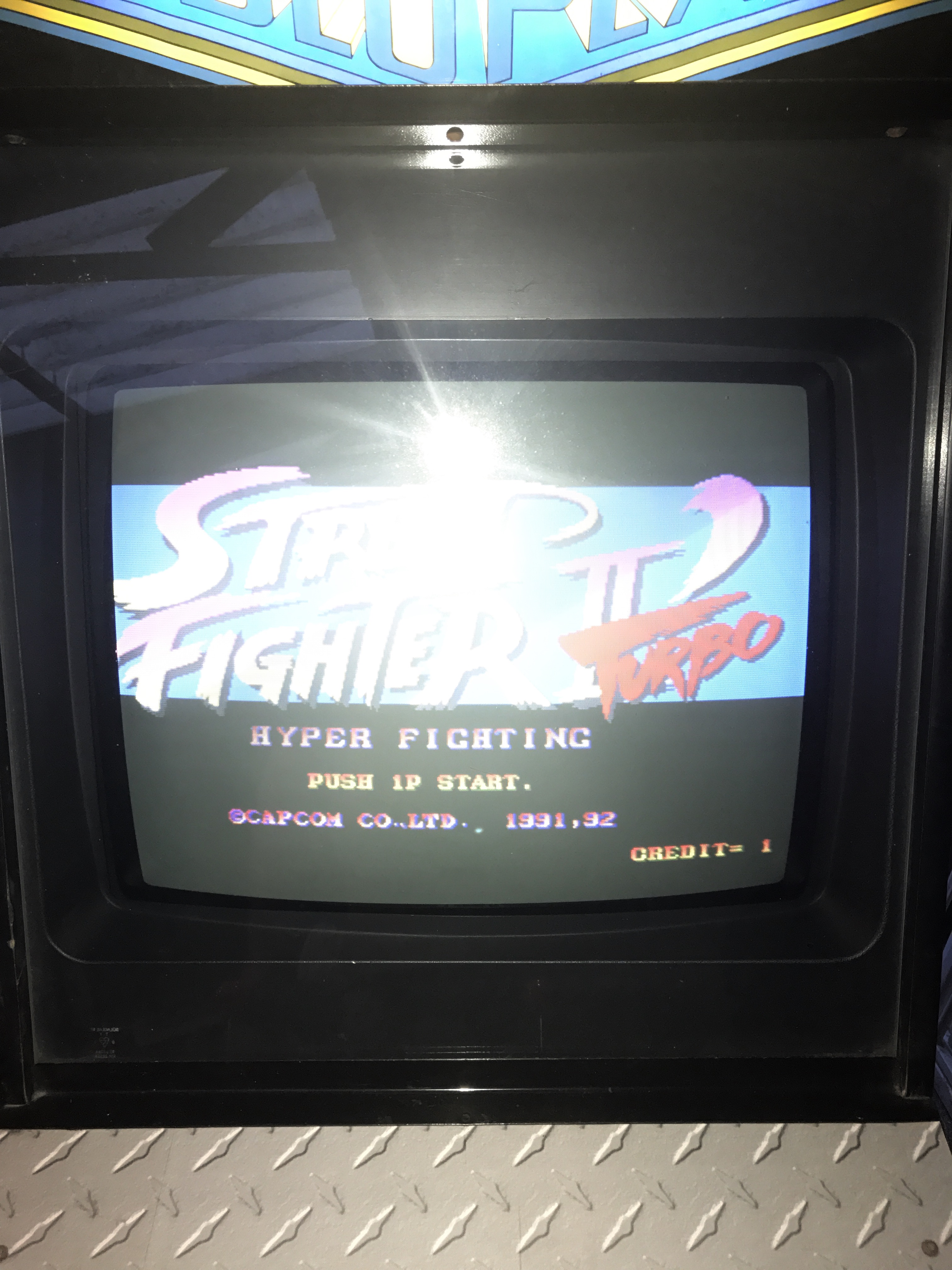
Hooray, you guys are spot on about the switch thank you. Now I've got my 512 in 1 game elf pcb running the picture is slighly moved to left of the screen.
IMG_3890.JPG
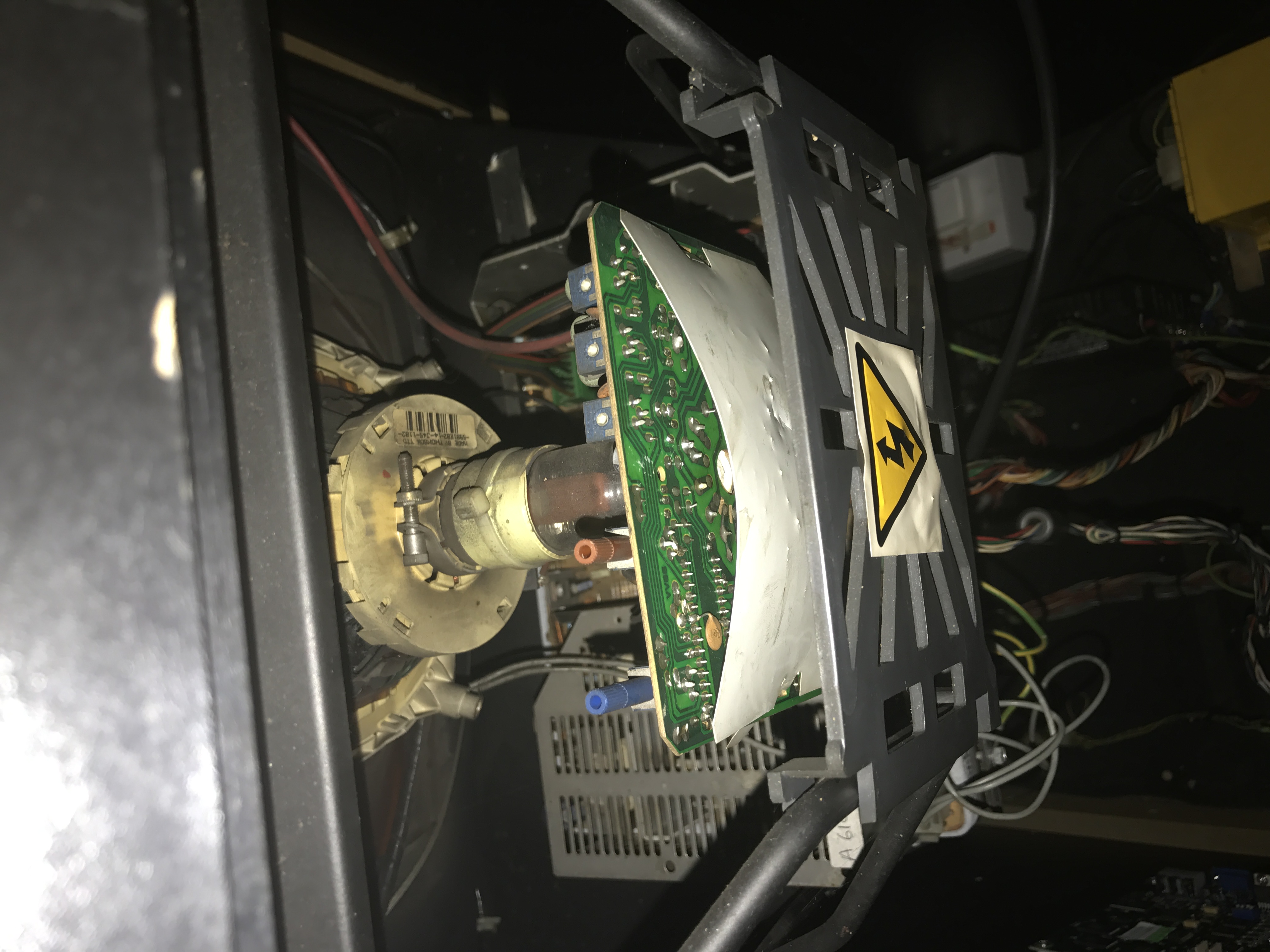
so could I use the blue and brown controls on the monitor H & V ?
IMG_3889.JPG

Sorry for the bright flash on the pic lol..
 

big10p

Coins detected in pocket!
vacBacker
Feedback
13 (100%)
Credits
6,091CR
Don't touch those controls in the pic. The horizontal position control will probably be on the back of the chassis (the main monitor circuit board) but you may have a remote cable plugged in. Best thing is to take a pic of the chassis and someone will ID it and let you know how to adjust it.
big10p2017-08-29 20:23:55
 

big10p

Coins detected in pocket!
vacBacker
Feedback
13 (100%)
Credits
6,091CR
The chassis is the brown circuit board you can see in that last pic, directly below where the red and blue knobs are. Take a pic showing the back of it, where all the cables plug into it.
 

gunblade

Active member
vacBacker
Feedback
23 (100%)
Credits
9,130CR
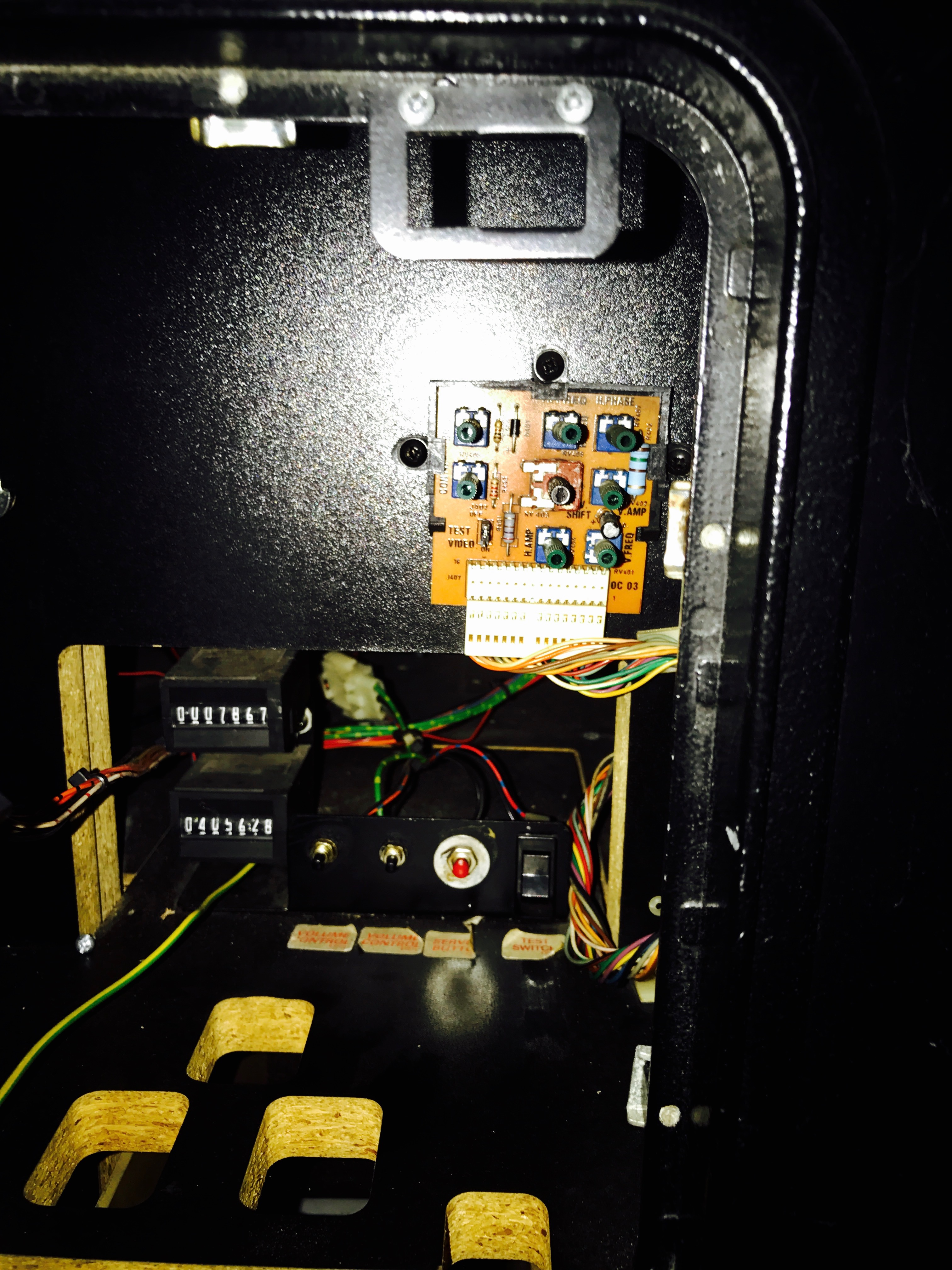
there will be a remote board in the coin door area I imagine as I can see a remote extender cable in the photo

you will be looking for horizontal amp for the size and horizontal shift for the position

it is a hantarex polo 1 monitor btw
 
Top