Naomi Pi 'WiPi Netbooter' - compatible with Pi 34

Retroman839

Senior Member
vacBacker
Feedback
12 (100%)
Credits
7,162CR
was thinking other day ?

can an embeded windows with
the front end for 15khz groovymame
now include naomi emu?

pi 4 i believe can now run naomi emu also ?

would be a great alternative to faulty naomi’s of which i got 7
an auto configed 15khz naomi image aka groovy style

Retroman8392021-10-20 12:46:50
 

chunksin

Active member
vacBacker
Feedback
21 (100%)
Credits
733CR
Retroman839 said:
was thinking other day ?

can an embeded windows with
the front end for 15khz groovymame
now include naomi emu?

pi 4 i believe can now run naomi emu also ?

would be a great alternative to faulty naomi’s of which i got 7
an auto configed 15khz naomi image aka groovy style

Embedded Windows - it's always been able to, just needs installing and setting up in attract mode - although personally I think Naomi looks awful in 15Khz!

Pi4 can indeed using Flycast, I've been planning an option for some time using JVSCore that will be plug and play into a Naomi, been working on other things though so will get round to it at some point
 

TekTherapy

Newbie
Credits
27CR
@Chunksin

Sorry to bother you again, but could i ask if you already had time to maybe add the lines of codes you mentioned i asked about (Dual Cab Netbooting last image)

Really wanna finish up my Dual Cab soon, sorry for the bother!

As mentioned previously i would gladly donate something for all your effort!

Thanks

Ronald
 

chunksin

Active member
vacBacker
Feedback
21 (100%)
Credits
733CR
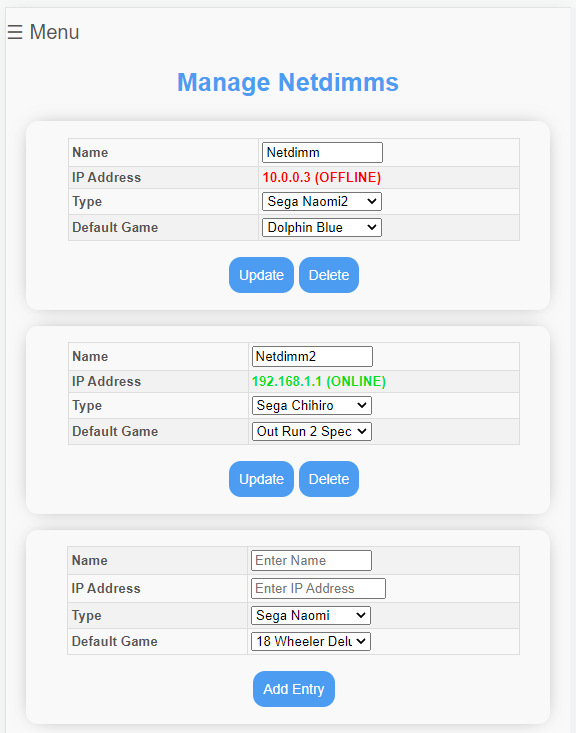
No problem, I've added the code to handle a default game per netdimm so you control it using the Netdimm Management screen. Just need to update the check script on bootup to read the file and send - give me a couple of more days to test and I'll send you the files
smiley20.gif


wipi.png
 

chunksin

Active member
vacBacker
Feedback
21 (100%)
Credits
733CR
OK, this should work: https://drive.google.com/file/d/1UKsWMNS5cuWZCTRvF1hk2a7ucki2c6mY/view?usp=sharing

Copy the files from the zip file to the relevant locations on the pi and it should work fine, it will reset your configured netdimms but just set them up again and choose a default game from the menu. When single boot mode is enabled it will send the selected game to the relevant netdimm if it can be reached on the network.
 

TekTherapy

Newbie
Credits
27CR
@Chunksin

Sorry for the late reply, i had been dealing with some backpain the last few days and didn´t come around anymore to test anything further from the Update you sent me.

Sadly I still can´t get it working any help or idea if i can modify the setup / files somehow let me know.

My Setup:

WiPi with your updated files on Raspberry 3 ... (Replaced the files with WinSCP over LAN)

IP 10.0.0.1 connected to a switch which is then connected to the two Chihiro´s one has:

IP 10.0.0.2 the second one has IP 10.0.0.3

I set GW and Primary DNS on both of them to 10.0.0.1 (One thing i still can´t figure out is what the MEDIA and CORE Setup on Network is for on the Chihiro´s)

It won´t single boot at all (which is activated in the menu) any of the two chihiro´s. Only if i manually load the game again via the menu i can load both systems "Manually" via the Webinterface.

I tried random reboots in different order.. first the Chihiro´s than the RPI as well the other way around.

Something else worth nothing as soon as i boot both of the systems manually.. one of the Chihiro´s "Dies" with a reboot and Gateway error.. Probably related to the Timehack (it is enabled in the menu) since i do have Zeropics installed but the seem to be the ones that don´t work probably (bought them from someone in Spain on Ebay)

Any tip or help is appreciated!

Thanks in advance
Ron
 

TekTherapy

Newbie
Credits
27CR
Hi Chunksin!

I just wanted to say it works almost flawlessly now.. THANKS AGAIN!

Turns out (so stupid of me) i had a dead port on the switch that was the cause of the Problems why it just wouldn´t but both Chihiro´s.

One last Problem i have tho.

When i set the Link up between the Games after the Connection is established the main node drops back into the main Chihiro screen with a Gateway not found error.

Any clue what could cause that!

Thanks again for all your effort!

Ron
 

chunksin

Active member
vacBacker
Feedback
21 (100%)
Credits
733CR
Hi Ron,

Thanks for the positive feedback, a gateway error is almost certainly a time hack issue, it's designed to kill the previous process when launching another game to stop it interfering with the next game load but if both games launch successfully it should in theory have passed that point. There is one thing you can try, comment out the code highlighted below in /sbin/piforce/webforce.py - add a hash (#) to the start of each line and save the file then retry it. If that works I'll have to add some additional logic in the next release to handle multiple dimms.

killpid.jpg
 

ar2r

User
Feedback
4 (100%)
Credits
107CR
Amazing work !!!!

attention to detail is incredible

keep it up Chunksin

PS i have tried few sd cards but the image seam to fit only on sandisk ones as mentioned before in the thread
 

chunksin

Active member
vacBacker
Feedback
21 (100%)
Credits
733CR
Version 6.1-4 is now available for download - see first post for details

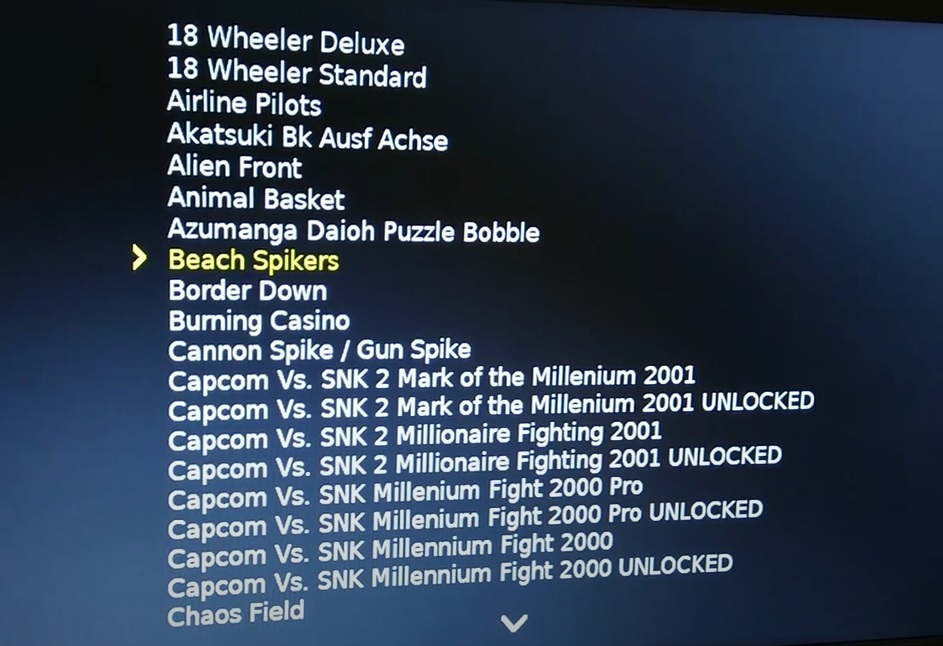
This release includes an on screen menu for game selection that runs on a Naomi or Naomi 2 and pretty much makes it a Naomi multi solution, no need to use a little LCD screen or connect using a browser any more. You can set the menu to be sent to one or more netdimms on startup and resend the menu on cab reboot.

A vid of my early work integrating the menu: https://youtu.be/T7OxV7hRFJ8

For games using the card reader, please launch from the web menu, support will be added for the on screen menu later

Controls can stop working in the on-screen menu when using OpenJVS, use the button combo to resend the menu - hold Start + 2 other digital buttons for 3 seconds

*New documentation is available* - PLEASE read it before asking questions as it will probably have the answer! the PDF is in the gdrive download folder

Don't forget the new update function, download update 6.1-5 soon to get a bonus feature!

menu1.jpg


menu3.jpg


menu2.jpg


Chunksin2022-02-11 09:42:27
 

Suteneko

User
Feedback
6 (100%)
Credits
135CR
Awesome work!

Does the the Naomi on screen menu affect already stored High Score/Game data?

Since loading a new game wipes everything.

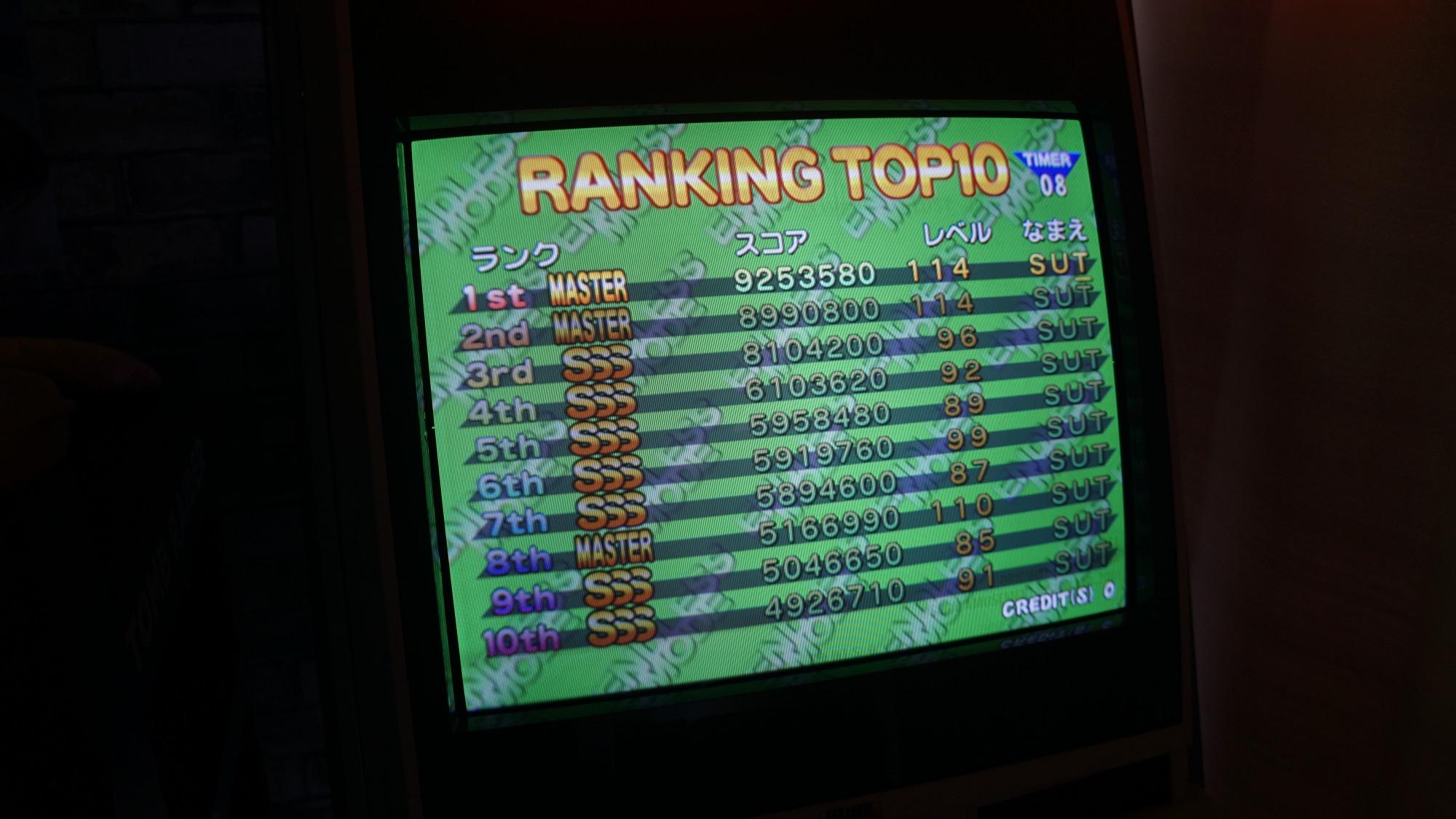
My Naomi has been running ONLY Cleopatra Fortune Plus for 6 months+ now and I've gotten attached to my high score board:

HUOtOYS.jpeg


Would love to be able to play other games again and not have that score board reset, without having to buy a second Naomi.

Would such a functionality to back up that data and re-insert it ever be possible?
 

chunksin

Active member
vacBacker
Feedback
21 (100%)
Credits
733CR
It's very clever, I can't take credit though - I just had to make some minor modifications to get it working with the other elements of my image. All credits go to DragonMinded, she's not a member here but this represents a massive amount of time and effort reverse engineering Naomi and producing a toolchain that can be used for Naomi homebrew development. She has also updated the ancient triforcetools to python3 and added a ton of new functionality.

Libnaomi toolchain: https://github.com/DragonMinded/libnaomi

Netboot tools: https://github.com/DragonMinded/netboot
 

chris2922

Active member
Feedback
1 (100%)
Credits
329CR
Yes, Jen is very cool. Didn’t realise she’d done a menu.
She managed to start developing software that net boots on Naomi which is amazing. Also writing a good diagnostic and hardware test ROM that net boots as well. Great stuff.chris29222022-02-11 11:39:43
 

Suteneko

User
Feedback
6 (100%)
Credits
135CR
So this would be possible using attach/extract SRAM functionality?

Is that built into the new menu system/original wipi user interfaces in a way that command line is not required? Didn't notice it in your demo video.

Suteneko2022-02-11 11:22:18
 

chunksin

Active member
vacBacker
Feedback
21 (100%)
Credits
733CR
SRAM attach I think works if you have data generated and saved from an emulator like Demul. I don't think you can read it from a powered on Naomi because you would need to load a custom homebrew rom to be able to read and save it and by loading that you would probably flush the contents so it's chicken and egg, I will ask though
 
Top